










UIG Gold Digger Review
The UIG Gold Digger is a professional VLF metal detector designed for prospectors searching for buried gold, raw gold, gold veins, precious metals, coins, and other metallic targets underground. Unlike a basic single-mode detector, the UIG Gold Digger combines seven specialized search systems designed to handle different target sizes, depths, and ground conditions.
One of the device’s main strengths is its ability to operate in challenging terrain, including wet soil, mineral-rich ground, and areas containing highly mineralized rocks such as basalt and granite. Its automatic ground calibration technology helps reduce interference from soil mineralization and improves target identification during field searches. According to the official UIG Gold Digger documentation, the detector can reach depths of up to 4 meters, depending on target size, soil conditions, and search method.
The detector also features a high-resolution color touchscreen, adjustable sensitivity, Metal ID, precious and non-precious metal discrimination, target depth indication, ground calibration, and a dedicated Pointer system for accurately locating the center of a detected target.
In this complete UIG Gold Digger review, we will examine all seven search systems individually, explain how the detector works, show how to calibrate and use it correctly, explore its settings and discrimination features, review its accessories, and include practical field-test videos to provide a complete reference for anyone considering or already using the device.
The UIG Gold Digger is available from Detectors Shop, the official distributor in Dubai, with a 5-year warranty provided by Detectors Shop.
Table of Contents
UIG Gold Digger at a Glance
Before exploring each search system in detail, here is a quick overview of the most important UIG Gold Digger specifications and capabilities.
| Feature | UIG Gold Digger |
|---|---|
| Detection Technology | Advanced automatic VLF technology |
| Search Systems | 7 specialized search systems |
| Maximum Depth | Up to 4 meters underground |
| Main Targets | Buried gold, raw gold, gold veins, precious metals, coins and metallic targets |
| Search Modes | General Search, Small Targets, High Depth, Mineral Soil, Smart Scan and Custom |
| Target Location | Dedicated Pointer system for pinpointing the target center |
| Metal Identification | Numerical Metal ID |
| Metal Discrimination | Precious metals, possible gold and non-precious metals |
| Ground Calibration | Automatic ground calibration for mineralized soil |
| Mineralized Ground | Designed to operate in wet, mineral-rich and highly mineralized terrain |
| Display | High-resolution color touchscreen |
| Sensitivity Control | Adjustable sensitivity levels |
| Iron Rejection | Ignore Iron function |
| Search Coil | Water-resistant DD13 search coil |
| Languages | English, Arabic, German, French, Spanish and Portuguese |
| Warranty | 5-year warranty from Detectors Shop |
| Official Distributor | Detectors Shop – Dubai, UAE |
The UIG Gold Digger combines six primary detection modes with a dedicated Target Location (Pointer) System, creating seven search systems in total. The six main modes are designed for different situations, ranging from small targets and raw gold to deeper large targets and highly mineralized soil.
The detector also provides Metal ID, sensitivity adjustment, depth indication and visual metal-discrimination indicators, while its Pointer mode helps the operator identify the center of a detected target more precisely before excavation.
How Does the UIG Gold Digger Work? VLF Technology & Ground Calibration
The UIG Gold Digger operates using an advanced VLF (Very Low Frequency) detection system designed to detect and identify metallic targets underground. According to the official manual, the system can distinguish between precious and non-precious metals while maintaining stable operation across different ground conditions.
Unlike a detector that relies on one fixed search configuration, the UIG Gold Digger combines its VLF detection technology with several specialized search modes. Each mode automatically adjusts the device’s search settings according to the selected task, whether the operator is looking for small targets, deeper objects, targets in mineralized soil, or a specific type of metal.
Ground Calibration
Ground conditions can significantly affect metal-detector performance, especially in areas containing mineral salts, basalt, granite, or other highly mineralized rocks. The UIG Gold Digger includes a dedicated ground calibration system intended to reduce this interference and improve search stability.
The manual states that the detector is designed to work in humid soil, mineral-rich terrain, and areas containing mineralized rocks. Its calibration technology is intended to help the device deal with difficult geological conditions that can otherwise generate unwanted or misleading signals.
Before searching in an area with strong ground interference, the user can perform a calibration procedure:
- Turn on the UIG Gold Digger.
- Open the Calibration mode.
- Press the physical calibration button located beneath the detector handle.
- Raise and lower the search coil several times above the ground.
- Continue until the calibration indicator on the screen is completed.
- Once calibration is finished, press OK to move directly to the search screen.
The manufacturer specifically recommends ground calibration when searching in soil containing high levels of mineral salts or when strong ground interference is present.
Why Calibration Matters
Correct calibration helps the detector adapt to the conditions of the search area before target detection begins. This is particularly important when prospecting in difficult terrain, where natural mineralization may otherwise interfere with target signals.
For the best results, calibration should therefore be considered an essential preparation step whenever the soil is highly mineralized or the detector begins producing unstable responses.
Important: the official manual identifies the UIG Gold Digger as a VLF detector, but it does not specify the exact operating frequency. For that reason, this guide does not assign a frequency value that is not provided by the manufacturer.
UIG Gold Digger 7 Search Systems Explained
One of the most important features of the UIG Gold Digger detector is its seven specialized search systems. Instead of relying on a single detection mode for every situation, the detector allows the operator to select a system according to the target size, expected depth, soil conditions, or type of metal being searched for.
The first six systems are detection modes, while the seventh is the Target Location (Pointer) System, which is used after detecting a target to determine its center more accurately.
1. General Search System
The General Search System is the most versatile mode in the UIG Gold Digger. It is designed to search for a wide range of metallic targets without limiting the detector to one particular target size.
This makes General Search a practical starting mode when the operator does not know exactly what may be buried in the search area. According to the official manual, it can respond to both large and small targets, making it suitable for general-purpose exploration.
2. Small Targets Search System
The Small Targets Search System is specifically designed for smaller metallic objects that require greater sensitivity.
The manufacturer lists applications including:
- Raw gold
- Gold veins
- Small gold particles
- Small metallic objects
- Gold and metal coins
This mode is particularly relevant for prospectors whose primary objective is natural gold prospecting or detecting small valuable targets rather than searching only for large buried objects.
UIG Gold Digger Gold Nuggets Field Test
A practical demonstration can help explain how the detector behaves when searching for small gold targets.
UIG Gold Digger field test for gold nuggets and small gold targets by Detectors Shop.
This Detectors Shop video specifically demonstrates the UIG Gold Digger in the context of detecting gold nuggets.
3. High Depth Search System
The High Depth Search System is intended for larger targets located deeper underground.
Instead of prioritizing very small targets close to the surface, this mode is designed for situations where the operator expects a large buried metallic target at greater depth.
The official manual specifically describes this system as suitable for large targets such as buried treasures.
Target size remains extremely important when discussing detection depth. A large metallic object can generally produce a stronger response than a very small object under the same conditions, which is why the High Depth mode and Small Targets mode serve different search purposes.
4. Mineral Soil Search System
Highly mineralized ground is one of the most challenging environments for a metal detector.
The Mineral Soil Search System was developed for searching in areas with strong ground noise, mineral salts, impurities, and difficult mineralized soil.
It works together with the UIG Gold Digger’s ground-calibration capabilities to help maintain more stable detection in challenging terrain.
The manufacturer states that the detector is designed for conditions including mineral-rich ground and mineralized rocks such as granite and basalt, which can create significant interference for metal-detection equipment.
5. Smart Scan System
The Smart Scan System attempts to combine two normally competing objectives: detecting at greater depth while maintaining sensitivity to relatively small targets.
According to the UIG Gold Digger manual, Smart Scan is designed to reach greater depths without losing the ability to detect small-sized targets.
This makes Smart Scan an especially useful search mode when the operator does not know whether the expected target is small, large, shallow, or relatively deep.
6. Custom Search System
The Custom Search System is one of the most distinctive features of the UIG Gold Digger because it gives the user greater control over which metals should be detected or ignored.
The system contains 20 metal-saving positions. The operator can expose a sample metal to the search coil, allow the detector to identify it, and then configure the device to search for that metal or exclude it.
Multiple metals can also be selected or ignored simultaneously.
This feature can be useful when the operator has a specific target type in mind and wants to reduce responses from unwanted metals.
7. Target Location System – Pointer
After a target has been detected, the Pointer System is used to determine its center more precisely.
When Pointer mode is activated, the operator passes the search coil over the detected area. As the coil approaches the target center, the device produces a progressively stronger sound while the visual indicator on the screen increases.
The point with the highest audio response and strongest visual indication represents the estimated center of the target.
This system is particularly useful before excavation because it can help reduce the size of the area that needs to be opened.
Which UIG Gold Digger Search Mode Should You Use?
| Search Situation | Recommended System |
|---|---|
| General exploration | General Search |
| Raw gold and small gold targets | Small Targets |
| Large targets at greater depth | High Depth |
| Mineralized or noisy soil | Mineral Soil |
| Mixed target sizes and depths | Smart Scan |
| Searching for or excluding specific metals | Custom Search |
| Locating the exact target center | Pointer |
The best search system therefore depends on what you are looking for and the conditions of the search area rather than one mode being universally better than all the others.
UIG Gold Digger Depth: Can It Really Reach 4 Meters?
One of the most searched questions about the UIG Gold Digger is its detection depth. According to the official UIG Gold Digger manual, the detector is rated to reach up to 4 meters underground. The manufacturer also states elsewhere in the manual that the detector may reach 4 meters or more for large, deeply buried ancient targets.
However, the 4-meter figure should be understood as a maximum-depth capability, not a guaranteed detection depth for every target.
The official documentation does not state that a small coin, gold nugget, or tiny piece of raw gold can be detected at four meters. Instead, the UIG Gold Digger provides different search modes specifically because target size, search purpose, and ground conditions require different settings.
How Target Size Affects UIG Gold Digger Depth
The UIG Gold Digger separates shallow or small-target detection from deep-target detection through dedicated search systems.
The Small Targets Search System is designed for targets such as:
- Raw gold
- Gold veins
- Small gold particles
- Metal coins
- Other small metallic objects
The High Depth Search System, on the other hand, is specifically designed for larger buried targets at significant depths.
This distinction is important when evaluating the advertised UIG Gold Digger 4m depth.
A user searching for small natural gold should therefore not interpret the 4-meter maximum as the expected depth for a tiny gold particle. The maximum-depth capability is primarily relevant to larger underground metallic targets when conditions are suitable.
Smart Scan and Deep Target Detection
The Smart Scan System offers another approach to depth.
According to the manufacturer, Smart Scan is designed to combine two capabilities simultaneously: reaching greater depths while maintaining the ability to detect relatively small targets.
This makes Smart Scan particularly useful when the operator does not know the exact size or depth of the expected target.
For a search area where both shallow and deeper targets may be present, Smart Scan can therefore be a practical alternative to selecting either Small Targets or High Depth mode exclusively.
Ground Conditions and Detection Depth
Ground conditions also play an important role in the detector’s performance.
The UIG Gold Digger includes a dedicated Mineral Soil Search System for areas containing strong ground noise, impurities, and mineral salts. The detector also provides ground calibration to help it operate in difficult mineralized terrain.
The manufacturer specifically mentions operation in:
- Humid soil
- Mineral-rich ground
- Soil containing mineral salts
- Basaltic terrain
- Granite
- Other sedimentary, metamorphic, and igneous rocks
Its calibration technology is designed to reduce the effect of these difficult ground conditions on target detection.
Search Technique Can Affect Detection Performance
Correct coil movement is also essential.
The UIG Gold Digger manual recommends keeping the search coil approximately 2–4 cm above the ground while maintaining it parallel to the ground surface.
The manufacturer also warns that improper scanning may result in missed targets or incorrect signals.
For optimal performance, the coil should remain close and parallel to the ground throughout the sweep. The manual specifically states that proper scanning can increase detection depth and improve responsiveness to small objects.
What Does “Up to 4 Meters” Actually Mean?
For the most accurate interpretation of the manufacturer’s specification: UIG Gold Digger has a manufacturer-rated maximum detection depth of up to 4 meters, with actual detection capability depending on the target, selected search system, ground conditions, calibration, and scanning technique.
Therefore:
| Search Target | Recommended Mode | How to Interpret Depth |
|---|---|---|
| Small gold particles | Small Targets | Prioritizes small-target sensitivity |
| Raw gold / gold veins | Small Targets | Designed specifically for natural gold targets |
| Coins | Small Targets / General Search | Depth varies according to the target and conditions |
| General metallic targets | General Search | Balanced general-purpose detection |
| Large buried metal targets | High Depth | Designed for greater detection depths |
| Unknown target size | Smart Scan | Combines depth with small-target response |
| Targets in mineralized soil | Mineral Soil | Optimized for difficult ground conditions |
For this reason, throughout this UIG Gold Digger review, we refer to 4 meters as the manufacturer’s stated maximum depth rather than presenting it as a fixed depth for every object.
UIG Gold Digger Metal Discrimination, Metal ID & Target Identification
forms of target information before excavation. Instead of producing only an audio response when metal is detected, the device combines Metal ID, visual metal discrimination, depth indication, audio response, and target pinpointing on its search interface.
These tools are designed to help the user evaluate a detected target and decide whether further investigation is worthwhile.
Metal ID System
When the search coil detects a metallic target, the Metal ID field displays a numerical identification value on the screen.
The identification number changes according to the type and response of the detected metal, giving the operator additional information that can be used alongside the device’s audio and visual indicators.
Metal ID should be treated as a target-identification aid rather than absolute proof of the exact metal underground. Ground mineralization, target orientation, size, depth, and nearby objects can all influence detector responses in real search conditions.
For this reason, experienced users should evaluate the complete target response rather than relying on only one number.
Visual Metal Discrimination
The UIG Gold Digger also uses three visual discrimination indicators to help classify detected metals.
| Indicator | Detection Meaning |
|---|---|
| Green | Indicates the presence of precious metals |
| Yellow | Indicates a high possibility of gold |
| Red | Indicates the presence of non-precious metals |
When the detector produces a yellow indication, an additional alert may appear indicating the possibility of gold.
This visual system allows the operator to quickly interpret the detector response while scanning without depending entirely on sound.
Precious vs Non-Precious Metal Detection
The discrimination system is particularly useful in areas containing unwanted metallic debris.
Instead of digging every response immediately, the user can combine:
- Metal ID
- Discrimination color
- Audio response
- Target depth indication
- Repeated scans from different directions
- Pointer confirmation
to build a clearer picture of the detected target.
For questionable targets, it is recommended to pass the search coil over the same location from more than one direction and check whether the target response remains consistent.
Ignore Iron Function
The UIG Gold Digger includes an Ignore Iron option within the Search Settings menu.
When activated, this feature is designed to reduce responses to iron targets, allowing the operator to concentrate more effectively on other metals.
This can be especially useful in areas containing large quantities of old iron fragments, nails, or other unwanted ferrous objects.
However, iron rejection should be used according to the search objective. When exploring an unknown archaeological or historical area, completely ignoring certain metals may also cause potentially interesting targets to be overlooked.
Target Depth Indicator
The UIG Gold Digger search screen also includes a Depth indicator.
Rather than displaying a fixed excavation depth in centimeters, the indicator provides a moving visual response that helps the operator understand whether the detected target is relatively closer to or farther from the ground surface.
This information becomes particularly useful when combined with the selected search mode and target response.
A strong, repeatable signal with a relatively shallow depth indication may represent a different search situation from a weak response detected in High Depth mode.
Combining Metal ID, Discrimination and Pointer
The most effective target-analysis workflow is to use the UIG Gold Digger’s identification tools together.
A practical sequence is:
- Detect the target during normal scanning.
- Observe the Metal ID number.
- Check the metal discrimination indicator.
- Review the approximate depth response.
- Sweep the target again from another direction.
- Activate the Pointer System.
- Locate the strongest signal and estimated target center.
- Begin excavation only after confirming a consistent response.
Using this method can help reduce unnecessary digging and provides more information about a target before excavation begins.
Watch the UIG Gold Digger in Action
For a practical demonstration of the UIG Gold Digger and its response during real detector use, watch this video from Detectors Shop:
The field videos included throughout this guide complement the technical information and show how the UIG Gold Digger behaves outside the specifications sheet.
UIG Gold Digger Settings & User Interface
The UIG Gold Digger user interface is designed to give the operator direct control over the detector’s main search functions while keeping important target information visible on the screen.
The device uses a high-resolution color touchscreen, allowing the user to access search modes, sensitivity settings, metal identification, depth information, calibration, audio controls, and general device settings from a central interface.
Main Search Screen
During detection, the main search screen displays several important elements at the same time:
- Sensitivity Level
- Selected Search Mode
- Metal ID
- Metal Discrimination Indicators
- Target Depth Indicator
- Pointer Target Center
- Battery Level
This layout allows the operator to monitor both the detector settings and the detected target response without constantly moving between different menus.
Sensitivity Adjustment
The Sensitivity setting controls how responsive the UIG Gold Digger is to metallic targets and surrounding conditions.
The sensitivity level can be increased or decreased directly from the search interface.
Higher sensitivity can improve response to smaller or weaker targets, but the ideal setting should always depend on the search environment. In highly mineralized or noisy terrain, excessive sensitivity may make the detector less stable.
For this reason, the best setting is not necessarily the maximum sensitivity level. The goal is to achieve a stable detector response while maintaining sufficient target sensitivity.
Automatic Search Mode Settings
When one of the UIG Gold Digger’s preset search modes is selected, the detector automatically adjusts relevant search parameters according to that mode.
The available modes include:
- General Search
- Small Targets
- High Depth
- Mineral Soil
- Smart Scan
- Custom Search
This makes the detector easier to operate because the user does not need to manually configure every parameter before beginning a search.
Beginners can select the search mode that best matches their objective, while more experienced users can use the Custom system and additional settings for greater control.
Ground Calibration Control
The interface includes a dedicated Calibration option.
Ground calibration is particularly important when searching in mineralized soil or areas producing strong interference. The UIG Gold Digger also includes a physical calibration button located beneath the handle, allowing the calibration procedure to be performed while holding the detector.
Correct calibration should be performed before searching whenever ground conditions cause unstable signals.
Ignore Iron
The Ignore Iron function allows the operator to reduce or disregard responses from iron targets.
This feature can be useful in areas contaminated with:
- Nails
- Iron fragments
- Old construction debris
- Ferrous scrap
If the main objective is gold, coins, or non-ferrous valuable metals, Iron Ignore can help reduce unnecessary responses.
However, it should be activated according to the search objective rather than used automatically in every location.
Search Channel Change
One particularly useful setting is the Channel Change function.
This feature is designed for situations where more than one UIG Gold Digger is operating in the same search area.
If two or more detectors interfere with each other, the operator can change the search channel to help reduce interference between the devices.
This can be especially useful during group field tests, professional prospecting operations, or demonstrations involving multiple detectors.
Audio Settings
The UIG Gold Digger provides a dedicated audio-control menu.
The user can:
- Adjust the main device volume
- Adjust the iron sound
- Mute or unmute the detector
Audio feedback is an important part of target interpretation, especially when combined with Metal ID and the visual discrimination indicators.
A practical search technique is to avoid relying on only one source of information. Instead, evaluate the sound, Metal ID, discrimination color, and repeatability of the signal together.
Screen Settings
The device also provides screen configuration options, including:
- Screen brightness adjustment
- Power-saving mode
Power-saving mode reduces screen brightness to help lower battery consumption during longer search sessions.
This can be particularly useful when operating the detector in the field for extended periods without immediate access to charging.
Supported Languages
The UIG Gold Digger supports six operating languages:
- English
- Arabic
- German
- French
- Spanish
- Portuguese
The language can be changed directly from the device settings menu, making the detector suitable for users across multiple international markets.
Time and Device Information
The settings menu also includes:
Time Settings
Allows the operator to adjust the device time.
Device Information
Provides access to information related to the detector and its operating system.
Physical Controls and Connections
In addition to the touchscreen interface, the UIG Gold Digger includes several physical controls and connection points.
These include:
- ON/OFF button
- Physical calibration button
- Search coil socket
- Headset socket
- Battery indicator
To switch on the detector, the power button is pressed for approximately two seconds.
The battery indicator also provides a warning when the battery becomes critically low. According to the official manual, when the battery level falls below approximately 10%, the main-unit indicator flashes green several times, indicating that the detector should be recharged.
UIG Gold Digger Interface: Designed for Field Use
The combination of touchscreen controls and physical buttons gives the UIG Gold Digger a practical interface for field operation.
The most important functions—search mode, sensitivity, Metal ID, discrimination, depth indication, calibration and Pointer—remain easily accessible during detection.
For new users, the preset search modes provide a simpler starting point. Experienced operators can then make greater use of sensitivity adjustment, iron rejection, Custom Search, ground calibration and channel selection as they become familiar with the detector.
How to Assemble and Set Up the UIG Gold Digger
Before starting a search, the UIG Gold Digger should be assembled correctly and adjusted to a comfortable operating position. Proper assembly is important because the position of the search coil, cable, battery, and detector shaft can directly affect how easily the device can be controlled during scanning.
1. Install the Search Coil
Begin by attaching the DD13 search coil to the lower shaft of the detector.
Use the supplied plastic screw to secure the coil to the lower shaft and tighten it sufficiently so that the coil remains stable while still allowing its angle to be adjusted when necessary.
The DD13 search coil is included with the UIG Gold Digger package.
2. Extend and Adjust the Detector Shaft
Extend the detector shaft until the overall length is comfortable for your height and searching position.
The detector should be adjusted so that you can hold it naturally without having to bend excessively or keep your arm under unnecessary strain.
After adjusting the shaft length, make sure all sections are securely fixed in position.
3. Wrap and Connect the Coil Cable
Wind the search coil cable carefully around the detector shaft.
The cable should follow the shaft without hanging loosely or moving excessively during scanning.
After wrapping the cable, connect it to the coil socket on the main unit and make sure the connection is secure. The official assembly instructions specify installing the coil, extending the arm, winding the cable around the arm, and connecting it to its designated socket.
4. Install the Battery
Attach the battery to the base of the armrest and connect it to the designated connection point on the detector.
Before beginning a field search, make sure the battery has been properly installed and adequately charged.
The manufacturer recommends starting a search with the battery fully charged.
5. Adjust the Armrest
Place your forearm inside the armrest and strap, then hold the detector handle naturally.
The correct position should allow your forearm to rest comfortably while maintaining a secure grip on the handle.
According to the operating instructions, the detector should feel like an extension of your arm, with the elbow positioned above the rear section of the armrest.
6. Adjust the Search Coil Angle
With the detector in your normal searching position, gently lower the search coil toward the ground.
Adjust the coil until it is parallel to the ground surface.
During normal searching, the manual recommends keeping the coil approximately 2 to 4 cm above the ground while maintaining the coil parallel to the surface.
Keeping the coil level throughout each sweep is important because raising one side of the coil during scanning can reduce consistency and make it more difficult to interpret target responses.
7. Connect the Headphones if Required
The UIG Gold Digger includes a dedicated headset socket and comes with headphones among its supplied accessories.
Connect the headset when you want to monitor detector sounds more clearly, particularly in noisy outdoor environments.
8. Power On the UIG Gold Digger
Once all components have been correctly installed and connected, hold the detector horizontally and press the ON/OFF button for approximately two seconds.
The UIG Gold Digger will start with an audio signal while the company logo and device name appear on the display.
Before immediately beginning detection, the next step should be to check the ground conditions and perform ground calibration when necessary.
Pre-Search Setup Checklist
Before entering the search area, confirm that:
- The DD13 search coil is securely installed.
- The coil cable is properly wrapped and connected.
- The battery is installed and sufficiently charged.
- The detector shaft is adjusted to a comfortable length.
- The search coil is parallel to the ground.
- The coil can be maintained around 2–4 cm above the surface.
- The correct search mode has been selected.
- Ground calibration has been completed when required.
- No loose metal objects or mobile phones are interfering with the detector.
Correct setup provides the foundation for stable scanning and more reliable target responses during field use.
How to Use the UIG Gold Digger Step by Step
Once the UIG Gold Digger has been correctly assembled, the next step is to prepare the detector for the search area and select the appropriate detection mode.
Following the correct operating procedure is especially important when searching in mineralized soil or when attempting to detect small or deeply buried targets.
Step 1: Turn On the Detector
Hold the UIG Gold Digger in its normal horizontal operating position and press the ON/OFF button for approximately two seconds.
The detector will start with an audio signal while the company logo and device name appear on the screen.
Before beginning the search, check that the battery level is sufficient and that the search coil is properly connected.
Step 2: Check the Search Area
Before calibration or scanning, remove possible sources of interference from around the detector.
Avoid carrying metallic objects close to the search coil, including:
- Coins
- Keys
- Metal tools
- Mobile phones
- Metallic accessories on the hands
Electronic devices, nearby metals, and other sources of electromagnetic interference can affect detector stability and produce unwanted signals.
Step 3: Perform Ground Calibration
If the search area contains mineralized soil, mineral salts, basalt, or noticeable ground interference, perform ground calibration before searching.
Open the Calibration screen and press the physical calibration button located beneath the handle.
Raise and lower the coil several times over the ground until the calibration indicator is completed and the detector confirms that the process has finished.
After calibration, press OK to move directly to the search screen.
Calibration can be repeated whenever the ground conditions change significantly while moving from one area to another.
Step 4: Select the Correct Search Mode
Choose the search system according to your target and ground conditions.
General Search
Use when searching for different types and sizes of metallic targets.
Small Targets
Recommended for raw gold, gold veins, small gold particles, coins, and other small targets.
High Depth
Designed for larger metallic targets expected at greater depths.
Mineral Soil
Use in difficult, noisy, or highly mineralized ground.
Smart Scan
Useful when you want a balance between greater depth and sensitivity to smaller targets.
Custom Search
Use when you want to search for specific metals or exclude selected metals.
Once a preset search mode is selected, the UIG Gold Digger automatically adjusts its search settings according to that mode.
Step 5: Adjust the Sensitivity
Set the sensitivity to a level that provides a stable response.
Increasing sensitivity can make the detector more responsive, particularly to weaker targets, but maximum sensitivity is not always the best choice.
If the detector becomes unstable or produces excessive signals, especially in difficult ground, reduce the sensitivity until the response becomes more consistent.
The objective is to achieve the best possible balance between target sensitivity and search stability.
Step 6: Position the Search Coil Correctly
Keep the search coil approximately 2 to 4 cm above the ground and maintain it parallel to the surface.
Do not raise the coil significantly at the end of each sweep.
Correct coil positioning helps maintain consistent detection performance across the entire search path.
Step 7: Sweep the Coil Slowly Across the Ground
Begin scanning by moving the detector smoothly from right to left and back again.
The manufacturer recommends covering a sweep distance of at least approximately half a meter while keeping the coil close and parallel to the ground.
Avoid aggressive or irregular movements.
Incorrect scanning can cause targets to be missed or generate inaccurate signals, while proper scanning improves responsiveness to small objects and helps maximize detection performance.
Step 8: Analyze the Target Response
When the detector responds to a target, do not immediately begin digging.
First check the information displayed on the screen:
- Metal ID
- Metal discrimination color
- Target depth indication
- Audio response
- Signal strength
Then pass the coil over the same location again.
A repeatable response is generally more useful for target evaluation than a single isolated signal.
Step 9: Scan the Target from Another Direction
After receiving a consistent response, approach the same target from a different direction.
For example, if the first sweep was east to west, perform another sweep approximately perpendicular to it.
This helps confirm the target position and provides additional information before excavation.
Step 10: Use the Pointer System
Once the target has been confirmed, activate the Pointer System.
Move the search coil slowly across the detected location.
As the coil approaches the target center:
- The audio response becomes progressively stronger.
- The visual Pointer indicator increases.
The point producing the strongest sound and highest visual indication represents the estimated center of the detected target.
Mark this point before beginning excavation.
Step 11: Recheck the Area After Excavation
After removing soil or retrieving a target, scan the excavation area again.
There may be:
- Another target beneath the first
- Multiple nearby metallic objects
- A deeper remaining signal
Rechecking the area prevents potentially valuable secondary targets from being overlooked.
UIG Gold Digger Practical Video Demonstration
Watching the detector being used in the field is one of the easiest ways to understand the correct coil movement, search procedure, and target response.
UIG Gold Digger practical demonstration and field use by Detectors Shop.
Quick UIG Gold Digger Search Routine
For everyday field use, the complete process can be summarized as:
Assemble → Power On → Calibrate → Select Search Mode → Adjust Sensitivity → Scan → Confirm Metal ID → Cross-Scan → Activate Pointer → Excavate
Following the same routine consistently helps the operator understand the detector’s responses and reduces errors caused by incorrect setup or scanning technique.
What Comes with the UIG Gold Digger?
The UIG Gold Digger package includes the essential components required to assemble, operate, charge, transport, and use the detector in the field.
The standard package includes:
- DD13 Search Coil
- Main Detector Unit
- Battery
- Hex Key
- Main Charger
- Car Charger
- Headset
- Carrying Bag
- Warranty Card
The inclusion of both a standard charger and a car charger is particularly useful for prospectors working away from buildings or conventional power sources.
The supplied carrying bag also makes it easier to transport and protect the detector and its accessories between different search locations.
Water-Resistant Search Coil
The UIG Gold Digger is equipped with a water-resistant search coil, allowing the coil to be used in suitable wet-ground conditions.
However, the search coil being water-resistant should not be interpreted as meaning that the entire detector can be submerged in water.
The main electronic unit should always be protected from rain and excessive moisture.
UIG Gold Digger Battery and Field Operation
Battery performance is particularly important when using a detector for long field sessions.
The UIG Gold Digger product specifications state a battery operating time of up to approximately 10 hours on a single charge, depending on operating conditions and settings.
Screen brightness, audio settings, search duration, and general operating conditions can influence actual battery runtime.
The detector also includes a screen power-saving mode that reduces display brightness to help conserve energy during extended field use.
Low Battery Warning
When the battery level becomes critically low, the indicator on the main unit flashes green several times.
The official operating instructions recommend stopping the search and charging the detector when the battery reaches approximately 10%.
The detector can eventually shut down automatically when the battery becomes nearly depleted.
For reliable field operation, we recommend beginning each search session with a fully charged battery and carrying the supplied car charger during longer trips.
Searching in Mineralized and Difficult Ground
One of the major challenges in metal detection is dealing with naturally mineralized soil.
Ground containing mineral salts, basalt, granite, or other mineralized rocks can generate interference that makes target identification more difficult.
The UIG Gold Digger addresses these conditions through several features working together:
- Ground calibration
- Mineral Soil Search mode
- Adjustable sensitivity
- Automatic VLF operation
- Search channel adjustment
- Target discrimination
Before searching in strongly mineralized terrain, perform ground calibration and allow the detector to adapt to the search area.
If the detector remains unstable, reducing sensitivity slightly may produce a more reliable search than simply operating at maximum sensitivity.
Best Strategy for Difficult Ground
For highly mineralized terrain:
- Perform ground calibration.
- Select Mineral Soil Search.
- Begin with moderate sensitivity.
- Keep the coil parallel to the ground.
- Maintain approximately 2–4 cm between the coil and ground surface.
- Sweep slowly and consistently.
- Confirm questionable signals from different directions.
- Use Pointer before excavation.
Stable, repeatable signals should always receive more attention than isolated responses that disappear when the target area is scanned again.
Common UIG Gold Digger Search Mistakes to Avoid
Even an advanced detector can produce poor results when used incorrectly.
1. Searching Without Calibration
In difficult or mineralized ground, beginning the search without calibration may increase unwanted signals.
2. Using Maximum Sensitivity Everywhere
Maximum sensitivity is not automatically the best setting.
If environmental interference becomes excessive, slightly reducing sensitivity can provide a cleaner and more reliable target response.
3. Holding the Coil Too High
The search coil should normally remain approximately 2–4 cm above the ground.
Holding it unnecessarily high can reduce detection performance.
4. Raising the Coil at the End of Every Sweep
The coil should remain parallel to the ground throughout the complete scanning movement.
5. Moving the Coil Too Quickly
Smooth and controlled sweeps make target signals easier to evaluate.
6. Keeping Metal Objects Near the Detector
Coins, keys, mobile phones, tools, and metallic accessories may interfere with detection.
7. Digging After a Single Signal
A suspected target should be scanned repeatedly and preferably from different directions before excavation.
8. Ignoring the Pointer System
After identifying a target, Pointer can help locate its center and reduce unnecessary excavation.
9. Using the Detector in Rain
The search coil is water-resistant, but the official manual specifically warns against operating the detector in rainy conditions.
Additional UIG Gold Digger Field Test Videos
Technical specifications explain what a detector is designed to do, but practical demonstrations are equally valuable for understanding how it behaves during actual use.
Throughout this review, we have included Detectors Shop UIG Gold Digger field-test videos showing different aspects of the detector.
UIG Gold Digger Field Demonstration
UIG Gold Digger field demonstration by Detectors Shop.
UIG Gold Digger Practical Test
More UIG Gold Digger Testing
Together with the videos included earlier in this guide, these demonstrations give users a better understanding of the detector’s setup, search behavior, target response, and practical operation.
UIG Gold Digger Technical Specifications
The following table summarizes the most important UIG Gold Digger specifications covered throughout this review.
| Specification | Details |
|---|---|
| Detection Technology | Automatic VLF |
| Number of Search Systems | 7 |
| General Search | Large and small metallic targets |
| Small Targets Mode | Raw gold, gold veins, gold particles and coins |
| High Depth Mode | Larger targets at greater depths |
| Mineral Soil Mode | Mineralized and high-noise ground |
| Smart Scan | Combines depth with response to smaller targets |
| Custom Search | Custom metal selection and rejection |
| Pointer System | Precise target-center localization |
| Maximum Rated Depth | Up to approximately 4 meters depending on target and conditions |
| Metal Identification | Numerical Metal ID |
| Metal Discrimination | Precious, possible gold and non-precious metal indications |
| Iron Rejection | Yes |
| Sensitivity Adjustment | Yes |
| Ground Calibration | Yes |
| Search Channel Change | Yes |
| Screen | 4.3-inch high-resolution color touchscreen |
| Search Coil | DD13 water-resistant search coil |
| Battery Operation | Up to approximately 10 hours |
| Power Saving Mode | Yes |
| Headphone Support | Yes |
| Languages | English, Arabic, German, French, Spanish and Portuguese |
| Warranty from Detectors Shop | 5 Years |
| Official Distributor | Detectors Shop – Dubai, UAE |
UIG Gold Digger Advantages and Limitations
No metal detector should be evaluated based on one specification alone. The suitability of the UIG Gold Digger depends on what the operator intends to search for, the terrain, target size, and expected depth.
Main Advantages
Seven Specialized Search Systems
Instead of forcing the operator to use one configuration for every target, the device provides specialized modes for general searching, small targets, deeper targets, mineralized soil, mixed searching, custom metal selection, and target pinpointing.
Raw Gold and Small Target Detection
The Small Targets mode specifically targets raw gold, gold veins, small gold particles, and coins.
Dedicated High Depth Mode
Large targets expected at greater depths can be investigated using the High Depth system.
Smart Scan
Smart Scan offers an alternative for locations where target size and depth are unknown.
Mineralized Soil Capability
Ground calibration and the Mineral Soil mode provide additional tools for challenging terrain.
Metal Discrimination
Metal ID and visual discrimination help users evaluate targets before excavation.
Custom Metal Selection
The Custom Search system provides greater control over metals the operator wants to detect or ignore.
Target Pinpointing
Pointer helps determine the target center before digging.
Touchscreen Interface
The color touchscreen provides direct access to important search information and settings.
Six Languages
Arabic and English are included alongside German, French, Spanish, and Portuguese.
5-Year Detectors Shop Warranty
Customers purchasing through Detectors Shop in Dubai receive a 5-year warranty, providing additional long-term support for the device.
Things to Consider Before Buying
Maximum Depth Does Not Apply to Every Target
The stated maximum depth should never be interpreted as a guaranteed four-meter detection depth for a small coin or tiny gold nugget.
Target size and ground conditions matter significantly.
Learning the Detector Improves Results
Although preset search modes simplify operation, understanding sensitivity, calibration, discrimination, Metal ID, and coil technique will improve field performance.
Ground Conditions Still Matter
Mineral Soil mode and calibration help manage difficult terrain, but no detector is completely unaffected by every possible environmental condition.
The Main Unit Is Not Intended for Rain Exposure
Although the search coil is water-resistant, the main detector should be protected from rain.
Who Is the UIG Gold Digger Best For?
The UIG Gold Digger is particularly suitable for users who want a VLF detector capable of handling several different prospecting situations rather than purchasing a detector limited to one search mode.
It may be a strong choice for:
- Gold prospectors
- Raw gold hunters
- Users searching for gold veins
- Coin hunters
- Precious-metal prospectors
- Users searching for larger buried metallic targets
- Prospectors working in mineralized terrain
- Users who want target discrimination
- Beginners who prefer preset search modes
- Experienced users who want more control through Custom Search
Is UIG Gold Digger Suitable for Beginners?
Yes.
Preset modes allow beginners to choose a search objective without manually configuring every setting.
For example, a new user searching for raw gold can start with Small Targets Search, while someone searching an unknown location can begin with General Search or Smart Scan.
However, users should still learn correct calibration and scanning technique before expecting consistent results.
UIG Gold Digger 5-Year Warranty and Support in Dubai
Customers purchasing the UIG Gold Digger from Detectors Shop receive a 5-year warranty provided by Detectors Shop.
Detectors Shop is the official distributor in Dubai, UAE, and provides customers with product support and guidance for operating the detector correctly.
Purchasing through an official distributor is especially important for professional detection equipment because proper training, setup, technical support, and after-sales assistance can be as important as the detector itself.
For current availability and purchasing information, link the words UIG Gold Digger detector here to your existing UIG Gold Digger product page.
How deep can the UIG Gold Digger detect?
The manufacturer states a maximum detection depth of up to approximately 4 meters underground, particularly for larger buried targets. Actual detection depth depends on target size, ground conditions, search mode, calibration, coil technique, and other field conditions.
Can the UIG Gold Digger detect raw gold?
Yes. The detector includes a dedicated Small Targets Search System designed for raw gold, gold veins, small gold particles, coins, and other small metallic targets.
How many search systems does the UIG Gold Digger have?
The UIG Gold Digger has seven search systems: General Search, Small Targets, High Depth, Mineral Soil, Smart Scan, Custom Search, and the Target Location Pointer System.
Does the UIG Gold Digger detect gold nuggets?
Yes. The Small Targets system is specifically designed for small targets including raw gold and small gold particles.
Does the UIG Gold Digger discriminate between metals?
Yes. The device combines Metal ID and visual metal discrimination to help classify target responses as precious metals, possible gold, or non-precious metals.
Can the UIG Gold Digger ignore iron?
Yes. The Search Settings include an Ignore Iron function that can be activated when the operator wants to reduce responses from iron targets.
What is Smart Scan on the UIG Gold Digger?
Smart Scan is designed to combine greater detection depth with the ability to continue responding to smaller targets. It is particularly useful when the expected target size or depth is unknown.
What is Custom Search?
Custom Search allows the user to configure metals that should be detected or ignored. The interface contains 20 metal-saving icons, allowing greater control over target selection.
Does UIG Gold Digger work in mineralized soil?
The detector includes a dedicated Mineral Soil Search mode and ground calibration system designed for difficult and mineral-rich terrain.
Does UIG Gold Digger work in basalt terrain?
The official documentation specifically mentions mineralized rocks including basalt and describes calibration technology intended to help the detector operate in such conditions.
Does the UIG Gold Digger have ground balance?
The device includes a dedicated ground calibration system. The user raises and lowers the search coil while using the calibration control until the detector completes the process.
What does the Pointer system do?
Pointer is used after detecting a target to locate its approximate center. The sound and screen indicator increase as the coil approaches the target center.
Does UIG Gold Digger show target depth?
Yes. The search interface provides a moving depth indication that helps show whether the detected target is relatively closer to or farther from the surface.
What coil comes with the UIG Gold Digger?
The standard package includes a DD13 search coil.
Is the UIG Gold Digger waterproof?
The supplied search coil is described as water-resistant. However, the detector’s main unit should not be treated as waterproof, and the official instructions advise against using the device in rainy conditions.
What languages does the UIG Gold Digger support?
The device supports English, Arabic, German, French, Spanish, and Portuguese.
How long does the UIG Gold Digger battery last?
The current product specifications list battery operation of up to approximately 10 hours per charge, depending on operating conditions and settings.
What warranty does Detectors Shop provide?
Detectors Shop provides a 5-year warranty on the UIG Gold Digger for customers purchasing the device through Detectors Shop.
Where can I buy the UIG Gold Digger in Dubai?
The UIG Gold Digger is available through Detectors Shop, the official distributor in Dubai, UAE, with product support and a five-year warranty.
UIG Gold Digger Review: Final Verdict
The UIG Gold Digger is much more than a basic single-mode VLF metal detector. Its main advantage is the combination of seven specialized search systems within one platform, allowing the operator to adapt the detector to different targets and ground conditions.
The Small Targets system provides a dedicated option for raw gold, gold veins, small gold particles, and coins, while High Depth focuses on larger targets at greater depths. Mineral Soil is designed for difficult terrain, Smart Scan combines depth with small-target response, and Custom Search provides greater control over which metals should be detected or ignored.
Metal ID, visual metal discrimination, sensitivity control, ground calibration, depth indication, iron rejection, and the Pointer system further expand the information available to the operator before excavation.
The manufacturer states a maximum detection capability of up to approximately 4 meters, but—as with any professional metal detector—actual performance depends heavily on the target, soil, calibration, settings, and search technique.
For users who understand these factors and want a detector capable of handling raw gold prospecting, precious metals, coins, larger buried metallic targets, and mineralized terrain, the UIG Gold Digger offers a versatile combination of search modes and field controls.
Customers purchasing from Detectors Shop in Dubai also receive the added advantage of a 5-year warranty and local professional support.
Explore the UIG Gold Digger
If you want to check the latest UIG Gold Digger availability, specifications, or purchasing options, visit the UIG Gold Digger product page at Detectors Shop.
About This UIG Gold Digger Review
This complete UIG Gold Digger guide was prepared using the official UIG Gold Digger user manual, current Detectors Shop product information, and practical Detectors Shop field-test videos.
Our goal is to provide users with a practical reference covering not only the detector’s specifications, but also its search systems, calibration, settings, correct scanning technique, target identification, accessories, and real-world operation.
Ger Product
-
Deep Seeker
ر.س 20,603 -

Diamond Hunter Smart
ر.س 8,429 -
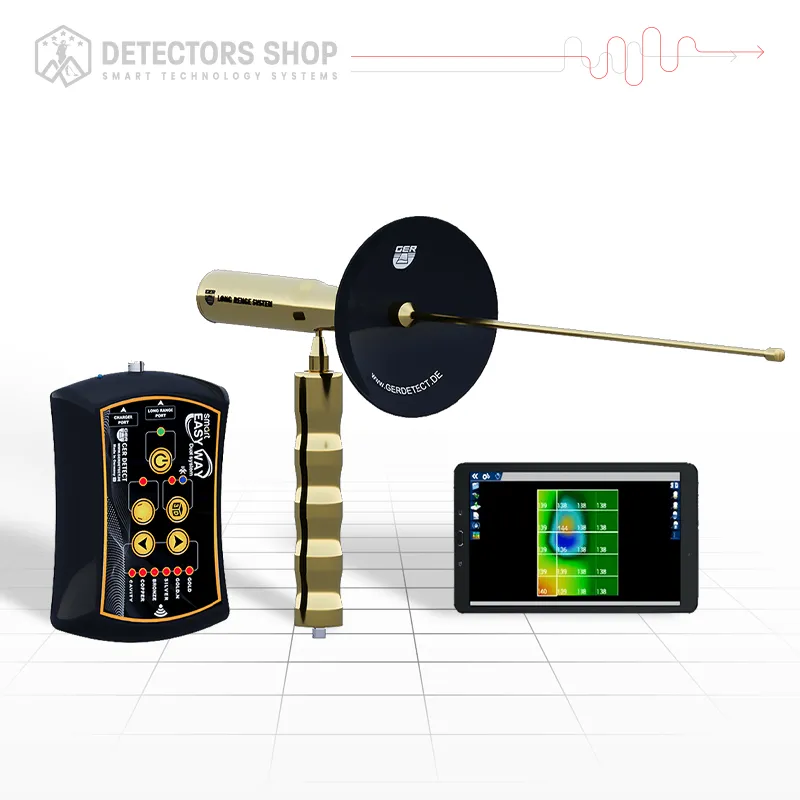
EASY WAY SMART
ر.س 14,048 -
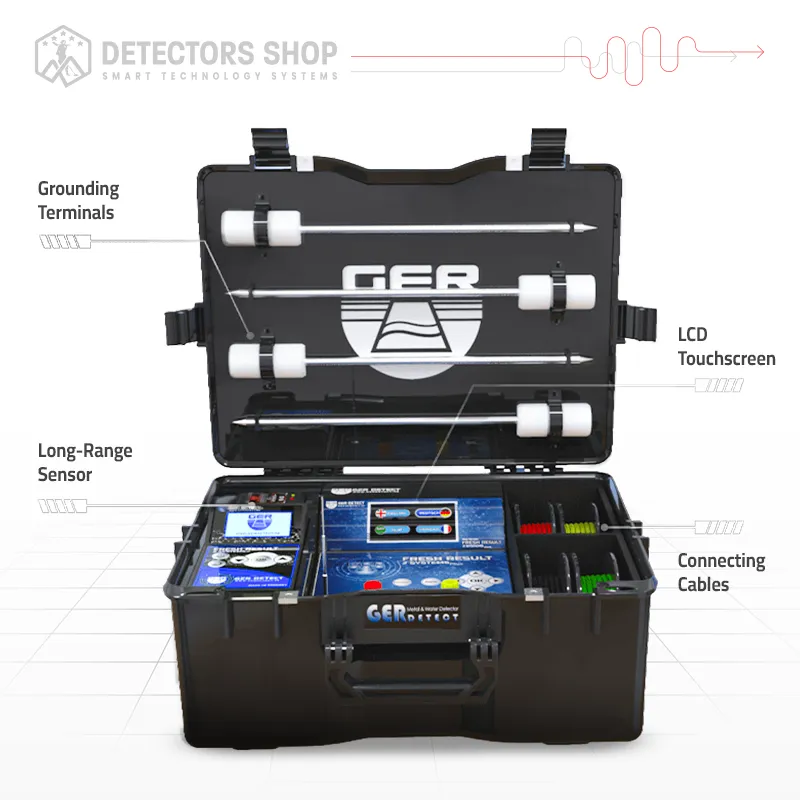
FRESH RESULT 2
ر.س 21,540 -
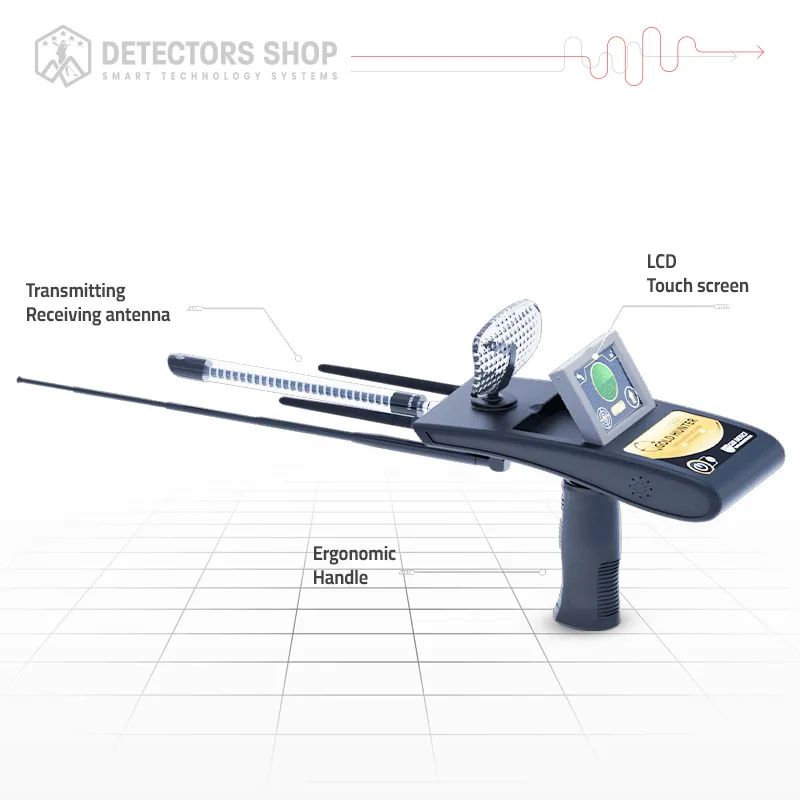
Gold Hunter Smart
ر.س 9,365 -
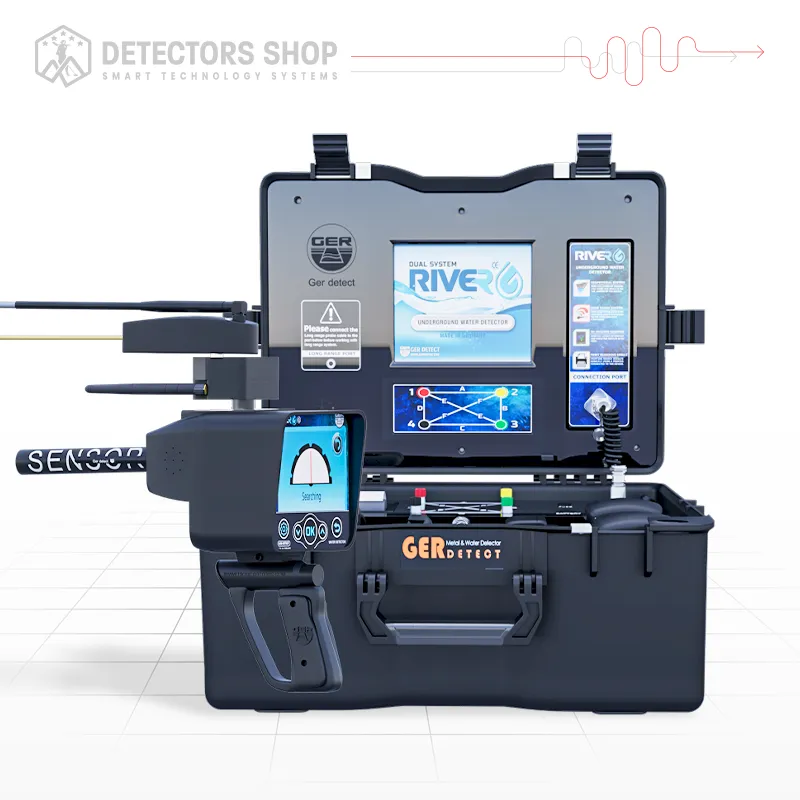
RIVER G 3
ر.س 26,222
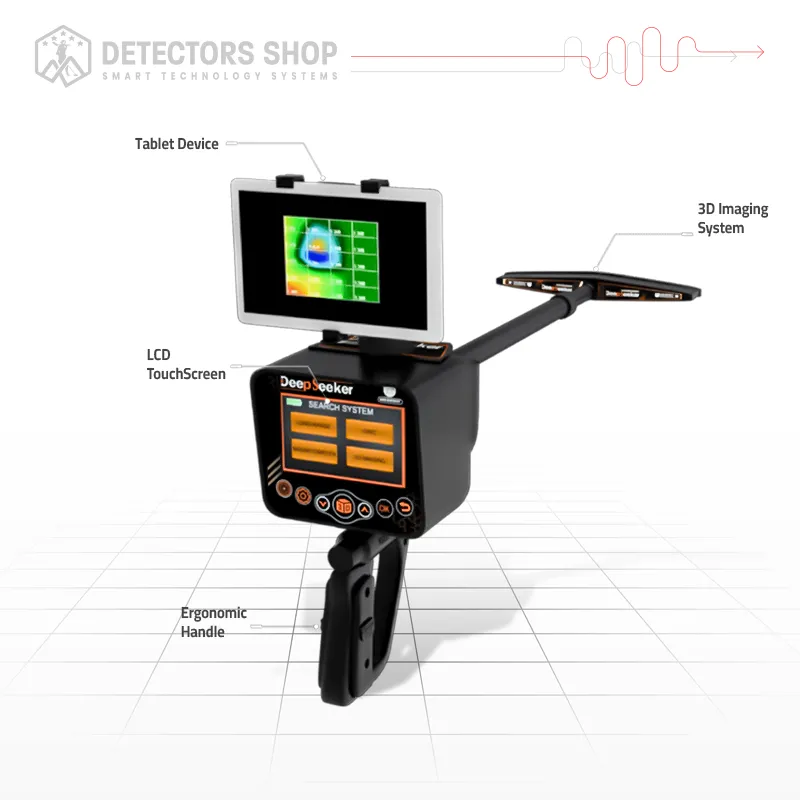
Deep Seeker Review provides a detailed and practical look at a professional multi-system detector developed by GER Detect and UIG Detectors for investigating buried gold, precious metals, ancient artifacts, caves, and underground voids. Instead of relying on a single detection method, Deep Seeker combines five dedicated technologies: 3D ground imaging, long-range locating, ionic-field detection, magnetometer scanning, and void detection.
According to the manufacturer’s specifications, the general maximum detection depth reaches up to 40 meters, with a forward range of up to 3,000 meters. The ionic system is separately advertised with a maximum depth of up to 45 meters and a forward range of 2,500 meters. These figures represent manufacturer-rated maximums rather than guaranteed results, since actual performance depends on target size, burial conditions, soil composition, mineralization, environmental interference, device settings, and operator experience.
This complete guide explains what each search system does, how to operate the device through a structured field workflow, its advantages and limitations, technical specifications, package contents, price, and the five-year warranty provided by Detectors Shop.
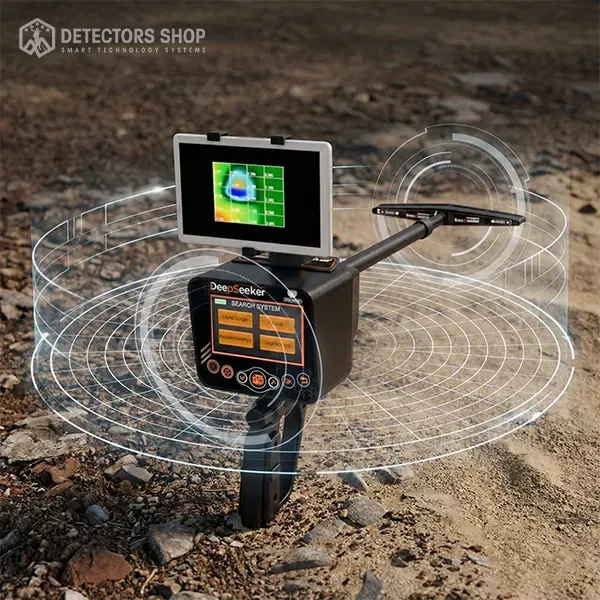
Table of Contents
What Is the Deep Seeker Detector?
Deep Seeker is a professional multi-technology exploration device developed by GER Detect in Germany. It integrates five specialized search systems into one platform for investigating buried gold, precious metals, ancient artifacts, caves, tunnels, and underground voids.
Unlike conventional detectors that depend mainly on one search technology, Deep Seeker supports a structured, multi-stage investigation. Its long-range and ionic systems help survey broader areas and identify potential directions, while the magnetometer and void-detection functions investigate magnetic objects and underground cavities. The 3D imaging system records ground-scan measurements and converts them into a visual representation for analyzing the approximate location, shape, size, and depth of an underground anomaly.
Deep Seeker should therefore be considered a professional survey and analysis tool rather than a simple recreational detector. Obtaining reliable results requires selecting the correct search system, adjusting the device for the terrain, following an organized scanning method, and confirming every indication through repeated scans or another suitable system.
Deep Seeker Specifications at a Glance
The following table summarizes the most important Deep Seeker specifications. Detection depth and range figures are manufacturer-rated maximums; actual performance varies according to the target, soil, interference, settings, and operator experience.
| Specification | Details |
|---|---|
| Manufacturer | GER Detect |
| Country of Origin | Germany |
| Search Systems | 5 specialized systems |
| General Maximum Depth | Up to 40 meters |
| Ionic System Depth | Up to 45 meters |
| General Forward Range | Up to 3,000 meters |
| Ionic System Range | Up to 2,500 meters |
| Main Targets | Gold, precious metals, ancient artifacts, magnetic metals, caves and voids |
| Display | Full-color LCD touchscreen, 480 × 270 pixels |
| Operating Time | Up to 10 hours |
| Operating Temperature | 0°C to 70°C |
| Total Package Weight | Approximately 5.6 kg |
| Water Resistance | Weather-resistant, but not waterproof |
| Supported Languages | Six interface languages |
| Warranty | Five years from Detectors Shop |
The Five Deep Seeker Search Systems Explained
Deep Seeker combines five specialized search systems, with each technology serving a different stage of the investigation. The operator can begin by surveying a wide area, identify a possible direction, examine magnetic or empty-space anomalies, and then perform a detailed ground scan before considering excavation.
“This review was prepared based on the official Deep Seeker specifications and our experience supplying the device to customers.”
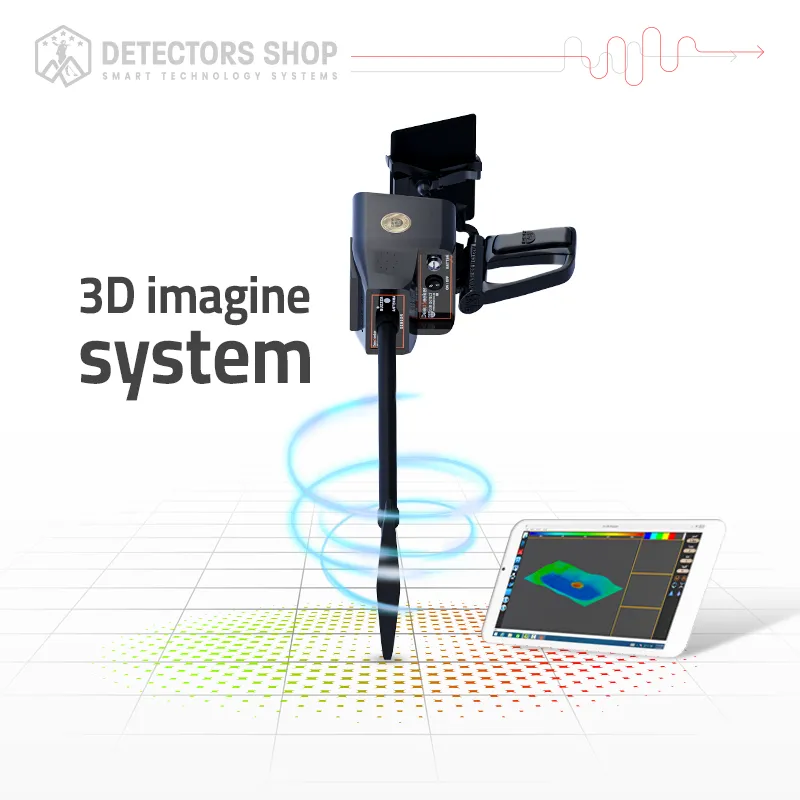
1. 3D Imaging System
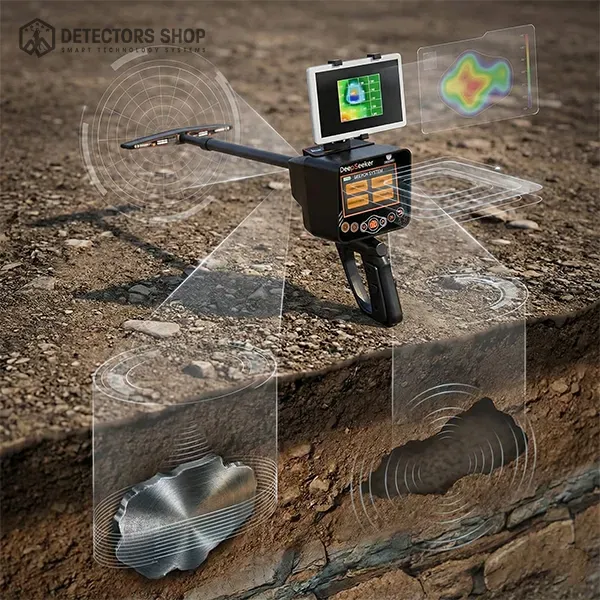
The 3D Imaging System is designed to record measurements from the ground and convert them into a visual representation of underground anomalies. It can be used to investigate buried metallic targets, caves, voids, tunnels, and changes within the soil structure.
For accurate scanning, the operator should divide the selected area into organized parallel lines, maintain a consistent walking speed and sensor height, and avoid nearby sources of electromagnetic interference. The completed scan can help estimate the approximate position, shape, size, and depth of the detected anomaly.
The displayed result is an interpretation of recorded sensor measurements—not a photographic image of an object underground. Any important indication should therefore be scanned again from another direction and confirmed with another suitable Deep Seeker system before excavation.
2. Long-Range Detection System
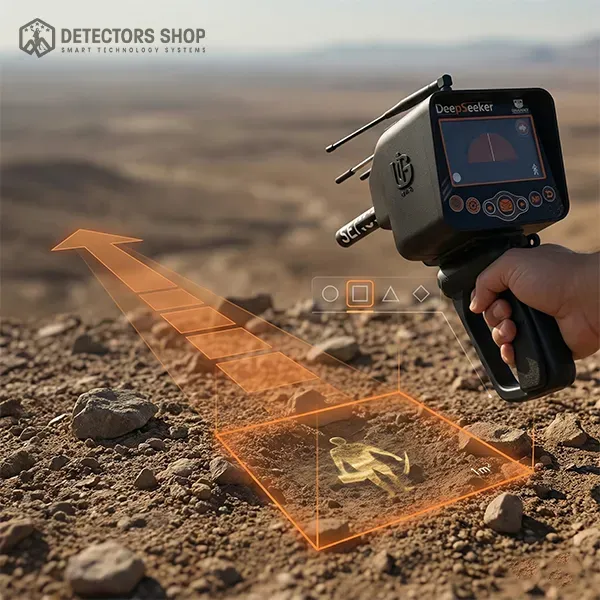
The Long-Range Detection System is intended for the preliminary survey of large open areas. It allows the operator to select a target category—such as buried gold, raw gold, silver, bronze, diamonds, or underground voids—and search in the chosen direction before beginning a detailed ground scan.
According to the manufacturer, the system offers a maximum forward range of up to 3,000 meters. When a potential indication is detected, the receiver turns toward the suspected target direction, the direction appears on the display, and an audible signal helps guide the operator. By repeating the search from several positions, the potential area can be progressively narrowed.
Long-range indications should always be checked from at least four directions. Nearby vehicles, electrical lines, communication equipment, metallic structures, and incorrect ground settings may affect the result. For this reason, the Long-Range Detection System should be used to identify a possible search zone, while final confirmation should be performed with the 3D imaging, magnetometer, or void-detection system.
3. Ionic Field Detection System
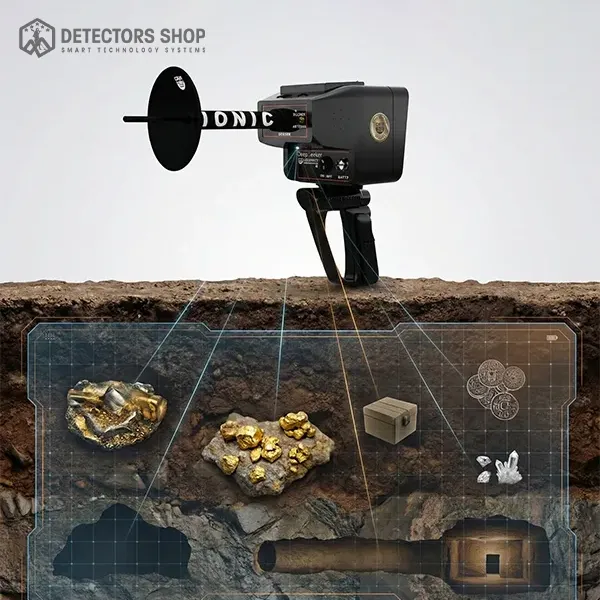
The Ionic Field Detection System is designed primarily for investigating metallic targets that have remained underground for long periods. The manufacturer describes the system as responding to ionic-field changes associated with old buried gold, precious metals, and ancient treasures.
According to the published specifications, this system has a maximum advertised depth of up to 45 meters and a forward range of up to 2,500 meters. It can be operated while walking through the search area and may also be used during a controlled vehicle survey.
When an indication is detected, the device provides an audible alert to help the operator identify the suspected area. Because soil mineralization, electrical interference, and environmental conditions can influence field readings, every ionic indication should be repeated from different directions and confirmed with another Deep Seeker system before excavation.
4. Magnetic Metal Detection System (Magnetometer)
The Magnetometer System measures variations in the Earth’s magnetic field to investigate ferrous and magnetically responsive objects beneath the surface. It is particularly useful for locating iron, steel, and other magnetic materials that may be associated with buried structures, containers, or archaeological sites.
The manufacturer advertises a maximum detection depth of up to 40 meters under suitable conditions. However, the magnetometer does not directly identify non-magnetic precious metals such as pure gold. Instead, it detects magnetic anomalies that require further investigation.
For reliable results, the operator should scan the area in organized parallel lines while maintaining consistent sensor height and walking speed. Mobile phones, vehicles, power lines, reinforced concrete, and metal objects carried by the operator can interfere with readings. Any anomaly should be rescanned from another direction and compared with the 3D imaging or another appropriate system.
5. Void Detection System
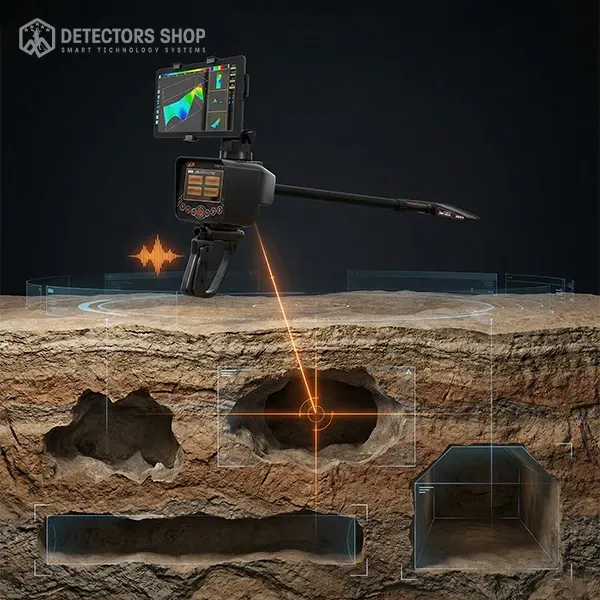
The Void Detection System is designed to identify subsurface anomalies that may be associated with caves, tunnels, chambers, tombs, and other underground spaces. It helps the operator investigate areas where the ground response differs from the surrounding soil.
For better reliability, scan the suspected location from more than one direction and mark any repeatable indication. The result should then be examined with the 3D Imaging System to better understand the anomaly’s approximate shape and position.
A void indication does not automatically confirm a man-made chamber or determine whether excavation is safe. Natural soil variations, geological formations, utilities, and nearby interference can produce similar responses. Actual detection depth depends on the void’s size, soil conditions, settings, and operator experience.
How to Use the Deep Seeker: Recommended Field Workflow
Deep Seeker delivers its best results when its five systems are used as complementary investigation tools rather than as separate shortcuts. The following workflow helps reduce false signals and improves target verification.
1. Prepare the Search Area
Inspect the site and remove nearby sources of interference whenever possible, including vehicles, mobile phones, electrical cables, fences, and large surface metals. Select the appropriate operating settings and allow the device to adapt to the ground conditions.
2. Conduct a Long-Range Survey
Use the Long-Range Detection System to examine large areas and identify a possible target direction. Approach the indicated location from several directions instead of relying on a single response.
3. Confirm the Indication
Mark the point where repeated directional signals intersect. A signal that appears consistently from multiple positions is generally more useful than an isolated response.
4. Select the Appropriate Verification System
Choose the next system according to the suspected target:
- Ionic Field System for indications associated with old buried metals.
- Magnetometer System for ferrous or magnetically responsive objects.
- Void Detection System for possible caves, tunnels, or underground chambers.
5. Perform a Structured 3D Scan
Create an organized scanning grid over the confirmed location. Maintain consistent spacing, direction, speed, and sensor height throughout the scan. Irregular movement can distort the recorded data.
6. Repeat and Compare the Results
Repeat the scan from a perpendicular direction and compare the results. A reliable target indication should appear in approximately the same location during repeated scans.
Never begin excavation based on one signal alone. Consider local geology, underground utilities, site permissions, and excavation safety before taking further action.
How Deep Can the Deep Seeker Detect?
According to the manufacturer’s specifications, the Deep Seeker detector offers a general maximum detection depth of up to 40 meters. The Ionic Field Detection System is separately advertised as reaching up to 45 meters, with a forward search range of up to 2,500 meters. The Long-Range Detection System provides an advertised forward range of up to 3,000 meters.
These figures represent maximum manufacturer-rated capabilities under suitable conditions—not a guaranteed depth for every target. Small coins, jewelry, and compact metal objects cannot realistically be detected at the same depth as a large buried object, chamber, tunnel, or extensive metallic target.
Actual detection depth depends on:
- Target size, material, and burial age
- Soil type and mineralization
- Moisture and surrounding geology
- Search system and device settings
- Electromagnetic interference
- Operator experience and scanning accuracy
For dependable field results, operators should treat the initial depth indication as an estimate and verify the location using multiple systems, repeated scans, and more than one scanning direction.
DEEP SEEKER DETECTOR | five search systems specialized in the detection of gold, metals & treasures
What Can the Deep Seeker Detect?
The Deep Seeker is designed to investigate several categories of underground targets by using a different search system for each type of task.
Metallic Targets
The device can search for:
- Buried gold and precious metals
- Ancient metallic artifacts and buried treasures
- Large metallic objects
- Ferrous and magnetically responsive metals
The Long-Range and Ionic Field systems are intended for locating potential buried targets over wider areas, while the Magnetometer System is more suitable for detecting ferrous metals and magnetic anomalies.
Underground Voids and Structures
The Void Detection System can identify anomalies potentially associated with:
- Natural caves
- Tunnels and passageways
- Underground chambers
- Ancient tombs
- Empty spaces beneath the ground
The 3D Imaging System can then help visualize the approximate position, shape, and distribution of the detected anomaly.
Deep Seeker cannot confirm the exact identity, age, or value of a target from one signal. Every indication should be checked through repeated scans and confirmed using another appropriate search system.
Deep Seeker Advantages and Limitations
Main Advantages
- Combines five specialized search systems in one package.
- Supports wide-area locating, direct detection, void searching, and 3D ground imaging.
- Designed for buried metals, ancient artifacts, caves, tunnels, and underground chambers.
- Offers an advertised forward range of up to 3,000 meters.
- Provides a color touchscreen with a multilingual interface.
- Allows indications to be checked using more than one detection technology.
- Includes approximately 10 hours of operating time under suitable conditions.
- Supported by professional training and a five-year warranty when purchased from Detectors Shop.
Important Limitations
- Maximum depth and range figures are manufacturer-rated and are not guaranteed in every environment.
- Small objects cannot be expected to reach the same depth as large metallic targets or underground voids.
- Mineralized soil, electrical interference, nearby metals, and incorrect settings may affect results.
- The 3D display visualizes processed scan data; it does not produce a photographic underground image.
- Correct grid scanning and result interpretation require training and field practice.
- The device is weather-resistant but not waterproof and should not be submerged or exposed to heavy moisture.
- No excavation decision should be based on a single unverified signal.
Who Should Buy the Deep Seeker?
The Deep Seeker is best suited to users who need a multi-system device for structured underground exploration rather than simple surface-level metal detecting. It may be a suitable choice for:
- Professional treasure hunters and exploration teams
- Users searching large areas for possible buried targets
- Operators investigating ancient artifacts and large metallic objects
- Researchers looking for caves, tunnels, tombs, or underground chambers
- Customers who want 3D ground imaging alongside long-range and direct detection systems
- Serious beginners willing to complete proper training and practice
The device may not be the best option for casual users who only want to locate coins, jewelry, or shallow targets in parks and beaches. A conventional coil-based metal detector is generally simpler and more practical for those purposes.
Deep Seeker offers considerable flexibility, but achieving dependable results requires correct system selection, careful scanning, repeated verification, and an understanding of local ground conditions.
Deep Seeker Price, Warranty, and Support
At the time of writing, the Deep Seeker detector is listed at $5,500 USD. The final cost may vary depending on currency conversion, destination, shipping requirements, taxes, and available promotions. Customers should confirm the current price before placing an order.
GER Detect devices purchased from Detectors Shop include a five-year warranty. Customers also receive:
- Free consultation before purchasing
- Professional device-operation training
- Technical guidance for the five search systems
- After-sales support
- Secure international shipping
- Assistance with setup and field operation
Buying from an authorized supplier is particularly important for a multi-system detector such as Deep Seeker. Proper training helps the operator select the correct system, adjust the device for local ground conditions, perform organized scans, and interpret results more accurately.
Customers should verify the device’s serial number, warranty coverage, package contents, and available support before purchasing from any seller.
UIG Ground Scanner Review
The UIG Ground Scanner by renowned German manufacturer GER Detect represents a major leap forward in underground imaging and treasure hunting technology. Engineered specifically for locating buried gold, ancient treasures, archaeological sites, caves, and structural voids, this multi-system detector delivers precise scanning capabilities up to depths of 30 meters underground. Featuring three specialized imaging modes, real-time Bluetooth data transfer, and a high-resolution 3D visualization tablet, the UIG Ground Scanner provides prospectors and researchers with an all-in-one solution for accurate subsurface analysis in all terrain conditions.
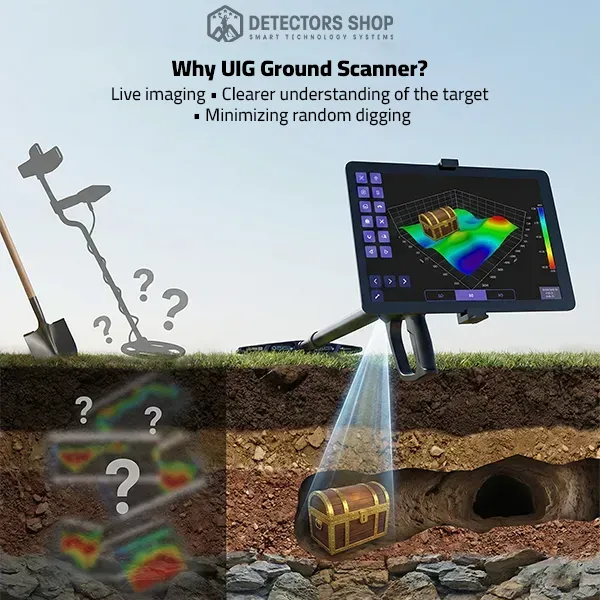
Table of Contents
UIG Ground Scanner Review & Core Highlights
The UIG Ground Scanner stands out as one of the most versatile underground detection systems engineered by GER Detect in Germany. Built with high-grade European quality standards and holding both CE and ISO 9001 certifications, the device is designed to perform reliably across diverse soil environments worldwide, including rocky terrains, mineralized ground, and highly humid conditions.
Unlike traditional metal detectors that rely solely on audio signals, the UIG Ground Scanner integrates advanced multi-sensor signal processing with real-time graphical visualization. By pairing a lightweight, ergonomic multi-tasking imaging sensor with a dedicated multi-language Android tablet, prospectors can identify target depth, size, and metallic composition with extreme accuracy before digging.
Key System Highlights:
- 3 Dedicated Search Technologies: Includes 3D Ground Imaging, Ground Live Scan, and Wall Live Scan.
- 30-Meter Maximum Depth: Detects deeply buried metallic targets, chambers, tunnels, and caves up to 30 meters.
- High-Speed Data Transmission: Uses 2.4 GHz Bluetooth wireless connectivity to stream sensor data seamlessly to the display tablet.
- Multilingual Interface: Fully supports 6 languages: English, Arabic, French, German, Spanish, and Portuguese.
- Acoustic Discrimination: Provides distinct audio alerts for precious metals versus underground voids.
- Ergonomic Design: Features a lightweight telescopic arm and an adjustable grip for effortless field mobility during extended sweeps.
Category Specification Details Manufacturer
| Category | Specification Details |
|---|---|
| Manufacturer | GER Detect (Germany) |
| Certification | European CE Certification & ISO 9001 |
| Search Depth | Up to 30 Meters (98 Feet) in 3D System |
| Detection Technologies | 3D Ground Imaging, Ground Live Scan, Wall Live Scan |
| Data Transmission | Bluetooth 2.4 GHz Radio Frequency |
| Processor Speed | High-Speed 72 MHz Data Processing |
| Supported Languages | English, Arabic, Spanish, French, German, Portuguese |
| Battery Run Time | Up to 10 Hours continuous operation |
| Battery Operating Temperature | 0°C to 50°C |
| Battery Storage Temperature | -5°C to 70°C |
| Charger Operating Temperature | 0°C to 50°C |
| Charger Storage Temperature | -30°C to 80°C |
| Charger Input Voltage | 90 → 250 VAC 50→60 Hz |
| USB Output Current | 5 VDC / 2100 mA |
| Device Weight | 1,100 g |
| Battery Weight | 330 g |
| Empty Bag Weight | 2,230 g |
| Total Package Weight | 3,900 g |
| Bag Dimensions | 635 mm x 335 mm x 145 mm |
| Telescopic Arm Dimensions | Closed: 575 mm – Extended with Sensor: 880 mm |
| Warranty | 5-Year Limited Warranty on Main Unit Electronics |
The 3 Detection Systems Explained
The versatility of the UIG Ground Scanner stems from its three distinct detection modes, allowing users to adapt seamlessly to different search terrains, structural obstacles, and project requirements.
1. 3D Imaging System
This is the primary system for comprehensive subsurface mapping and precise depth measurement up to 30 meters. Designed for full area surveys, it captures data points across a structured grid and generates full-color 3D visual models.
- Configurable Grid Matrix: Users can define grid size from a minimum of 3×3 up to 12 columns (lines) by 12 steps per scan.
- Soil Type Profiling: Features specific calibration presets for Normal, Rocky, Sandy, and Highly Mineralized ground to prevent false signals.
- Scan Trajectory Options: Supports both Parallel movement (one-direction scanning) and Zig-Zag movement (back-and-forth scanning).
2. Ground Live Scan System
The Ground Live Scan mode offers rapid real-time ground tracking without needing to set up a full grid. As the operator walks over the survey line, the tablet continuously updates a dynamic signal graph accompanied by real-time audio indicators:
- Neutral Ground: Displayed as a stable green baseline chart.
- Metallic Targets: Indicated by a rising red chart peak and an elevated signal sound.
- Voids and Caves: Highlighted by a dipping blue chart gradient and a low-frequency tone.
3. Wall Live Scan System
A specialized feature rarely found in standard detectors, the Wall Live Scan mode allows vertical exploration. By shortening the adjustable telescopic arm, prospectors can sweep vertical surfaces, cliff walls, cave interiors, and ancient stone structures. It provides immediate chart and audio discrimination to locate hidden wall cavities, secret rooms, or embedded metallic caches behind masonry.
For More informant you can Download user manual
Advanced 3D Analysis & Display Modes
Once a scan matrix is fully captured using the 3D Imaging System, the software on the Android tablet translates the raw signal data into interactive graphical formats. Operators can utilize three comprehensive display options to analyze targets before initiating excavation:
1. 2D Grid View
Provides a clear top-down view of the scanned area divided into individual square cells corresponding to the lines and steps taken.
- Depth Indicator: Automatically calculates and displays depth estimates for confirmed targets.
- Value Readings: Displays raw signal numbers for each cell to verify signal intensity.
- Color Bar Breakdown: Features a percentage chart quantifying ground mineral levels, metallic targets, and void distributions.
2. Layer Display View
Allows prospectors to slice the subsurface data into distinct geological layers.
- Layer Isolation: Separates metallic target layers, soil layers, salt layers, and cavity layers to eliminate false positives.
- Height Adjustment: Enables increasing or decreasing layer height scale to accentuate small or subtle target signals.
- Full 3D Rotation: Supports 6-axis rotation, allowing users to view the target profile from top, side, and isometric angles.
3. 3D Gradient View
Generates a continuous three-dimensional shape model representing the physical structure of buried items.
- Streamlined Gradient: Smooths color transitions for high-level object shape recognition.
- Sharp Gradient: Highlights distinct boundaries between different soil densities and metallic boundaries.
- Cubic Gradient: Renders targets in geometric cubic blocks, ideal for identifying man-made structures, walls, or chest-like containers.
UIG GROUND SCANNER detector | best Scan Technique to find treasure | detectors Shop
Step-by-Step Field Operation Guide
To achieve maximum efficiency and accurate scanning results with the UIG Ground Scanner, operators should follow this systematic field workflow:
1. Physical Assembly
- Attach the multi-tasking imaging sensor securely to the telescoping arm holder.
- Mount the ergonomic handle and lock the tablet stand into place.
- Connect the external 10.8V Li-ion battery pack to the socket located on the arm assembly.
2. System & Bluetooth Setup
- Turn on the battery pack by holding the power button for 2 seconds.
- Launch the Ground Scanner App on the Android tablet.
- Tap the Connect icon and select
UIG-GSto set up Bluetooth pairing (enter1000if prompted for a PIN).
3. Search System & Soil Calibration
- Select your preferred mode (e.g., 3D Imaging System).
- Set the desired grid parameters (Lines: 3 to 12, Steps: 3 to 12).
- Choose your ground profile (Normal, Rocky, Sand, or Mineral) and select your scan path (Parallel or Zig-Zag).
- Hold the unit steady and perform ground calibration by keeping the blue balance indicator centered in the circle.
4. Executing the Scan Grid
- Begin scanning at the starting corner of your grid.
- Press the physical capture button on the handle grip (or tap the tablet screen) at each point.
- Walk forward in uniform steps of 30 cm per capture point.
- Maintain a parallel distance of 30 cm between adjacent scan lines until all steps and lines are completed.
What’s Included in the Box?
When purchasing an original UIG Ground Scanner package, the complete set arrives in a protective, heavy-duty carrying case containing the following components:
- Main Telescopic Sensor Arm: Lightweight adjustable arm with ergonomic grip.
- Multi-Tasking Imaging Sensor: High-precision sensor unit for ground and wall scanning.
- Android Tablet: Pre-installed with the official multi-language Ground Scanner App.
- Tablet Mounting Stand: Secure bracket clip to attach the tablet directly to the arm.
- Rechargeable Battery Pack: External Li-ion battery (10.8V / 27 Wh / 2500 mAh).
- Power Adapters: Main AC wall charger and DC car charger.
- Heavy-Duty Protective Carrying Case: Padded, impact-resistant travel bag.
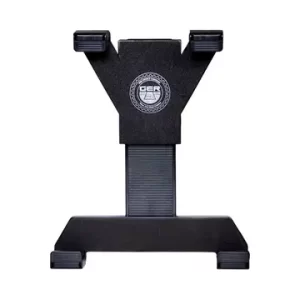
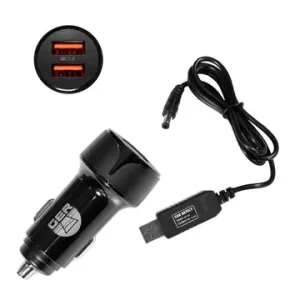
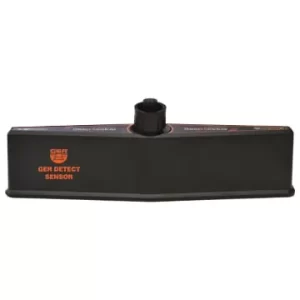
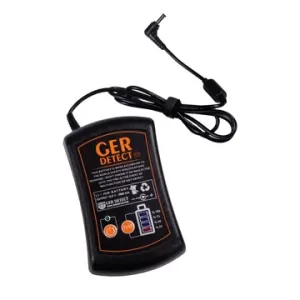
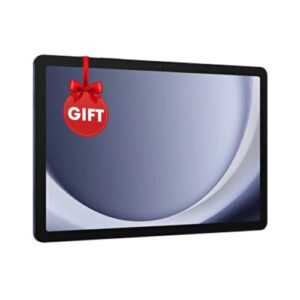
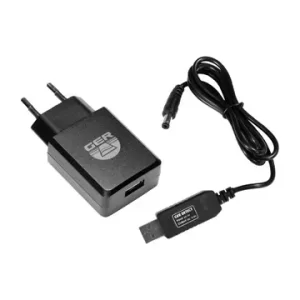
Safety & Operational Best Practices
To protect the device hardware and ensure optimal scanning accuracy in the field, keep the following manufacturer guidelines in mind:
- Avoid Wet Conditions: Do not operate the scanner during rain or extreme wet weather; the unit is weatherproof but not fully submersible.
- Prevent Signal Interference: Stay clear of high-voltage energy sources, cell phone towers, and active mobile phones during scanning to eliminate false noise.
- Battery Care: Charge the external battery fully before heading into the field. Always use the original GER Detect charger.
- Warranty Coverage: The main electronic unit includes a 5-year manufacturer warranty covering electronic faults (excludes physical damage from drops, unauthorized opening, battery charger, or tablet).
Final Verdict: Is the UIG Ground Scanner Worth It?
The UIG Ground Scanner by GER Detect is a powerful and versatile underground detection solution for treasure hunters, archaeologists, and professional prospectors. Combining 3D ground imaging, live ground scanning, and specialized wall scanning into a single lightweight unit makes it uniquely equipped to handle diverse search environments—from open fields to caves and ancient structures.
With a 30-meter depth capacity, real-time Bluetooth data transfer, and robust multi-layer 3D analysis tools, the scanner removes much of the guesswork associated with traditional metal detectors. If you require precise target depth estimation, structural cavity location, and target shape modeling prior to excavation, the UIG Ground Scanner delivers exceptional accuracy and long-term reliability backed by German engineering.
For current pricing, package details, availability, training, and the five-year warranty, view the official UIG Ground Scanner page or contact the Detectors Shop team for a professional consultation before purchasing.
Ger Product
-
Deep Seeker
ر.س 20,603 -
Diamond Hunter Smart
ر.س 8,429 -
EASY WAY SMART
ر.س 14,048 -
FRESH RESULT 2
ر.س 21,540 -
Gold Hunter Smart
ر.س 9,365 -
RIVER G 3
ر.س 26,222 -
RIVER-F SMART
Original price was: ر.س 11,238.ر.س 8,429Current price is: ر.س 8,429. -
Titan 400 Smart
ر.س 16,857
This XP XTREM HUNTER review examines a specialized deep-seeking metal detector designed to locate large metallic objects at depths beyond the practical range of most conventional search coils. Manufactured in France by XP Metal Detectors, the system combines a two-box coil configuration, simultaneous Fast Multi Frequency technology, iron amplitude rejection, and full integration with the wireless DEUS II platform.
According to XP’s official specifications, the XTREM HUNTER can detect appropriately sized metallic targets at depths reaching up to 5 meters under favorable conditions. Its coil geometry is intentionally less responsive to many small objects near the surface, allowing the operator to concentrate on larger and deeper metal masses such as substantial relics, buried containers, metal pipes, tanks, and grouped metallic objects. The complete assembly weighs approximately 2.9 kg with the remote control and is designed to be operated by one person.
Table of Contents
However, the advertised maximum depth should be understood correctly. The XTREM HUNTER is not designed to detect an isolated coin, small piece of jewelry, or tiny gold nugget at five meters. Actual performance depends on target size, metal composition, orientation, soil mineralization, electromagnetic interference, search settings, and the operator’s technique.
This review explains how the XP XTREM HUNTER works, its main settings, compatible components, field workflow, target capabilities, advantages, limitations, and the type of user who will benefit most from this professional deep-searching system.
What Is the XP XTREM HUNTER review?
The XP XTREM HUNTER is a professional two-box deep-seeking metal detector built around the wireless DEUS II ecosystem. A front transmitting coil and a rear receiving coil are mounted on a lightweight frame, creating an electromagnetic field designed to respond primarily to larger underground metallic objects.
Unlike a standard metal detector, the operator does not continuously sweep the XTREM HUNTER from side to side close to the ground. Instead, the detector is carried horizontally while the operator walks slowly across the search area. Maintaining a stable height and direction is important for achieving a consistent threshold and recognizing genuine target responses.
Within the XP ecosystem, the XTREM HUNTER functions as a specialized deep-searching accessory for the DEUS II Remote Control. After pairing it as a new search coil, the remote automatically displays a dedicated XTREM HUNTER interface with controls optimized for wide and deep targets. The user can later switch back to a conventional DEUS II coil to inspect or pinpoint a target detected at a moderate depth.
XP Metal Detectors is a French company based near Toulouse, and the manufacturer states that its products are designed and produced in France.
XP XTREM HUNTER at a Glance
| Specification | XP XTREM HUNTER |
|---|---|
| Manufacturer | XP Metal Detectors |
| Country of manufacture | France |
| Detector type | Two-box deep-seeking metal detector |
| Detection technology | Simultaneous Fast Multi Frequency – FMF |
| Primary target type | Large and deep metallic objects |
| Manufacturer-rated depth | Up to 5 m under suitable conditions |
| Operating method | Non-motion with adjustable Auto Tune |
| Control platform | DEUS II Remote Control |
| Factory programs | 1 factory program |
| Custom programs | 2 user programs |
| Sensitivity | 0–99 |
| Iron discrimination | Disc IAR from OFF to 5 |
| Threshold | 0–20 |
| Reactivity | Levels 1–3 |
| Auto Tune | OFF or levels 1–3 |
| Frequency Shift | 14 bands, automatic or manual |
| Audio Response | Levels 1–4 |
| Ground Balance | Manual or Ground Grab |
| Audio types | Square and Pulse |
| Display | Dynamic four-second signal graph |
| Battery | Rechargeable Li-ion 18650 |
| Battery life | More than 10 hours |
| Charging time | Approximately 4 hours |
| Assembled length | 1.20 m |
| Detector weight with remote | Approximately 2.9 kg |
| Weight inside XP case | Approximately 5.8 kg |
| Carrying case | Rain-resistant and shock-resistant case included |
| Detector warranty | 5 years for parts and labor |
| Battery and connector warranty | 2 years |
These figures are taken from the official XP XTREM HUNTER manual. Package contents may differ according to whether the customer purchases the complete detector set or an accessory package intended for an existing DEUS II owner.
How the Two-Box FMF System Works
Conventional metal detectors are designed to find a broad range of targets, from small coins near the surface to larger metallic objects at greater depths. This versatility can become a disadvantage when the operator is specifically searching for a large, deeply buried object.
Small nails, bottle caps, pieces of wire, and other shallow metal can produce responses that distract the operator or partially mask a larger target underneath. Changes in ground mineralization and unavoidable movement of the coil can also create instability.
The XTREM HUNTER uses widely separated transmitting and receiving coils. The shape and distribution of its electromagnetic field make the detector naturally less sensitive to many small surface objects. This allows it to search through the upper layers of the ground while focusing more strongly on larger metal masses.
XP’s simultaneous FMF platform also helps reduce the instability traditionally associated with older single-frequency two-box detectors. The system is designed to limit ground effects and reduce false signals caused by variations in coil height and movement during walking.
The XTREM HUNTER should not be confused with ground-penetrating radar or a three-dimensional underground scanner. Its screen displays a dynamic representation of the metal-detection signal; it does not produce a photographic image of the buried object or display its exact shape.
XP XTREM HUNTER Detection Depth
XP advertises a maximum detection depth of up to 5 meters, approximately 16.4 feet. That figure applies to sufficiently large metallic targets under appropriate soil and environmental conditions.
Detection depth is not a fixed number. It changes according to:
- Target dimensions and total metallic mass.
- Ferrous or non-ferrous composition.
- Target orientation underground.
- Soil mineralization and moisture.
- Nearby electromagnetic interference.
- Ground Balance, Sensitivity, Reactivity, and Audio Response.
- Search height and walking stability.
- Operator experience.
A large tank, substantial metal pipe, buried container, or concentrated group of metallic objects can produce a detectable response at a much greater depth than an individual coin. Therefore, the five-meter figure should never be interpreted as the expected depth for every target.
Targets the XTREM HUNTER Is Designed to Locate
The detector is suitable for searching for:
- Large buried metallic relics.
- Metal containers and boxes.
- Substantial groups or caches of metallic objects.
- Underground tanks and reservoirs.
- Metal pipes and industrial conduits.
- Large ferrous and non-ferrous objects.
- Significant structural or industrial metal components.
Targets It Is Not Designed For
The XTREM HUNTER is not the correct detector for:
- Individual coins at extreme depths.
- Small jewelry and thin chains.
- Tiny natural gold nuggets.
- Fine gold prospecting.
- Very small surface targets.
- Underground caves or empty spaces without metal.
- Exact identification of a specific metal type.
XP specifically explains that the system is intended for large deep targets and not isolated coins. A grouped mass of coins may generate a response, but an individual coin is outside the detector’s primary purpose.
Iron Discrimination and Small-Target Rejection
One of the XTREM HUNTER’s important features is Disc IAR, or Iron Amplitude Rejection. The adjustment ranges from OFF to level 5.
With Disc IAR switched off, the detector does not attempt to reject ferrous responses. Increasing the setting allows it to classify some ferrous targets according to their signal amplitude and distance from the coils.
The XTREM HUNTER naturally ignores many very small ferrous objects such as nails and bottle caps. Moderately sized iron objects, including items similar in size to tools, horseshoes, or anchors, may be identified with a lower audio tone and a gray or hatched indication on the screen.
Iron rejection is not absolute. A large, unusually shaped, or deeply buried iron target may still produce a response that resembles a non-ferrous object. Excessive IAR in an area containing heavy iron contamination can also mask a larger desirable target. For this reason, promising signals should be checked from more than
DEUS II Compatibility
The XTREM HUNTER requires a compatible DEUS II Remote Control. The remote should be updated to software version 2.0 or later before the XTREM HUNTER is paired.
The pairing process is similar to adding another XP search coil:
- Open the pairing menu on the DEUS II Remote Control.
- Select the coil option.
- Enter the serial numbers supplied with the XTREM HUNTER coils.
- Select the XTREM HUNTER from the available coil list.
- The dedicated deep-search interface will appear automatically.
The DEUS I and ORX control platforms are not compatible with the XTREM HUNTER. The WS6, WSA II, and WSA II XL may be used as compatible wireless headphones when correctly updated, but the WS6 module does not replace the DEUS II Remote Control as the main XTREM HUNTER controller.
One practical advantage of the DEUS II ecosystem is the ability to switch quickly between the XTREM HUNTER and a standard DEUS II coil. The operator can locate a broad deep response with the two-box system, mark the area, and then use a conventional coil to inspect the location more precisely when the target is within its practical depth range.
Main XP XTREM HUNTER Settings
| Setting | Function |
|---|---|
| Sensitivity | Controls the overall signal sensitivity. Higher settings may improve weak-target response but can increase instability. |
| Disc IAR | Rejects some ferrous targets according to their signal amplitude and distance from the coils. |
| Threshold | Adjusts the continuous background hum. An excessive threshold can hide faint deep signals. |
| Reactivity | Controls response speed. Lower settings generally favor maximum depth; higher settings improve target localization. |
| Auto Tune | Automatically tracks and adjusts the threshold as ground and environmental conditions change. |
| Frequency Shift | Selects one of 14 channels manually or automatically to reduce EMI. |
| Audio Response | Amplifies weak signals. Higher levels can make deep targets easier to hear but may also amplify ground noise. |
| Ground Balance | Adjusts the detector to the mineralization of the soil using manual adjustment or Ground Grab. |
| Audio Type | Square provides a stable conventional response, while Pulse offers greater sound dynamics for weak deep targets. |
XP recommends performing a Frequency Scan at the beginning of every detecting session. Common Sensitivity settings are normally within the 70–90 range, but difficult or electrically noisy locations may require a lower level.
How to Use the XP XTREM HUNTER
1. Update and Pair the DEUS II Remote
Confirm that the DEUS II Remote Control is running compatible software, then pair the front and rear XTREM HUNTER coils through the coil menu.
2. Assemble and Balance the Detector
Install the front transmitting coil, rear receiving coil, central frame, telescopic stem, handle, support, and carrying strap. Adjust the handle according to the operator’s height so the frame remains comfortable and approximately horizontal.
3. Remove Metallic Objects From the Operator
Phones, keys, belt buckles, steel-reinforced shoes, watches, tools, pinpointers, and backpacks with metal frames can interfere with the detector.
Place these objects well away from the search path. Even a phone carried in a pocket can move relative to the coils and produce misleading variations in the threshold.
4. Choose an Appropriate Test Area
Avoid testing the XTREM HUNTER indoors. Buildings contain electrical wiring, reinforcing steel, pipes, appliances, and other sources of metal and electromagnetic interference.
Whenever possible, search away from:
- Power lines.
- Radio transmitters.
- Houses and industrial buildings.
- Electric fences.
- Large vehicles.
- Underground electrical infrastructure.
5. Perform an Automatic Frequency Scan
Run the automatic Frequency Scan to select the quietest of the 14 available channels. Repeat the scan when moving to a new area or when interference increases.
6. Begin With Stable Settings
A reasonable starting configuration for many sites is:
- Sensitivity: approximately 70–85.
- Reactivity: 1.
- Auto Tune: low or moderate.
- Audio Response: 1 or 2.
- Ground Balance: factory value of approximately 87.
- Disc IAR: OFF or low during initial target confirmation.
These are starting points rather than universal settings. Stability is more valuable than using every setting at its maximum.
7. Maintain a Consistent Search Height
Carry the detector horizontally between approximately knee and hip height. Walk slowly and keep the frame at a consistent distance from the ground.
Raising the detector reduces its response to small shallow objects and can improve stability in contaminated ground. Lowering it too close to the surface may increase responses from unwanted metal and ground variations.
8. Retune the Threshold Regularly
Use the Retune control when the background threshold drifts. When Auto Tune is active, continue moving because holding the detector over a target for too long may cause the system to tune out part of the response.
9. Confirm the Target From Different Directions
A repeatable response is more valuable than a single isolated signal. Mark the apparent center, move away, approach from the opposite direction, and then cross the target at approximately 90 degrees.
Reduce Auto Tune or switch it off temporarily when attempting to identify the precise center of the response.
10. Use a Standard Coil for Final Pinpointing
When the suspected object is within the range of a standard DEUS II coil, switch to that coil and scan the marked location. This can help narrow the excavation area and determine whether shallower metallic material is present.
The official manual provides a similar structured setup and search workflow, including software updating, removing personal metal, Frequency Scan, consistent search height, target confirmation, and switching to a conventional coil when appropriate.
How to Read the XTREM HUNTER Signal Graph
The DEUS II Remote Control displays the most recent four seconds of detector response. The graphical interface gives the operator two main forms of information:
Signal strength can help estimate the relative depth or intensity of the target response.
Signal duration can help indicate whether the target is narrow or extends across a larger area.
A shallow target often produces a double-lobe signal with a negative section between the two peaks. As the same target becomes deeper, the second peak becomes weaker. A substantially deeper target may appear as a single faint but repeatable response.
The graph should be used to compare repeated passes over the same location. It does not display an exact image of the target and should not be treated as a guaranteed depth measurement or metal-identification screen.
Suggested Settings for Different Search Conditions
| Search condition | Suggested approach |
|---|---|
| Clean, low-mineralized ground | Perform Frequency Scan, use Reactivity 1, increase Sensitivity gradually, and use headphones. XP also suggests testing a Ground Balance value near 70 for deep non-ferrous targets in clean ground. |
| Strong electromagnetic interference | Repeat Frequency Scan, reduce Sensitivity to approximately 60–70, lower Audio Response to 1, and move farther from electrical sources. |
| Mineralized or unstable ground | Begin near the default Ground Balance value of 87, use Ground Grab when appropriate, reduce Sensitivity, and maintain a stable frame height. |
| Heavy surface contamination | Raise the frame farther from the ground, reduce Sensitivity to approximately 60–75, lower Audio Response, and avoid excessive iron rejection. |
| Maximum-depth search | Use a low Reactivity setting, walk slowly, use headphones, and increase Sensitivity and Audio Response only while the detector remains stable. |
| Final target localization | Temporarily switch Auto Tune off, increase Reactivity, cross the target from different directions, or use a standard DEUS II coil. |
These recommendations are based on the manufacturer’s operating guidance. The final settings should always be adapted to the actual soil, interference, and target-response stability.
Watch the XP XTREM HUNTER in Action
A practical field video is valuable because the XTREM HUNTER operates differently from a standard metal detector. The video placed in this section should demonstrate:
- Correct assembly and balance.
- Pairing with the DEUS II Remote Control.
- Frequency Scan and initial settings.
- Correct walking height.
- Response to a large buried target.
- Signal graph interpretation.
- Target confirmation from two directions.
- Switching to a standard DEUS II coil.
Watch the XP XTREM HUNTER review field demonstration to see how the two-box FMF system is assembled, balanced, configured, and used to confirm large metallic targets at depth.
What Is Included With the XP XTREM HUNTER?
The standard XTREM HUNTER assembly includes:
- Front coil with wireless transmitter and rechargeable battery.
- Rear receiving coil with connecting cable.
- Two-section XTREM HUNTER frame.
- S-Telescopic stem.
- Adjustable handle and support.
- Carrying strap.
- USB-C charging cable.
- Assembly screws and hardware.
- Rain-resistant and shock-resistant XP carrying case.
- User manual.
The DEUS II Remote Control and wireless headphones may be included or excluded depending on the selected package. Existing DEUS II owners should confirm whether they are purchasing the complete system or the XTREM HUNTER accessory package.
XP XTREM HUNTER Advantages
Strong Focus on Large Deep Targets
The two-box geometry reduces interference from many small surface objects and concentrates the search on substantial underground metal masses.
FMF Stability
Fast Multi Frequency technology improves ground handling and stability compared with the limitations traditionally associated with single-frequency two-box systems.
Practical Iron Rejection
Disc IAR allows the operator to identify or reduce some moderately sized ferrous responses instead of digging every signal.
Lightweight One-Person Design
At approximately 2.9 kg with the Remote Control, the XTREM HUNTER is relatively manageable for a professional two-box detector and does not require two operators.
Wireless DEUS II Integration
The system connects to the DEUS II Remote Control and compatible headphones without a complicated network of control cables.
Useful Signal Display
The four-second dynamic graph helps compare target strength, signal duration, and repeatability.
Long Battery Life
More than ten hours of operating time is sufficient for a full day of field searching under normal conditions.
Five-Year Manufacturer Warranty
XP provides a five-year parts-and-labor warranty for the detector, while batteries and connectors carry a two-year warranty.
XP XTREM HUNTER Limitations
Not Intended for Small Targets
This is not a coin, jewelry, or small-nugget detector. Users searching mainly for small targets will achieve better results with a standard DEUS II configuration.
Maximum Depth Depends on Target Size
The five-meter figure is not applicable to every metallic object. Large targets produce substantially stronger responses than small ones.
Requires the DEUS II Remote Control
The XTREM HUNTER is built around the DEUS II control platform and cannot be operated through DEUS I or ORX.
Sensitive to EMI
The large detecting structure can receive more electromagnetic interference than a small conventional coil, especially near electrical and industrial areas.
Iron Rejection Is Not Perfect
Deep or unusually shaped ferrous objects can still produce uncertain responses. Excavation decisions should not rely on one discrimination setting.
Requires Controlled Movement
Walking speed, search height, frame balance, threshold stability, and repeated confirmation all influence the quality of the result.
Weather-Ready but Not Submersible
The detector is designed to withstand rain and difficult weather, but the XTREM HUNTER assembly should not be submerged. The waterproof rating of the DEUS II Remote Control does not mean the complete two-box frame is suitable for underwater detecting.
Who Should Buy the XP XTREM HUNTER?
The XTREM HUNTER is most suitable for:
- Professional detectorists searching for large deep metal masses.
- Archaeological and historical survey teams.
- Construction and industrial professionals locating tanks or pipes.
- Experienced DEUS II owners who need deeper large-target capability.
- Search teams investigating substantial buried metallic objects.
- Operators who understand that two-box detectors serve a specialized purpose.
It is less suitable for beginners seeking one detector for coins, jewelry, beaches, parks, and natural gold prospecting. Those users will normally benefit more from a conventional DEUS II coil before adding the XTREM HUNTER as a specialized tool.
For more information about XP XTREM HUNTER Download USER Manual From Here
Frequently Asked Questions About the XP XTREM HUNTER
What is the maximum depth of the XP XTREM HUNTER?
XP specifies a maximum depth of up to 5 meters under suitable conditions. Actual depth depends primarily on the dimensions and mass of the target, along with the soil, target orientation, interference, settings, and operator technique.
Can the XTREM HUNTER detect gold?
The XTREM HUNTER detects metallic objects rather than identifying gold specifically. It may respond to a sufficiently large non-ferrous target or concentrated group of metal objects, but it cannot confirm that the detected metal is gold.
Can it find individual coins at five meters?
No. XP states that the XTREM HUNTER is intended for larger deep targets and is not designed to detect isolated coins at extreme depths. A substantial group or cache of coins creates a different target response from one individual coin.
Can the XTREM HUNTER detect caves or voids?
No. It is an electromagnetic metal detector, not a cavity detector, ground-penetrating radar, or underground void scanner. A void would require a different type of detection technology unless it contains a sufficiently large metallic object.
Does the XTREM HUNTER require a DEUS II?
Yes. The system requires a compatible DEUS II Remote Control. Existing DEUS II owners may purchase an accessory package, while new users should select a complete package that includes the required controller.
Is it compatible with DEUS I or ORX?
No. The XTREM HUNTER is designed for the DEUS II platform and is not compatible with DEUS I or ORX.
Can it discriminate iron?
Yes, it includes adjustable Disc IAR from OFF to level 5. It can reject or identify some moderate ferrous targets, but the function does not guarantee perfect separation of all deep iron.
Is the XTREM HUNTER waterproof?
It is designed for rain and challenging weather conditions, but the complete XTREM HUNTER assembly should not be submerged. The DEUS II Remote Control has its own waterproof rating, which applies only to that component.
How long does the battery last?
The official specification lists more than ten hours of battery life, with an approximate charging time of four hours using an appropriate USB charger.
Is the XTREM HUNTER suitable for beginners?
A beginner can learn to use it, but professional instruction is strongly recommended. The detector requires correct balance, stable movement, site preparation, setting adjustment, signal interpretation, and confirmation from multiple directions.
XP XTREM HUNTER Review: Final Verdict
The XP XTREM HUNTER is a specialized deep-seeking metal detector for users who need to locate large buried metallic objects rather than small everyday targets. Its main strengths are its FMF multi-frequency platform, reduced sensitivity to small surface clutter, adjustable iron rejection, DEUS II wireless integration, manageable 2.9 kg weight, and manufacturer-rated depth reaching up to 5 meters on suitable targets.
Its limitations are equally important. The XTREM HUNTER is not intended for isolated coins, small jewelry, tiny gold nuggets, caves, or exact metal identification. It also requires careful control of search height, walking speed, electromagnetic interference, and detector settings.
For archaeologists, industrial users, construction professionals, experienced detectorists, and DEUS II owners who understand the role of a two-box detector, the XTREM HUNTER provides a modern and highly configurable solution for investigating large metallic targets at depth.
Contact Detectors Shop to purchase the original XP XTREM HUNTER with an official warranty, professional training, technical support, and secure worldwide delivery.
Recommended XP Products
Explore compatible XP detectors, search coils, headphones, and accessories.
-
XP ICON X
ر.س 2,191 -
XP ICON
ر.س 2,060 -
Deus Gold
ر.س 6,743 -
HF2 Search Coil
ر.س 1,498 -
GOLD PAN PREMIUM
ر.س 618 -
XP GOLD BATEA
ر.س 543 -
XP GOLD PAN
ر.س 450 -
XP DEUS II Control
ر.س 3,559 -
XP 11 FMF Coil
ر.س 2,060
This Titan X13 review provides a detailed look at the 11-system professional detector developed by GER Detect for advanced underground exploration. Rather than depending on one search method, the device combines five detection technologies: long-range locating, pulse induction, electromagnetic field detection, magnetometer analysis, and ionic-field detection.
Together, these technologies are designed to help operators search for gold, precious metals, diamonds, gemstones, deeply buried metallic targets, caves, underground voids, and archaeological tombs. According to the manufacturer’s specifications, the Titan X13 can cover areas of up to 3,000 square meters, while its maximum advertised detection depth can reach 60 meters under suitable conditions. Actual results depend on the selected search system, target size and depth, soil conditions, interference, device settings, and operator experience.
In this complete guide, we will explain how all 11 Titan X13 search systems work, what each technology is designed to detect, the correct field workflow, technical specifications, realistic depth considerations, advantages and limitations, package contents, and the five-year warranty provided by Detectors Shop for GER Detect devices.
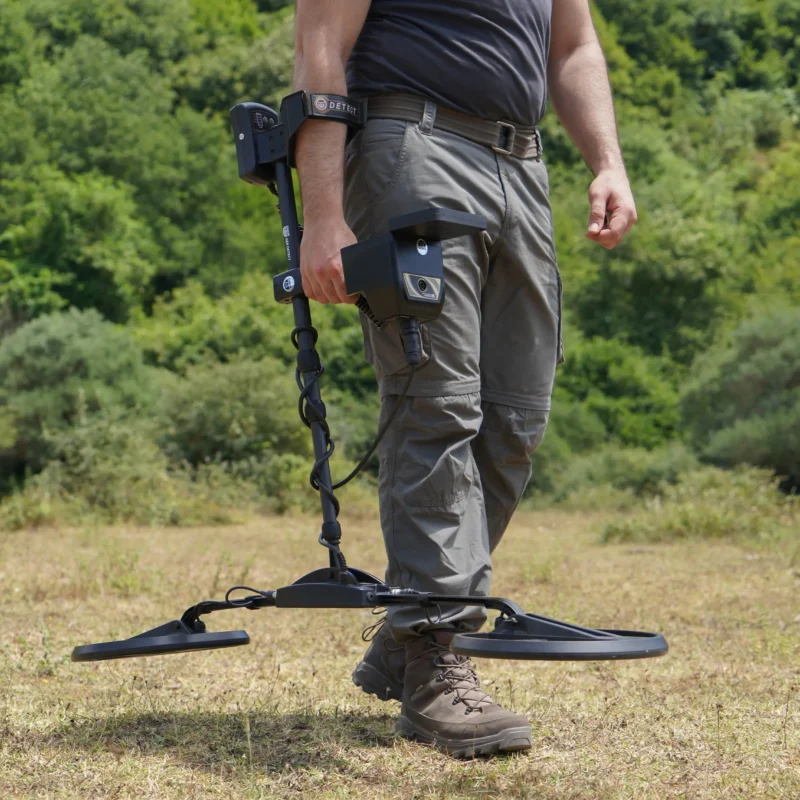
Table of Contents
What Is the Titan X13 Detector?
The Titan X13 is a professional multi-technology detector developed by GER Detect for investigating a wide variety of underground targets. It integrates 11 specialized search systems into one device, allowing the operator to select a detection method according to the target, terrain, and stage of the search. This makes it considerably different from conventional detectors that depend mainly on a single coil-based search technology.
Its five technology groups serve different purposes during field exploration. The long-range systems help survey wide areas and identify a potential direction, while pulse induction and EMF systems provide direct detection and target analysis. Magnetometer technology is used to investigate magnetic metals and underground voids, the 3D imaging function provides a visual representation of detected anomalies, and the ionic system is designed for long-buried targets. By combining these methods, the Titan X13 allows the operator to move from an initial survey to more focused analysis using one integrated field package.
| Specification | Details |
|---|---|
| Manufacturer | GER Detect |
| Number of Search Systems | 11 specialized systems |
| Detection Technologies | Long-range, pulse induction, EMF, magnetometer, and ionic detection |
| Maximum Advertised Depth | Up to 60 meters under suitable conditions |
| Maximum Coverage Area | Up to 3,000 square meters |
| Supported Targets | Gold, precious metals, diamonds, gemstones, buried metals, caves, voids, and archaeological tombs |
| Metal Selection | 12 selectable metal types |
| Gemstone Selection | 18 selectable gemstone types |
| Interface Languages | Arabic, English, German, French, Spanish, and Persian |
| Warranty | Five years through Detectors Shop for GER Detect devices |
The figures above represent the manufacturer’s maximum specifications. Detection depth and coverage can vary according to the selected system, target characteristics, soil conditions, environmental interference, and operator experience.
Additional technical information is available on the official GER Detect Titan X13 page.
Titan X13 Search Systems Explained
The Titan X13 combines 11 search systems divided across five detection technologies. Each group performs a different role: some systems are intended for surveying large areas, while others provide direct detection, underground analysis, or three-dimensional visualization. Selecting the correct system depends on the target being investigated and the conditions of the search area.
1. Long-Range Detection Systems
The long-range technology group includes four dedicated search systems designed for the initial exploration of large open areas:
- Gold and precious metals detection system
- Diamond detection system
- Gemstone detection system
- Custom long-range search system
According to the manufacturer, these systems can survey areas reaching 3,000 square meters and offer a maximum advertised depth of up to 60 meters under suitable conditions. The operator selects the required target category, surveys the area, and follows the detected direction to progressively narrow the possible target location.
For a more reliable field assessment, directional results should be checked from several positions and then investigated with one of the Titan X13 direct-detection or imaging systems. This structured process helps distinguish a repeatable target indication from environmental interference before any excavation decision is made.
2. Ionic Detection System
The fifth Titan X13 search system uses ionic-field detection and is specifically intended for investigating ancient metallic targets that have remained underground for long periods. GER Detect describes this system as analyzing ionic-field anomalies that may develop around old buried objects, helping the operator identify areas that require closer examination.
Because the ionic mode is designed for long-buried targets, testing it with a newly buried object does not accurately represent its intended field use. The operator should scan slowly in an open area, observe whether the indication remains consistent, and repeat the search from another direction. Any potential signal should then be verified with a direct-detection, pulse induction, magnetometer, or imaging system before reaching a conclusion.
3. Magnetometer Detection Systems
The Titan X13 includes two magnetometer-based search systems that measure variations in the Earth’s magnetic field:
- Void, cave, and archaeological tomb detection system
- Magnetic metal detection system
The first system is designed to locate underground anomalies that may indicate cavities, tunnels, caves, voids, or tomb-like spaces. The second is used to detect buried metallic objects that create a measurable magnetic disturbance, particularly ferrous or magnetic targets.
For an organized survey, the operator should scan the selected area in parallel lines while maintaining a consistent direction, speed, and sensor height. Repeating the scan from another direction helps determine whether an anomaly remains in the same location. Mobile phones, vehicles, power lines, reinforced structures, and nearby metal objects can interfere with magnetic readings, so the search area should be kept as clear as possible. Magnetometer results should be interpreted as underground anomalies and confirmed with another Titan X13 system before excavation.
4. Pulse Induction Detection Systems
The Titan X13 includes two pulse induction systems designed for the direct detection and analysis of buried metallic targets:
- General pulse induction search system
- Advanced pulse induction direct analysis system
Pulse induction technology operates by transmitting electromagnetic pulses into the ground and analyzing the returning signal produced by a metallic object. The general search system is used to examine the selected area for potential metal responses, while the direct analysis system provides a more focused investigation after the possible target location has been narrowed.
During field use, the search sensor should be moved at a controlled speed and maintained at a consistent height above the ground. A genuine target response should remain concentrated in the same location when the area is scanned from different directions. Signal strength can be affected by target size, burial depth, soil mineralization, nearby metal, and device settings. For better confidence, pulse induction results should be compared with the EMF, magnetometer, or 3D imaging results.
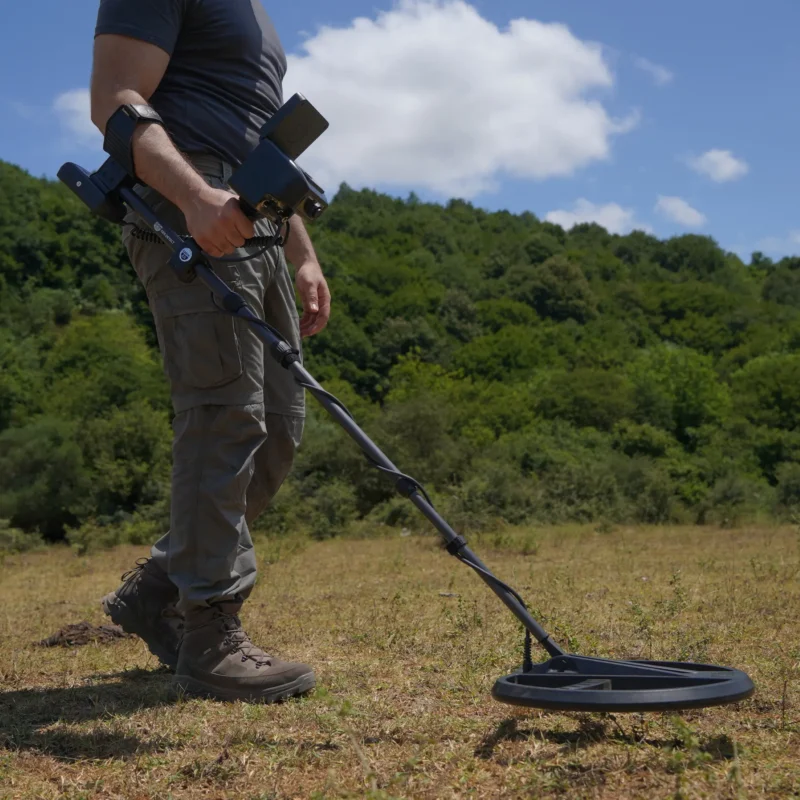
5. EMF Direct Detection and 3D Imaging Systems
The final two Titan X13 systems use electromagnetic field technology for direct underground investigation and visual analysis:
- EMF direct detection system
- EMF-based 3D imaging system
The direct detection system is designed to identify measurable electromagnetic anomalies associated with underground metallic targets or structural changes. After a potential location has been identified, the 3D imaging system allows the operator to scan the area systematically and convert the collected measurements into a visual representation for further analysis.
A three-dimensional scan should be understood as a visualization of recorded sensor data, not as a photographic image of an object beneath the ground. Its accuracy depends heavily on maintaining straight scan lines, consistent spacing, stable sensor height, and controlled movement throughout the survey. Repeating the scan in the opposite direction can help determine whether the anomaly remains stable. The imaging result should then be compared with indications from the pulse induction, magnetometer, or long-range systems before making an excavation decision.
How to Use the Titan X13: Recommended Field Workflow
A structured search process is essential when operating a multi-system detector. The exact procedure may vary according to the target and terrain, but the following workflow provides a practical method for combining the Titan X13 systems:
- Evaluate the search area: Inspect the terrain and identify power lines, vehicles, reinforced structures, surface metal, and other possible sources of interference.
- Select the intended target: Choose the appropriate system for gold, precious metals, diamonds, gemstones, magnetic metals, or underground voids.
- Perform the initial survey: Use the relevant long-range system to examine the wider area and identify a possible target direction.
- Repeat from multiple positions: Conduct the search from different sides of the area. A consistent intersection between repeated directions provides a stronger indication than a single response.
- Mark the potential location: Define a smaller search zone based on the repeated results instead of beginning excavation immediately.
- Apply a direct-detection system: Use pulse induction or EMF for metallic targets, or the magnetometer system when investigating magnetic metals, caves, voids, or tomb-like anomalies.
- Create a detailed scan: When appropriate, scan the narrowed area with the 3D imaging system using consistent lines, spacing, speed, and sensor height.
- Compare all results: A potential target becomes more convincing when two or more independent systems produce repeatable indications in the same location.
Operators should follow the official user manual, complete practical training, and obtain all required permissions before searching or excavating.
How Deep Can the Titan X13 Detect?
According to GER Detect, the maximum advertised detection depth of the Titan X13 can reach up to 60 meters under suitable conditions, with wide-area coverage of up to 3,000 square meters. This maximum figure is primarily associated with long-range surveying and large or deeply buried targets; it does not mean that every target or every search system can reach the same depth.
Actual detection depth depends on several factors:
- Size, shape, and type of the target
- Burial depth and length of time underground
- Soil composition and mineralization
- Moisture and surrounding terrain
- Selected Titan X13 search system
- Device settings and calibration
- Nearby electromagnetic interference
- Operator experience and search technique
A small metallic object will normally be detected at a shallower depth than a large underground structure or concentrated metal mass. For this reason, the 60-meter figure should be treated as a manufacturer-rated maximum rather than a guaranteed result. Reliable field evaluation depends on repeatable signals and confirmation through more than one detection system.
What Can the Titan X13 Detect?
The Titan X13 is designed to investigate several categories of underground targets, including buried gold, raw gold, precious metals, diamonds, gemstones, metallic objects, caves, voids, tunnels, and archaeological tombs. The appropriate target program and detection technology should be selected before beginning the survey.
12 Selectable Metal Targets
The manufacturer lists search options for ancient buried gold, raw gold, platinum, silver, mercury, bronze, lead, copper, cobalt, lithium, coltan, and meteorite stones.
18 Selectable Gemstone Targets
The gemstone programs include ruby, emerald, quartz, topaz, agate, amethyst, lapis lazuli, tourmaline, columbite, tanzanite, turquoise, peridot, alexandrite, cat’s eye, sapphire, jasper, opal, and aquamarine.
Target selection helps configure the device for the intended search category, but it should not be interpreted as laboratory-grade material identification. A field indication must remain consistent when the scan is repeated and should be verified through another suitable Titan X13 system. The magnetometer and imaging functions can also be used to investigate underground anomalies associated with caves, voids, tunnels, and tomb-like structures.
Titan X13 Advantages and Limitations
A balanced Titan X13 review must consider both the flexibility of its multi-system design and the practical requirements of operating it correctly.
Main Advantages
- Eleven search systems combined in one professional package
- Five detection technologies for different targets and search stages
- Search programs for metals, diamonds, gemstones, caves, and voids
- Wide-area surveying followed by direct detection and 3D analysis
- Manufacturer-rated coverage of up to 3,000 square meters
- Maximum advertised depth of up to 60 meters under suitable conditions
- Interface support for six languages
- Ability to compare results from multiple independent systems
- Five-year Detectors Shop warranty for GER Detect devices
Important Limitations
- The number of systems creates a learning curve and requires proper training
- Maximum depth and coverage figures cannot be guaranteed in every location
- Environmental interference and incorrect settings can produce misleading signals
- Each system has a specific purpose and cannot detect every target equally
- Three-dimensional results require careful scanning and experienced interpretation
- The price is considerably higher than that of a simple single-purpose detector
The Titan X13 offers its greatest value when the operator understands how to select, combine, and verify its different systems. It is not intended as a simple recreational detector that can be operated effectively without preparation or field practice.
Who Should Buy the Titan X13?
The Titan X13 is best suited to professional exploration teams, experienced operators, and serious users who need several detection technologies in one device. It is particularly relevant for projects that begin with wide-area surveying and require additional systems for direct detection, void investigation, target analysis, and 3D visualization.
A serious beginner can also use the device after receiving proper training and learning the purpose of each system. However, the Titan X13 may not be the right choice for someone seeking an inexpensive recreational detector, simple coin hunting, or basic plug-and-play operation. Its value comes from combining multiple systems correctly and comparing their results during organized fieldwork.
Titan X13 Price, Warranty, and Support
At the time of publication, the Titan X13 price listed by Detectors Shop is US$13,000. Because prices, shipping arrangements, and available offers may change, buyers should check the official Titan X13 product page or contact the sales team for the latest information before ordering.
GER Detect devices purchased from Detectors Shop include a five-year warranty. Customers also receive professional device training, technical guidance, and after-sales support to help them understand the different search systems and operate the detector correctly. This support is particularly valuable for a device with 11 specialized systems and several field configurations.
Frequently Asked Questions About the Titan X13
How many search systems does the Titan X13 have?
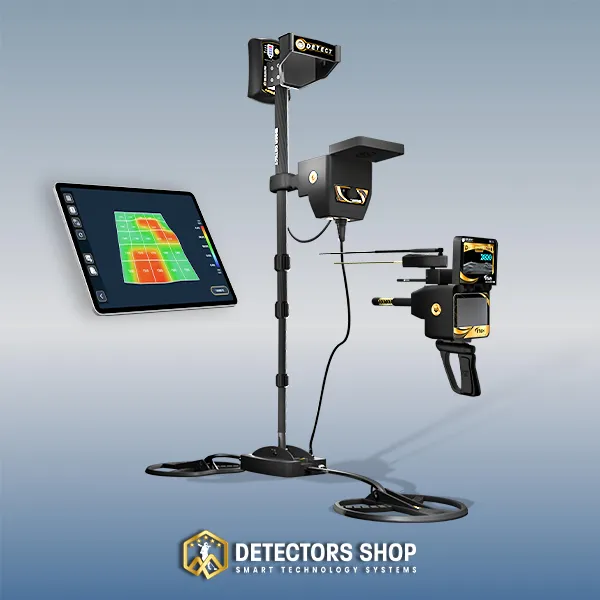
The Titan X13 combines 11 specialized search systems across five technologies: long-range detection, ionic detection, magnetometer analysis, pulse induction, and EMF detection with 3D imaging.
How deep can the Titan X13 detect?
According to GER Detect, the Titan X13 has a maximum advertised detection depth of up to 60 meters under suitable conditions. Actual depth depends on the target, soil, selected system, settings, and operator experience.
What targets can the Titan X13 detect?
The Titan X13 is designed to search for gold, precious metals, diamonds, gemstones, buried metallic objects, caves, underground voids, tunnels, and archaeological tombs.
Can the Titan X13 detect caves and underground voids?
Yes. The device includes magnetometer and EMF-based systems designed to investigate underground anomalies associated with caves, voids, tunnels, and tomb-like structures.
Is the Titan X13 suitable for beginners?
The Titan X13 can be used by serious beginners after proper training. Because it includes 11 search systems, operators must understand the purpose and correct settings of each technology.
Does the Titan X13 produce real 3D underground images?
The 3D system converts recorded sensor measurements into a visual representation of underground anomalies. It does not produce a photographic image of an object beneath the ground.
What is the Titan X13 price?
At the time of publication, the Titan X13 price is US$13,000. Check the official Detectors Shop product page for current pricing, availability, and shipping information.
What warranty is included with the Titan X13?
The Titan X13 includes a five-year warranty from Detectors Shop for GER Detect devices, together with professional training, technical guidance, and after-sales support.
Titan X13 Review: Final Verdict
This Titan X13 Review shows that the device’s greatest advantage is not simply its maximum depth specification, but its ability to combine several detection methods during one organized investigation. The operator can begin with wide-area surveying, narrow the potential location, apply direct detection, investigate metal or void anomalies, and analyze the selected area with 3D imaging.
The Titan X13 is best suited to professional teams and serious users who require multiple technologies and are prepared to complete proper training. Its results still depend on terrain, target characteristics, settings, interference, and operator experience, making repeated scans and confirmation through more than one system essential.
For current pricing, package details, availability, training, and the five-year warranty, view the official Titan X13 product page or contact the Detectors Shop team for a professional consultation before purchasing.
This Titan 500 Smart review provides a practical and detailed look at a professional long-range detector designed for searching gold, precious metals, diamonds, gemstones, and other underground targets. The device combines multiple search systems, adjustable field settings, and a color touchscreen interface to support structured field exploration across large areas.
In this guide, you will learn what the Titan 500 Smart is, how its four search systems work, how to use it step by step, what comes in the package, and which field factors affect its actual performance.
According to the manufacturer’s specifications, the Titan 500 Smart offers a forward search range from 100 to 3,000 meters and a maximum advertised detection depth of up to 120 meters under suitable conditions. Actual performance can vary depending on the target size, soil composition, terrain conditions, mineralization, electromagnetic interference, and operator experience.
With multiple search modes, field-adjustable settings, six interface languages, and a portable design for practical outdoor use, the Titan 500 Smart is intended for users who need more than a basic detection device. This article explains its systems, technical specifications, operating method, package contents, practical advantages, and the most important points to consider before buying.
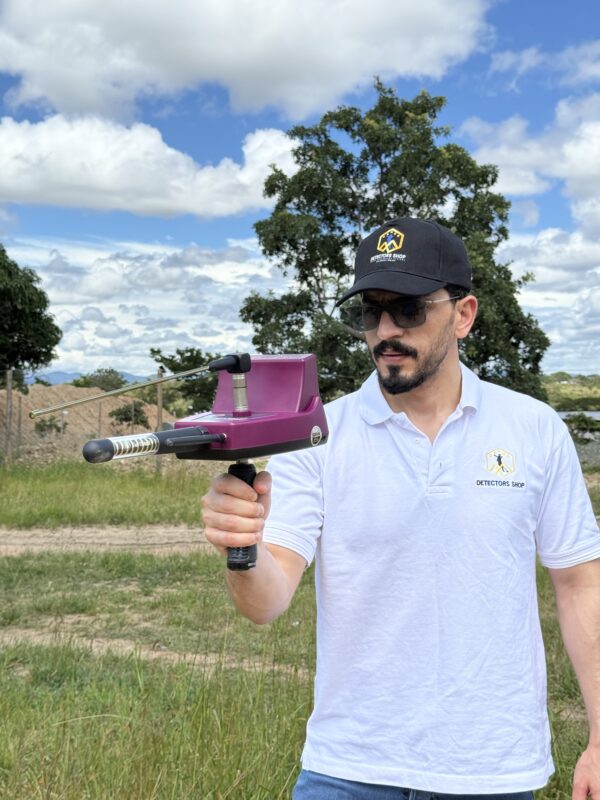
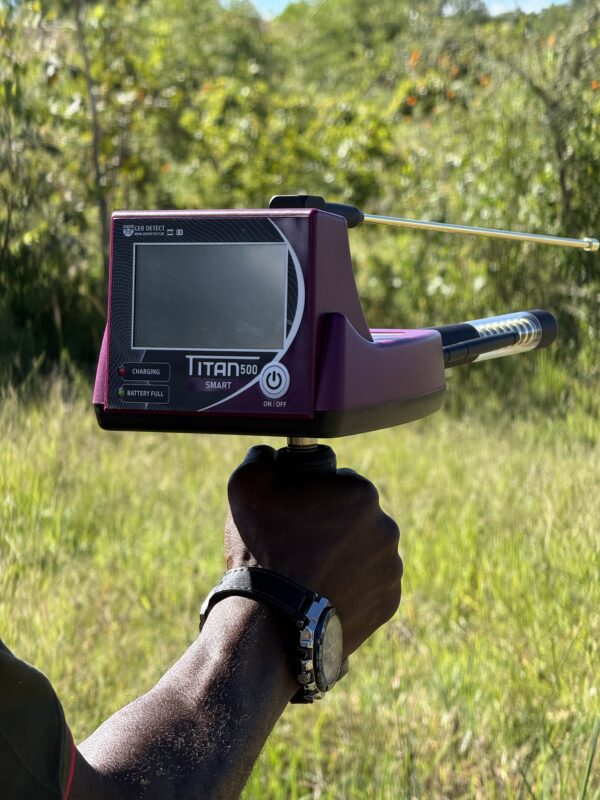
Table of Contents
What Is the Titan 500 Smart Detector ?
The Titan 500 Smart is a professional long-range detection system developed for searching for gold, precious metals, diamonds, gemstones, and other underground targets across large areas. According to the manufacturer’s manual, the device combines multiple target-specific search functions with adjustable range settings, depth analysis, and a color touchscreen interface designed for structured field exploration.
The Titan 500 Smart supports searches for large and small diamonds, 18 types of gemstones, and a range of precious and non-ferrous metals. The manufacturer also specifies a forward search range of up to 3,000 meters and a maximum advertised depth of up to 120 meters under suitable conditions.
The device operates in six languages — German, English, French, Spanish, Italian, and Arabic — and includes regional settings intended to adapt the search process to different countries and environments.
Titan 500 Smart Specifications at a Glance
Before examining each search system in detail, this table provides a concise overview of the Titan 500 Smart specifications, including its search systems, supported targets, operating range, display, battery performance, languages, and package details.
According to the manufacturer, the maximum advertised detection depth is up to 120 meters and the selectable forward search range extends from 100 to 3,000 meters. Actual field performance can vary depending on target size, soil conditions, mineralization, interference, device settings, and operator experience.
| Specification | Details |
|---|---|
| Brand | GER Detect |
| Country of manufacture | Country / origin: Germany |
| Search systems | 4 professional systems |
| Main targets | Gold, precious metals, diamonds and gemstones |
| Maximum search depth | Up to 120 meters, manufacturer-rated |
| Selectable forward range | From 100 to 3,000 meters |
| Display | Full-color LCD touchscreen, 480 × 272 px |
| Operating languages | Arabic, English, German, French, Italian and Spanish |
| Operating frequency | 3.2–18 kHz |
| Battery runtime | Up to 10 hours |
| Total package weight | Approximately 4.865 kg |
| Water protection | Not waterproof; avoid rain and direct water exposure |
| Warranty | 5 years through Detectors Shop |
Titan 500 Smart Technical Specifications
The following technical specifications are taken from the Titan 500 Smart operating manual and provide a detailed reference for the device, battery, charger, dimensions, operating conditions, and weight.
| Specification | Details |
|---|---|
| Display | Full-color LCD touchscreen, 480 × 272 px |
| Operating Frequency | 3.2–18 kHz |
| Data Processing Speed | 180 MHz |
| Maximum Search Range | Up to 3,000 meters |
| Maximum Advertised Detection Depth | Up to 120 meters |
| Audio Output | Dynamic speaker, 350–5500 Hz |
| Sound Output | 84 ± 3 dB |
| Device Length | 218 mm |
| Device Length with Super Antenna | 388 mm |
| Device Length with Golden Antenna | 462 mm |
| Operating Temperature | 0°C to 70°C |
| Operating Humidity | Up to 95% non-condensing |
| Storage Temperature | -20°C to 70°C |
| Storage Humidity | Up to 98% relative humidity |
| Battery Type | Internal rechargeable Li-ion battery |
| Battery Output Voltage | 3.6 VDC |
| Battery Capacity | 27 Wh |
| Battery Runtime | Up to 10 hours |
| Battery Operating Temperature | 0°C to 50°C |
| Battery Storage Temperature | -5°C to 70°C |
| Water Protection | Not waterproof; weather-resistant only |
| Charger Operating Temperature | 0°C to 50°C |
| Charger Storage Temperature | -30°C to 80°C |
| Charger Input Voltage | 90–250 VAC, 50–60 Hz |
| USB Output | 5 VDC / 2100 mA |
| Total Package Weight | 4,865 g |
| Device Weight | 592 g |
| Battery Weight | 130 g |
| Empty Case Weight | 3,730 g |
| Protective Case Dimensions | 530 × 400 × 228 mm |
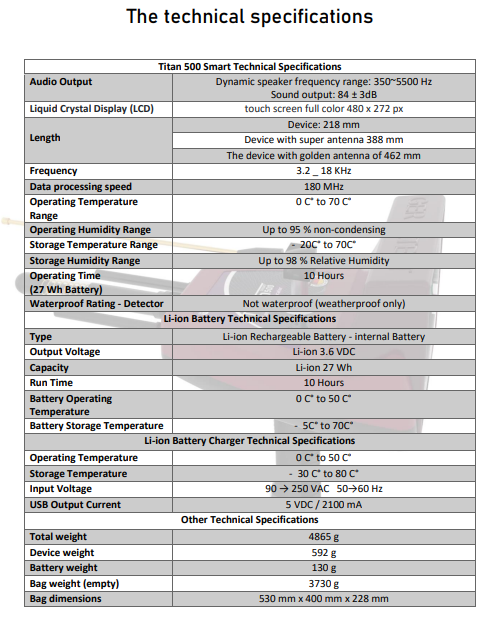
The Four Titan 500 Smart Search Systems Explained
Titan 500 Smart combines four specialized search systems within one touchscreen-controlled platform. Each system is designed for a specific target category or a specific stage of the search process, allowing the operator to move from wide-area directional surveying to target confirmation and depth estimation without changing devices.
The four systems cover gold and precious metals, gemstones, diamonds, and depth determination with result analysis. The operator can select the appropriate system according to the target being searched for, then adjust the search settings and forward range before beginning the field survey.
1-Gold and Precious Metals Detection System
The Gold and Precious Metals Detection System is designed for long-range directional searches across large areas. It allows the operator to select a specific metallic target before beginning the search, helping narrow the detection process according to the material being investigated.
According to the Titan 500 Smart operating manual, selectable targets include ancient buried gold, gold nuggets, platinum, silver, bronze, zircon, cobalt, coltan, copper, mercury, meteorites, osmium, and other valuable metallic targets.
Before starting the search, the operator selects the target type, continent or region, soil conditions, and forward search range. The device then begins the directional search based on the selected settings and guides the operator toward a potential target location.
For more reliable results, the indicated direction should not be accepted from a single pass. The operator should approach the suspected target area gradually and confirm the signal from multiple directions before moving to the depth-analysis stage.
2.Gemstone Detection System
The Gemstone Detection System is designed for directional searches targeting specific gemstones underground. Before beginning the search, the operator selects the gemstone type and the forward search range according to the expected target and size of the survey area.
According to the Titan 500 Smart operating manual, the system supports 18 gemstone categories: sapphire, emerald, quartz, topaz, garnet, amethyst, lapis lazuli, tourmaline, columbite, tanzanite, turquoise, peridot, alexandrite, cat’s eye, ruby, jasper, opal, and aquamarine.
Once the target type is selected, the device begins scanning according to the chosen settings. Any indicated direction should be approached gradually and verified through repeated passes rather than relying on a single response.
Field conditions can affect the stability of the result, so the operator should maintain correct device balance and avoid sources of interference such as nearby electronics, communication networks, surface metals, and power sources.
3. Diamond Detection System
The Diamond Detection System is designed for directional searches focused specifically on diamond targets. According to the Titan 500 Smart operating manual, the device is intended to search for both large and small diamonds underground.
Before beginning the search, the operator selects the diamond target profile and the desired forward search range according to the size of the survey area. The device then begins scanning based on the selected settings and indicates a potential target direction.
As with the other search modes, the result should be confirmed through repeated passes from different positions rather than relying on a single signal. The operator should maintain proper device balance and minimize nearby sources of electromagnetic interference during the search.
Once a consistent target direction has been confirmed, the operator can proceed to the depth-analysis stage to estimate the likely target depth and evaluate the result more carefully.
4- Depth Determination and Result Analysis System
The Depth Determination and Result Analysis System is used after the operator has identified and confirmed a potential target location from multiple directions.
After marking the suspected target center, the operator moves at least two meters away, points the balanced device toward the target, and starts the depth-analysis procedure. The operator then walks toward the marked point until the device indicates that the target has been passed.
The process is repeated from the opposite direction. After analyzing both passes, the Titan 500 Smart displays the estimated target depth together with the target-confirmation percentage and the surrounding noise ratio.
The operating manual recommends repeating the search when the noise ratio exceeds 30% or when the target-confirmation rate is below 90%. Nearby power sources, mobile phones, communication networks, electronic equipment, and surface metals can increase interference and affect the stability of the result.
The displayed depth should therefore be treated as a field estimate and confirmed through repeated, consistent scans before making an excavation decision.
Titan 500 Smart Review How to Use the Titan 500 Smart Step by Step
Correct setup and a consistent search procedure are essential for obtaining stable Titan 500 Smart readings. The following operating sequence is based on the official user manual.
- Assemble the device
Install the device handle, Super Antenna, enhancer antennas, and recipient antenna. Make sure all parts are correctly connected before turning on the device.
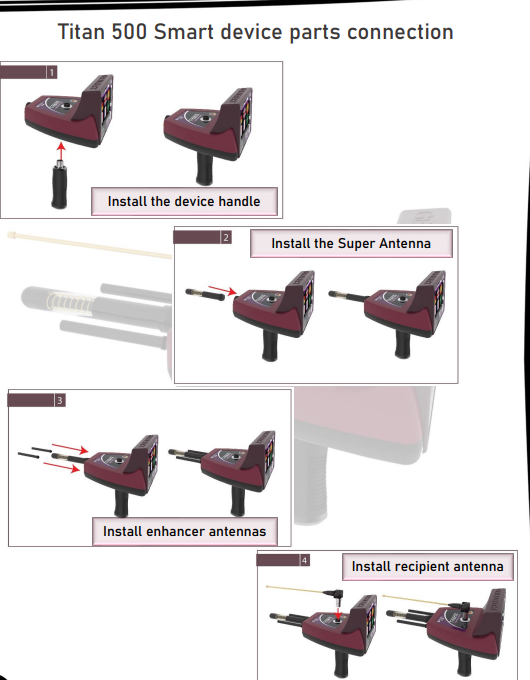
- Check the battery and search environment
Make sure the battery is fully charged before beginning the search. Avoid operating the device in rain, and keep mobile phones, electronic equipment, communication networks, power sources, and nearby surface metals away from the search area whenever possible.
- Turn on the Titan 500 Smart
Press and hold the power button for approximately two seconds. After startup, the main screen displays the battery level, clock, temperature, sound controls, language settings, and other operating options.
- Select the language and region
Choose the preferred operating language and select the continent or region in which the search will be performed. The device supports German, English, French, Spanish, Italian, and Arabic.
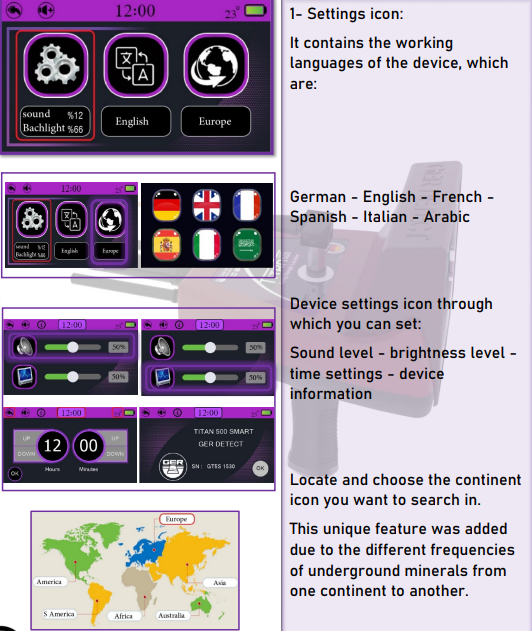
- Select the target type
Open the search options and choose the target category you want to investigate. Depending on the selected system, the device provides target options for diamonds, gemstones, gold, precious metals, and other supported materials.
- Set the forward search range
Select the forward search range according to the size of the survey area. Available settings extend from 100 meters up to 3,000 meters.
When the approximate target area is already known, using a shorter range can make the search process more focused. When surveying a large unknown area, a longer range can be selected.
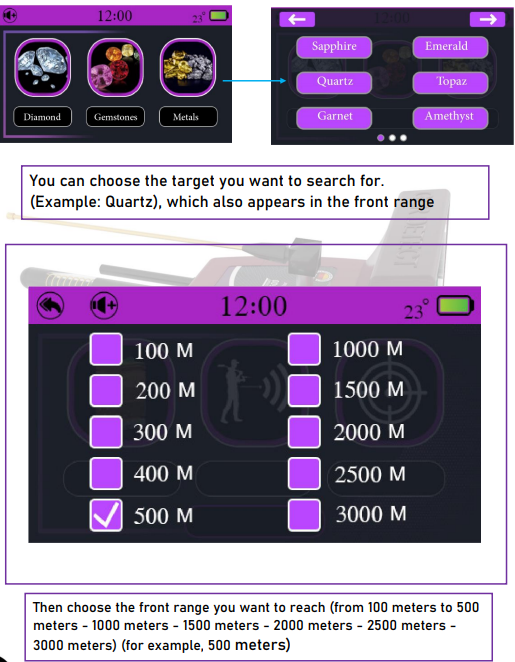
- Start the search
Press the Search button to begin scanning with the selected target, range, and regional settings.
During the search, keep the device balanced and follow the directional response shown on the display. As the device receives a potential target signal, the directional indication and audio response help guide the operator toward the suspected location.
- Confirm the target direction
Do not rely on the first signal alone. Approach the suspected location and confirm the target from multiple directions.
The manual recommends checking the location from north to south, south to north, west to east, and east to west. This process helps narrow the search area and identify the likely center of the target.
- Mark the target center
After repeated directional confirmation, mark the suspected target center. When the device passes the target and changes direction, use the repeated passes to refine the marked location.
- Perform the depth analysis
After confirming the target location, activate the depth function. Move at least two meters away from the marked center, point the balanced device toward the target, and begin the depth procedure.
Walk toward the marked point until the device indicates that the target has been passed. Repeat the procedure from the opposite direction so the system can analyze both passes.
- Review the final result
The Titan 500 Smart can display:
Noise Ratio
Target Confirmation
Estimated Depth
If the noise ratio is above 30%, the manual recommends repeating the search. The search should also be repeated when target confirmation is below 90%.
The depth result should be treated as an estimate and confirmed through several consistent scans before making an excavation decision.
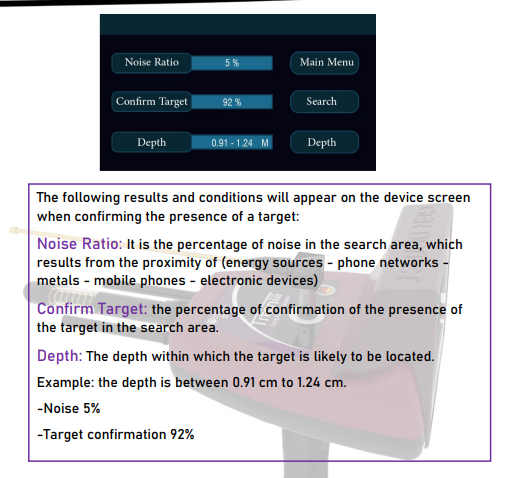
Titan 500 Smart Video Demonstration
Watch this Titan 500 Smart video demonstration for a closer look at the device, its design, supported targets, and operating features.
Can the Titan 500 Smart Detect Up to 120 Meters Deep?
According to the manufacturer’s specifications, the Titan 500 Smart has a maximum advertised detection depth of up to 120 meters under suitable conditions.
This figure should not be treated as a guaranteed depth for every target. Actual performance can vary depending on the target size, burial period, soil composition, mineralization, electromagnetic interference, selected settings, and operator experience.
The official operating manual also explains that freshly buried or surface-laid targets are not suitable for demonstrating the device’s full long-range capability. The system is designed to work with targets that have remained underground long enough to interact with the surrounding soil and environment.
The selectable forward search range extends from 100 to 3,000 meters. Shorter ranges are more suitable when the approximate search area is already known, while longer ranges are intended for preliminary surveys across larger open areas.
For more reliable field results, the operator should confirm the target direction through repeated scans from multiple positions before using the depth-analysis system. High interference or unstable readings can reduce the accuracy of target confirmation and depth estimation.
What Is Included with the Titan 500 Smart?
The Titan 500 Smart package includes the main detection unit, device handle, Super Antenna, enhancer antennas, recipient antenna, home charger, car charger, and a shock-resistant carrying and protective case.
The main unit weighs approximately 592 grams, while the complete package weighs about 4.865 kilograms. The rechargeable internal battery provides up to 10 hours of operating time under normal conditions.
The protective case is designed to make transportation between field locations easier and to protect the system during storage and travel.
The detector itself is not waterproof and should not be operated in rain or exposed directly to water. Users should also make sure the battery is fully charged and all parts are correctly connected before beginning fieldwork.
Customers purchasing the Titan 500 Smart through Detectors Shop also receive a five-year warranty, professional operating training, and technical support.
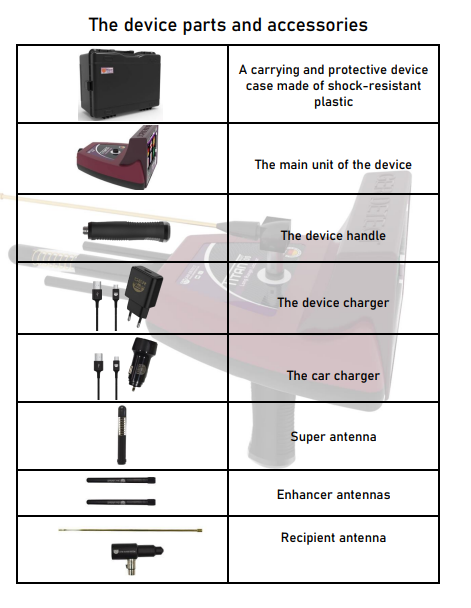
Who Is the Titan 500 Smart Best For?
Titan 500 Smart is best suited to serious prospectors, exploration teams, and buyers who need to survey large areas for gold, precious metals, diamonds, or gemstones. It can also be suitable for committed beginners who are willing to complete professional training and learn the correct confirmation process. It is not designed as a simple recreational detector for quickly testing surface objects or recently buried targets.
Main Advantages
- Four specialized search systems in one device
- Selectable forward range from 100 to 3,000 meters
- Target direction, confirmation and depth-analysis functions
- Full-color touchscreen with six operating languages
- Lightweight main unit and protective carrying case
- Up to 10 hours of battery operation
- Five-year Detectors Shop warranty and professional training
Important Considerations
- Maximum depth and range are not guaranteed in every environment
- Correct settings and repeated directional confirmation are essential
- Electrical interference and mineralized soil can affect results
- Freshly buried objects are not suitable for evaluating full performance
- The device is not waterproof and should only be used in dry conditions
Frequently Asked Questions About the Titan 500 Smart
What targets can the Titan 500 Smart detect?
The device includes selectable systems for gold, precious metals, diamonds, gemstones, and depth analysis of potential underground targets.
What is the maximum advertised detection depth?
The manufacturer rates the maximum search depth at up to 120 meters under suitable conditions. Actual depth varies according to the target, soil, interference, settings, and operator experience.
What is the forward search range?
The operator can select a forward range between 100 and 3,000 meters according to the size of the search area.
Is the Titan 500 Smart suitable for beginners?
Yes, it can be used by serious beginners after receiving proper training. Understanding device balance, target confirmation, and field interference is essential.
Is the Titan 500 Smart waterproof?
No. The detector is not waterproof and should not be used during rain or exposed directly to water.
What warranty does Detectors Shop provide?
Detectors Shop provides a five-year warranty for the Titan 500 Smart, together with professional operating training and technical support.
Titan 500 Smart Detector Price at Detectors Shop
The Titan 500 Smart Detector price is currently $4,000 at Detectors Shop.
The device is supplied with its main accessories, warranty, professional product support, and international shipping options. The final cost may vary depending on the destination country, shipping method, and current availability.
Customers can contact Detectors Shop to confirm the latest Titan 500 Smart price, stock availability, and delivery options before placing an order.
When comparing the Titan 500 Smart Detector price with other professional long-range detection systems, it is important to consider the included search systems, adjustable search range, depth-analysis functions, warranty, training, and after-sales support rather than comparing the device by price alone.
Final Verdict: Is the Titan 500 Smart Worth Buying?
The Titan 500 Smart is a versatile long-range detection system that combines four target-specific search systems, adjustable search distances, touchscreen operation, and depth analysis within one portable platform.
Its main advantage is the ability to survey large areas and progressively narrow a potential target location through a structured process of target selection, directional scanning, repeated confirmation, and depth estimation.
For trained users searching for gold, precious metals, diamonds, and gemstones, the Titan 500 Smart offers a strong combination of target selection, range flexibility, multilingual operation, and field-adjustable settings.
However, the manufacturer-rated maximum depth of up to 120 meters and forward range of up to 3,000 meters should not be treated as guaranteed results in every location. Actual field performance depends on target characteristics, soil conditions, mineralization, interference, device settings, and operator technique.
For the best results, users should follow the operating manual carefully, confirm signals from multiple directions, monitor noise and target-confirmation levels, and avoid making excavation decisions based on a single reading.
You can view the Titan 500 Smart detector, current price, package details, and availability at Detectors Shop.
This Gold Hunter Smart review takes a close look at a multi-system long-range detector developed by GER Detect for locating metals, gold targets, diamonds, and underground voids. Rather than relying on a single search mode, the device brings four specialized systems together on one touchscreen platform, combining long-range target selection with two-dimensional result analysis and depth estimation. According to the manufacturer’s specifications, its forward search range can be adjusted from 100 to 3,000 meters, while the maximum detection depth can reach up to 50 meters under suitable conditions. With support for six languages, automatic ground adaptation, and a portable field-ready design, Gold Hunter Smart is positioned as a professional exploration tool for users who want to scan wide areas, narrow down potential target locations, and analyze results before making an excavation decision.

Table of Contents
What Is Gold Hunter Smart?
Gold Hunter Smart is a professional long-range locating and 2D analysis system developed by GER Detect in Germany. It is designed to help operators explore extensive areas for selectable metallic targets, diamonds, caves, voids, tunnels, and ancient tombs through four dedicated search systems controlled from a touchscreen interface. Unlike conventional coil-based detectors that require the user to sweep a limited area line by line, Gold Hunter Smart is intended for preliminary large-area surveying, directional target locating, and underground depth analysis. Before starting a search, the operator can select the required target, search region, and forward range according to the field task. After a potential target has been identified and confirmed from multiple directions, the 2D imaging and depth system can be used to analyze the response and estimate its underground position before excavation.
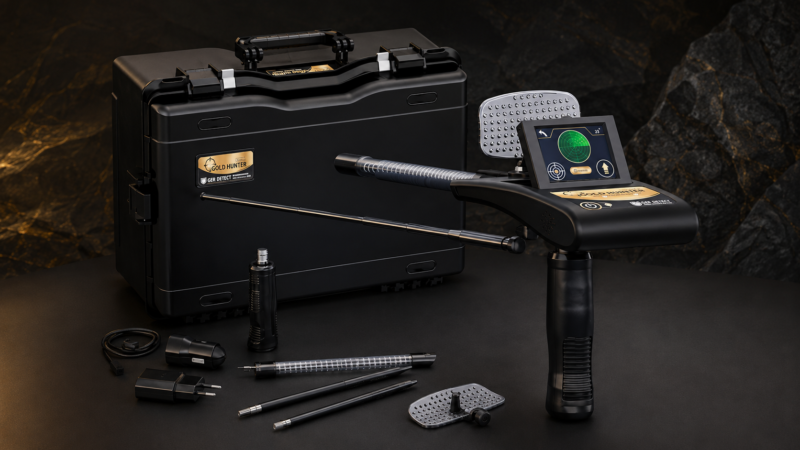
Gold Hunter Smart at a Glance
Before examining each search system in detail, the table below provides a quick overview of the Gold Hunter Smart’s main capabilities. These specifications show how the device combines wide-area long-range locating, selectable target detection, and two-dimensional depth analysis within one portable field system.
| Gold Hunter Smart | Specification |
GER Detect | Manufacturer |
| Germany | Country of Development |
| Long-range locating with 2D analysis | Detection Technology |
| 4 specialized systems | Number of Search Systems |
| 19 metal types | Selectable Metal Targets |
| Up to 50 m under suitable conditions | Maximum Depth |
| Selectable from 100 to 3,000 m | Forward Search Range |
| Metals, gold targets, diamonds, caves and voids | Main Targets |
| Touchscreen interface | Display |
| Arabic, English, German, French, Spanish and Italian | Supported Languages |
| Automatic adaptation for different terrain conditions | Ground Operation |
Gold Hunter Smart Parts and Components
Before using Gold Hunter Smart in the field, it is important to understand the main components that make up the detection system. Each part has a specific role in device handling, signal transmission, signal reception, and target analysis. The official user manual identifies the following primary components of the main unit.
Super Antenna:
The main extendable antenna used as part of the device’s long-range search configuration. The antenna can be extended when preparing the detector for wider forward search ranges.
Enhancer Antennas:
Additional antennas installed on the front section of the device as part of the search and signal system.
Recipient Antenna:
Installed beneath the forward section of the main unit and used as part of the device’s signal-reception configuration.
Dish Receiver and Signal Purifier:
The upper receiver dish is designed to receive and improve the search signal during operation.
Device Handle:
The detachable handle allows the operator to hold and balance Gold Hunter Smart correctly during directional searching and target confirmation.
Foldable Touchscreen:
The display provides access to device settings, target selection, search range, continent selection, depth measurement, and final result analysis.
Charge Input and Battery Indicator:
The charging port is located on the main unit, while the side indicator begins flashing when the battery level becomes low and the device requires charging.
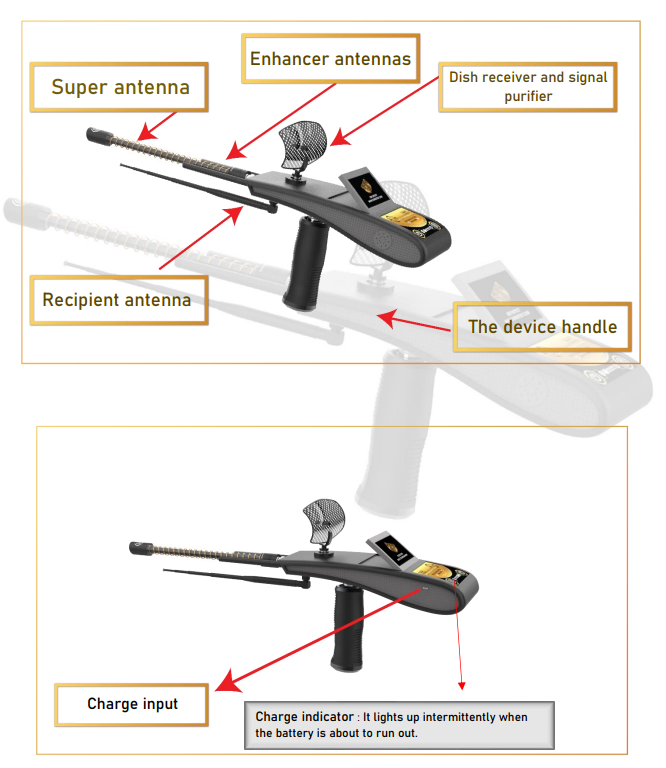
Gold Hunter Smart Technical Specifications
Gold Hunter Smart includes a full-color touchscreen interface, rechargeable internal battery, and a compact main unit designed for field use. According to the official user manual, the device uses a 320 × 240 pixel LCD touchscreen and operates across a stated frequency range of 3.2 to 16 kHz, with a data processing speed of 180 MHz.
| Specification | Details |
|---|---|
| Display | 320 × 240 px full-color LCD touchscreen |
| Frequency | 3.2–16 kHz |
| Data Processing Speed | 180 MHz |
| Operating Temperature | 0°C to 70°C |
| Operating Humidity | Up to 95% non-condensing |
| Storage Temperature | -20°C to 70°C |
| Battery Type | Internal rechargeable Li-ion battery |
| Battery Capacity | 18 Wh |
| Operating Time | Up to 10 hours |
| Water Protection | Not waterproof; weatherproof only |
| Device Weight | 325 g |
| Total Weight | 2720 g |
| Device Length | 220 mm |
| Length with Antenna | 425 mm (not extended) |
| Length with Extended Antenna | 695 mm |
| Audio Output | Dynamic speaker, 350–5500 Hz |
| Sound Output | 84 ± 3 dB |
What Comes with Gold Hunter Smart?
Gold Hunter Smart is supplied as a complete field package with the main detection unit and the accessories required for setup, charging, transport, and operation.
| Included Item | Description |
|---|---|
| Protective Carrying Case | Shock-resistant plastic case designed to protect the device and its accessories during transport and storage |
| Main Unit | The central Gold Hunter Smart control and detection unit |
| Device Handle | Detachable handle used to hold and balance the detector during operation |
| Main Charger | Standard charger for the internal rechargeable battery |
| Car Charger | Vehicle charger for field charging while traveling |
| Super Antenna | Main extendable antenna used in the long-range search configuration |
| Enhancer Antennas | Additional antennas installed on the main unit |
| Recipient Antenna | Receiver antenna used as part of the signal-reception system |
| Dish Receiver and Signal Purifier | Receiver dish used to receive and improve the search signal |
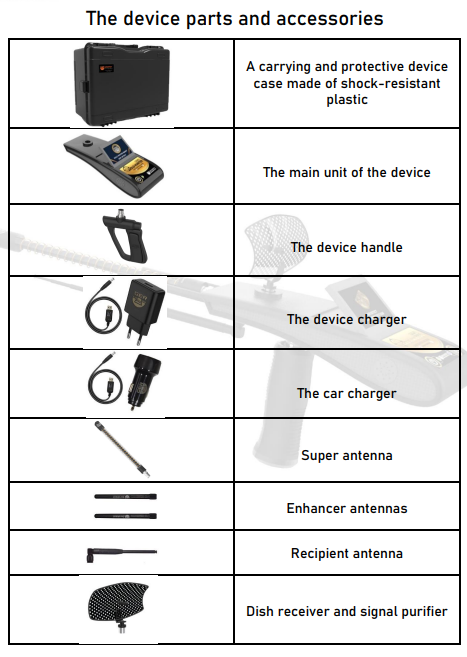
The Four Gold Hunter Smart Search Systems Explained
At the center of Gold Hunter Smart are four dedicated search systems, each designed for a different type of underground target or analysis task. Instead of forcing the operator to use one general mode for every search, the touchscreen interface allows the appropriate system to be selected before entering the field. The operator can move from wide-area target locating to target confirmation, depth estimation, and two-dimensional result analysis through a structured search process.
1. Gold and Metal Detection System
The Gold and Metal Detection System is the primary search mode for locating selected metallic targets across large open areas. Through the device interface, the operator can choose from 19 target categories, including natural gold targets, buried gold objects, meteorites, silver, copper, bronze, cobalt, coltan, mercury, zinc, lead, nickel, tin, lithium, and other metals. After selecting the required target and search region, the forward range can be adjusted through several distance levels between 100 and 3,000 meters. This configuration allows the search to be adapted to the size of the site instead of using maximum range for every field task. The system is intended to help the operator identify a potential target direction, repeat the scan from multiple positions, and gradually narrow the search area before moving to target confirmation and depth analysis.
2. Caves and Voids Detection System
The Caves and Voids Detection System shifts the search away from metallic targets and focuses on identifying potential underground empty spaces. This mode is intended for field investigations involving caves, tunnels, concealed chambers, ancient tombs, and other subsurface cavities that may differ from the surrounding ground structure. The operator begins by selecting the void-search mode, defining the search range, and scanning the area from more than one direction. When a consistent response is received, the suspected location can be approached gradually and checked again from several positions to narrow the search point. The manufacturer recommends confirming any indication through repeated scans rather than relying on a single pass. Soil composition, cavity dimensions, burial depth, terrain conditions, and correct device setup can all influence the field response, making systematic scanning and operator training essential for obtaining clearer results.
3. Diamond Detection System
The Diamond Detection System is a dedicated search mode intended to survey large areas for potential indications associated with underground diamond targets. From the touchscreen interface, the operator selects the diamond mode, defines the search region, and adjusts the forward range according to the dimensions of the site. The search should then be repeated from several directions to determine whether the response consistently leads toward the same location. Rather than treating the first signal as a final result, the operator gradually reduces the search distance and approaches the suspected point through a series of controlled scans. Once the location has been narrowed, the device’s depth and 2D analysis functions can be used as part of the confirmation process. Target size, burial conditions, surrounding minerals, soil composition, device configuration, and operator technique may all influence the response, so careful field verification remains essential.
4. 2D Imaging and Depth Determination System
The 2D Imaging and Depth Determination System represents the final analytical stage of the Gold Hunter Smart search process. After a potential target direction has been narrowed and confirmed through repeated scanning, this mode is used to examine the response and estimate the target’s underground depth in meters and centimeters. The touchscreen presents the result in a two-dimensional analytical format, helping the operator interpret the detected indication before making an excavation decision. For a more reliable assessment, measurements should be repeated from a stable position while keeping the device settings, target point, and scanning direction consistent. The displayed result should be understood as an analytical representation rather than a literal photograph of the underground object. Soil conditions, mineral interference, target dimensions, search noise, and operator technique can affect the reading, which makes careful confirmation and correct field training especially important.
Watch Gold Hunter Smart in Action
Seeing the device in operation makes it easier to understand its touchscreen interface, antenna configuration, search preparation, and field handling. The following video provides a practical visual introduction to Gold Hunter Smart and shows how its components work together during the search process.
How to Use Gold Hunter Smart: Step-by-Step Search Process
For complete assembly, safety, and operating instructions, consult the official Gold Hunter Smart user manual published by GER Detect. Operating Gold Hunter Smart follows a structured sequence that begins with correct assembly and device configuration, continues with target and range selection, and ends with directional confirmation and depth analysis. Each stage affects the quality of the final result, so the operator should avoid rushing directly into the search. Maintaining device balance, reducing nearby electronic interference, and repeating the scan from multiple directions are essential parts of the recommended field procedure.
Step 1: Assemble the Device and Prepare the Search Area
Before powering on the device, make sure the internal battery is fully charged and install the components securely in the correct order: the device handle, Super Antenna, enhancer antennas, recipient antenna, and dish receiver with signal purifier. Open the foldable touchscreen and extend the antenna according to the required forward search range. Gold Hunter Smart is weather-resistant but not waterproof, so it should not be operated in rain. The search area should also be kept away from electrical power sources, mobile network equipment, vehicles, large exposed metals, mobile phones, and active electronic devices that may increase signal noise. Once every component is firmly attached and the surrounding area has been checked for interference, the device is ready to be switched on.
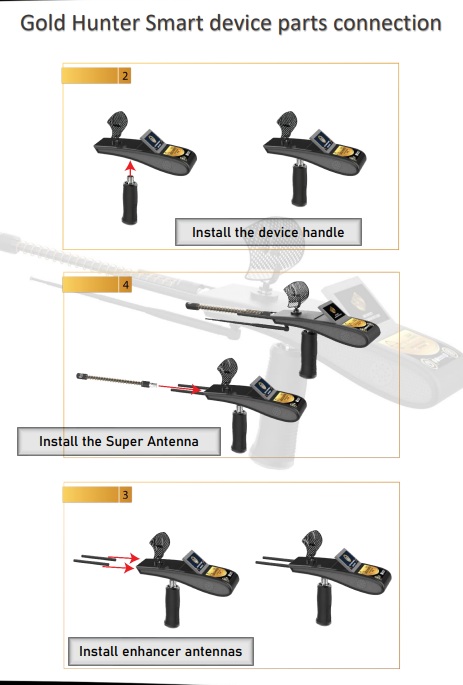
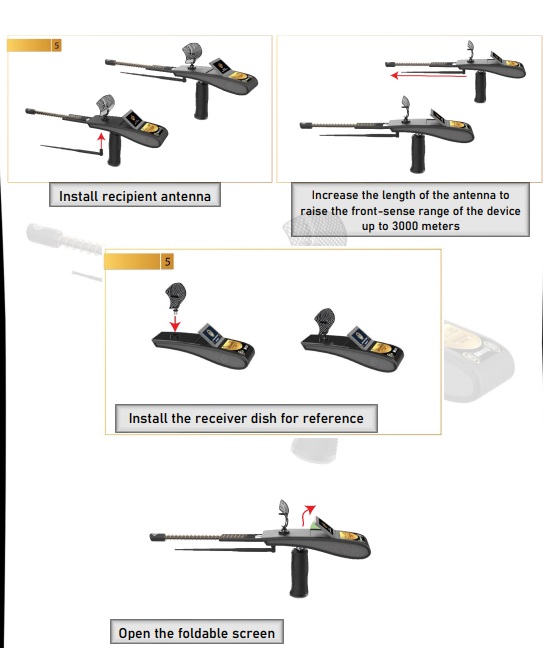
Step 2: Power On and Configure the Device
Press and hold the power button for approximately two seconds to switch on Gold Hunter Smart. Once the startup sequence is complete, the main screen displays the battery level, clock, temperature, and sound controls. Open the settings menu to select one of the six available interface languages: Arabic, English, German, French, Spanish, or Italian. From the same menu, adjust the sound level, screen brightness, time settings, and review the device information. Next, select the continent or region in which the search will be performed, as this setting forms part of the search configuration specified by the manufacturer. Before continuing, confirm that the battery indicator shows sufficient charge. If the side charge indicator begins flashing, stop the search and recharge the device using its original charger before returning to the field.
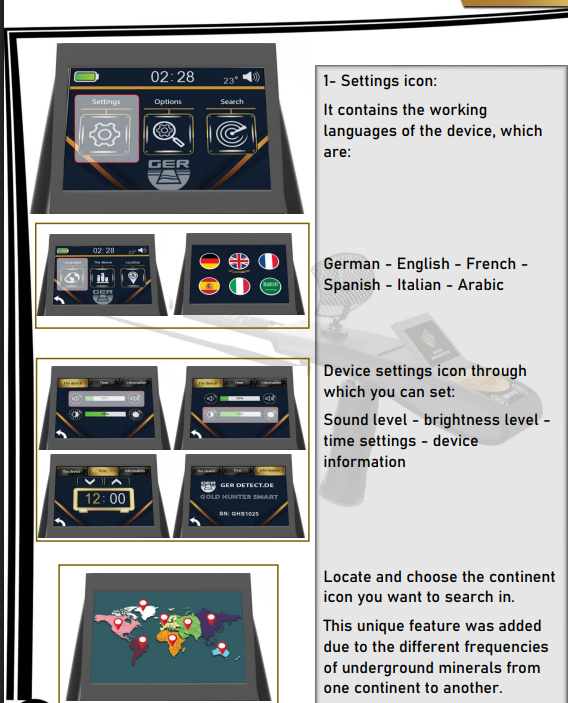
Step 3: Select the Target and Forward Search Range
Open the search options and select the specific target you want the device to locate. Depending on the chosen search system, the available options may include gold and other metals, diamonds, caves, or underground voids. After selecting the target, set the forward search range to one of the available levels: 100, 500, 1,000, 1,500, 2,000, 2,500, or 3,000 meters. The selected range should match the approximate size of the search area. For example, when the expected target location is contained within a 500-meter area, selecting 500 meters provides a more focused survey. The maximum 3,000-meter setting is more appropriate when the potential location is unknown or when an initial scan of a very large area is required. Using the smallest practical range can help the operator narrow the search more systematically during subsequent scans.
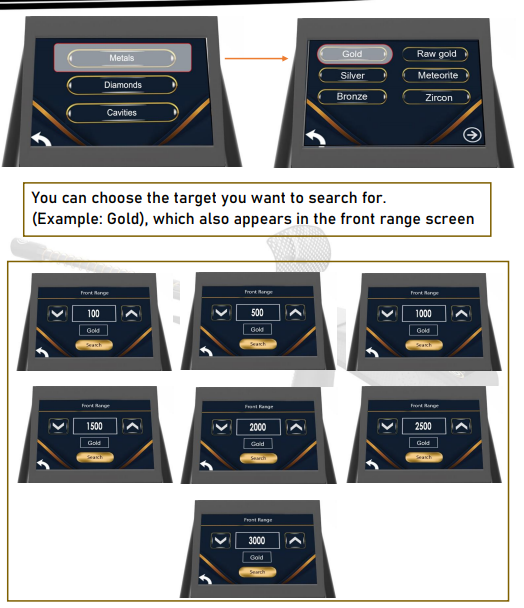
Step 4: Begin the Search and Maintain Device Balance
According to the manufacturer’s operating procedure, begin the search while standing on a north-to-south line and holding the device in a stable, relaxed position. Keep the balance indicator aligned by maintaining the yellow dot in the center of the on-screen circle, then press the search icon to activate the saved target, range, and continent settings. During the scan, the device produces a continuous sound while sending and receiving search signals. When a potential response is detected, the device may begin turning toward the indicated direction, the target-direction symbol appears on the screen, and the sound becomes faster. Do not force the handle toward a preferred direction or make sudden movements. Maintain balance, follow the indicated path slowly, and observe whether the same directional response appears again when the scan is repeated from a different starting position.
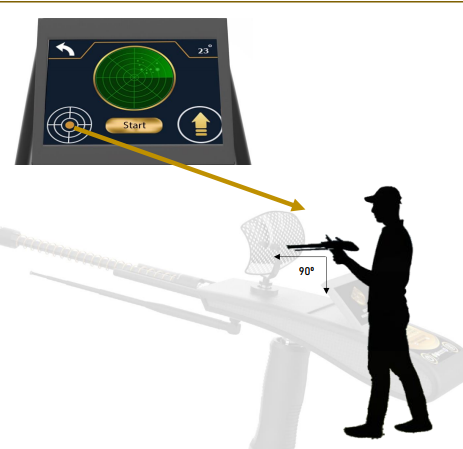
Step 5: Confirm the Target from Four Directions
Continue following the directional response until the device turns back, which indicates that the operator may have moved beyond the suspected target point. Mark the location, then repeat the search from all four directions: south to north, north to south, west to east, and east to west. Each scan should guide the operator toward the same central area. The intersection of these directional paths becomes the provisional target center and should be marked clearly before depth measurement begins. According to the operating procedure, the device should respond consistently when the operator approaches this point from each side and may rotate directly when positioned above the center. If the four scans do not converge on the same location, reduce the search range, check for nearby interference, rebalance the device, and repeat the confirmation process instead of accepting an uncertain signal.
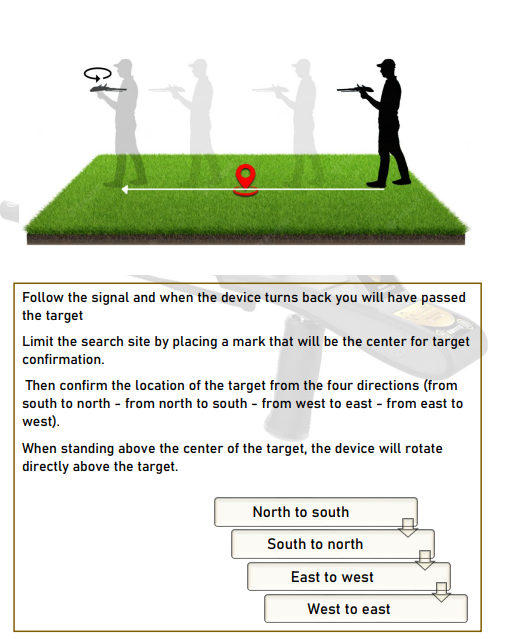
Step 6: Measure the Depth and Analyze the Final Result
After confirming the target center, select the depth function and move at least two meters away from the marked point. Face the suspected target while keeping the device balanced, press the start button, and wait for the confirmation beep. Walk slowly toward the target until the device turns backward and the rotation indicator appears on the screen. Next, turn to face the opposite direction, press the start button again, wait for the beep, and begin walking back toward the marked point. Continue until the device turns backward for a second time. Gold Hunter Smart then processes the two measurements and automatically displays the final analysis, including the search-area noise percentage, target-confirmation percentage, estimated depth range in meters and centimeters, and a two-dimensional figure representing the detected response.
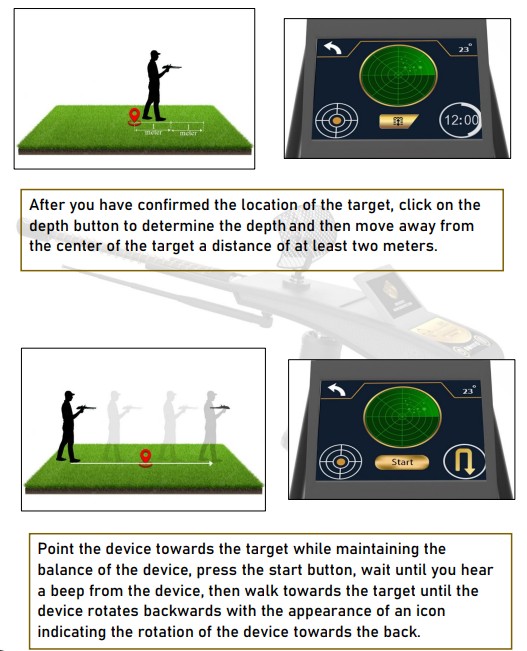
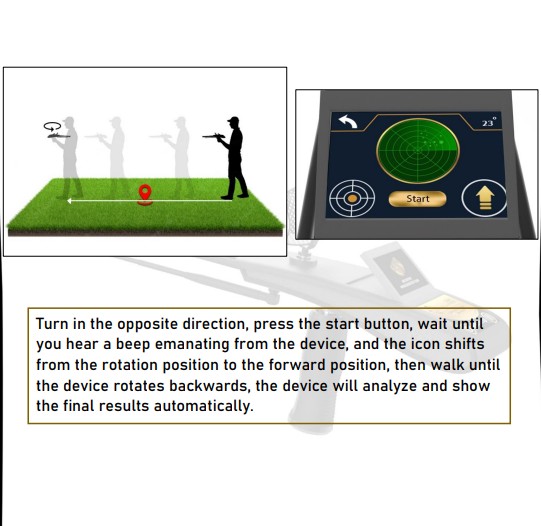
How to Read the Gold Hunter Smart Results
The final screen should be evaluated as a combined analysis rather than by relying on one number alone. Gold Hunter Smart displays four main result elements:
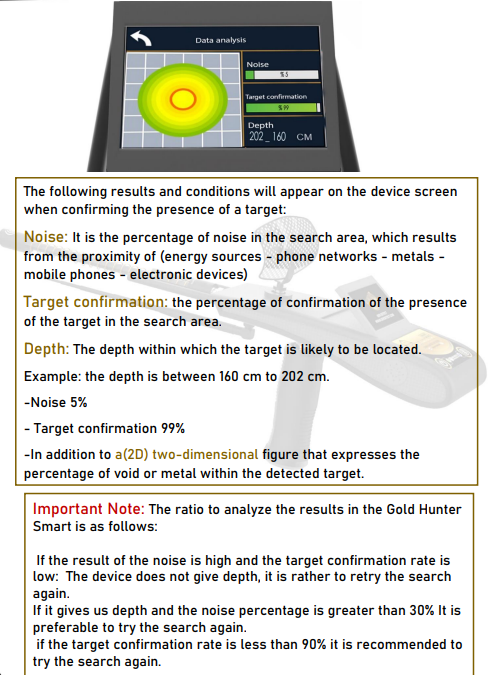
- Noise Percentage: This represents interference detected in the search area. Nearby electrical sources, mobile networks, phones, electronic equipment, vehicles, or exposed metals may increase the noise level. According to the manufacturer’s instructions, the search should be repeated when noise exceeds 30%.
- Target Confirmation: This indicates the device’s calculated level of confidence in the detected response. If target confirmation is below 90%, the manufacturer recommends checking for interference, repeating the four-direction scan, and generating a new measurement.
- Estimated Depth: The screen displays a probable depth range in meters and centimeters rather than presenting the result as one guaranteed exact point. This range should be compared with repeated measurements taken from the same confirmed location.
Understanding Gold Hunter Smart 2D Results
After the depth analysis is completed, Gold Hunter Smart displays a two-dimensional color result to help the operator interpret the detected response. According to the official user manual, the color pattern should be read together with the noise percentage, target-confirmation percentage, and estimated depth rather than used on its own.
Green and Yellow:
The manual indicates that a green-and-yellow result represents a target interpreted as being buried directly in the soil, rather than inside a void or metal container.
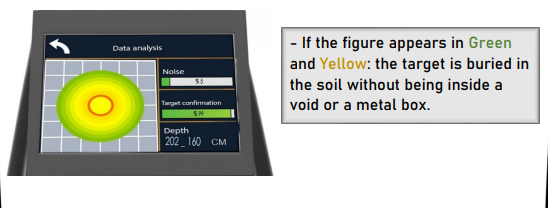
Red Gradient:
A red gradient indicates that the detected target may be located inside a metal box or metallic container.
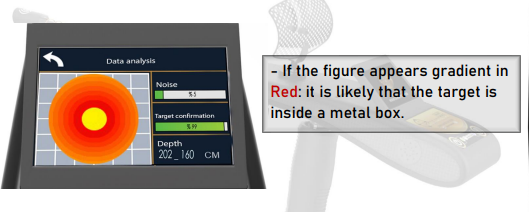
Blue Gradient:
A blue gradient indicates that the detected response may be associated with an underground void or empty space.
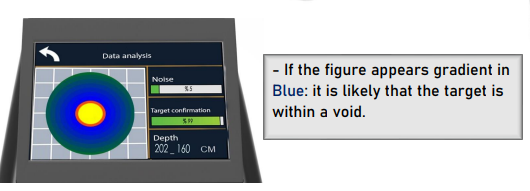
Gold Hunter Smart Search Tips for Better Results
For more consistent results, the Gold Hunter Smart user manual recommends following a controlled search procedure and reducing potential sources of interference before starting the scan.
Fully charge the battery before searching:
Make sure the device battery is fully charged before beginning field work. If the side battery indicator starts flashing, stop the search and recharge the device.
Avoid electronic interference:
Keep the search area away from nearby power sources, mobile networks, mobile phones, electronic equipment, and exposed metals that may increase the noise level.
Use only the original charger:
The manual specifically recommends using the original device charger.
Keep the device balanced:
During the search, maintain the yellow balance indicator in the center of the on-screen circle. Poor balance can affect directional confirmation.
Confirm the target from multiple directions:
Do not rely on a single directional response. The target location should be checked from north to south, south to north, east to west, and west to east.
Repeat the search when noise is high:
According to the manual, if the noise percentage is greater than 30%, it is preferable to repeat the search.
Repeat the search when target confirmation is low:
If the target-confirmation rate is below 90%, the manual recommends performing the search again before relying on the result.
Do not use the device in rain:
The manual warns against operating Gold Hunter Smart while it is raining. The technical specifications describe the detector as weatherproof, not waterproof.
Can Gold Hunter Smart Detect Newly Buried Targets?
According to the official user manual, freshly buried metals and targets placed directly on the ground may not produce the same response as targets that have remained underground for a long period.
The manual explains that the device’s long-range operating principle is based on what the manufacturer describes as ionic fields formed over time through the interaction of buried metals with the surrounding soil and the natural ground environment.
For this reason, GER Detect states that testing Gold Hunter Smart on newly buried objects or surface-laid metals may not demonstrate the detector’s intended long-range performance or maximum detection capability. According to the official user manual, these test conditions do not reproduce the underground environment in which the manufacturer says the device is designed to operate.
For more realistic testing, the manufacturer recommends evaluating the device under conditions that are closer to its intended field use rather than relying only on freshly buried test targets.
What Affects Gold Hunter Smart Detection Depth and Accuracy?
GER Detect specifies a maximum search depth of up to 50 meters and a selectable forward range of up to 3,000 meters for Gold Hunter Smart under suitable conditions. These figures represent maximum manufacturer-stated capabilities and should not be interpreted as guaranteed results for every target or location. Actual field performance can vary according to the target’s size, material, orientation, burial conditions, surrounding soil composition, mineral concentration, moisture, terrain, nearby electronic interference, selected search range, and the operator’s ability to maintain balance and confirm the response correctly. Larger targets and clearly defined underground structures generally produce different responses from small or irregular objects. The manufacturer also states that surface-laid metals and newly buried test targets may not represent the device’s intended long-range operating conditions. For this reason, repeated directional confirmation, controlled settings, realistic test conditions, and proper training are more important than relying only on the maximum depth or range printed in the specifications.
Gold Hunter Smart Review: What We Like
Gold Hunter Smart stands out for combining several search and analysis functions within one portable system. Instead of relying on a single operating mode, the device brings together long-range target selection, directional locating, depth estimation, and two-dimensional result analysis through one touchscreen interface.
Multiple search functions in one device:
The system is designed for several target categories, including metals, gold targets, diamonds, caves, and underground voids, giving the operator more flexibility when working in different field situations.
Adjustable forward search range:
The operator can select the forward range according to the size of the search area rather than using the maximum setting every time. Available settings range from 100 meters up to 3,000 meters.
Structured target-confirmation process:
Gold Hunter Smart does not rely only on the first directional response. The official procedure involves confirming the suspected target from four different directions before moving to depth analysis.
Useful result information:
The final analysis displays the noise percentage, target-confirmation percentage, estimated depth, and a 2D representation of the detected response.
Touchscreen and multilingual interface:
The device supports six interface languages and provides access to sound, brightness, time, device information, and regional search settings through the touchscreen.
Portable field package:
The main unit weighs 325 g, and the package includes a protective case, main charger, car charger, antennas, handle, and receiver components for field use.
Things to Consider Before Buying Gold Hunter Smart
Gold Hunter Smart is not designed to operate like a simple conventional metal detector. Its search process depends heavily on correct assembly, device balance, proper settings, directional confirmation, and careful interpretation of the final results.
Operator training matters:
The manual emphasizes correct setup and operating procedure, and incorrect use or high environmental noise can prevent the device from confirming a target or determining depth reliably.
Maximum range and depth are manufacturer specifications:
GER Detect states a maximum depth of up to 50 meters and a forward range of up to 3,000 meters, but these figures should not be interpreted as guaranteed performance for every target or search site.
Electronic interference can affect the search:
Nearby power sources, mobile networks, mobile phones, electronic devices, and exposed metals may increase the noise level and reduce result quality.
The detector is not waterproof:
The technical specifications describe Gold Hunter Smart as weatherproof only, and the manual specifically warns against using the device while it is raining.
Repeated confirmation is important:
A single response should not be treated as a final result. The device procedure relies on repeating the search from several directions and rechecking readings when noise is high or target confirmation is low.
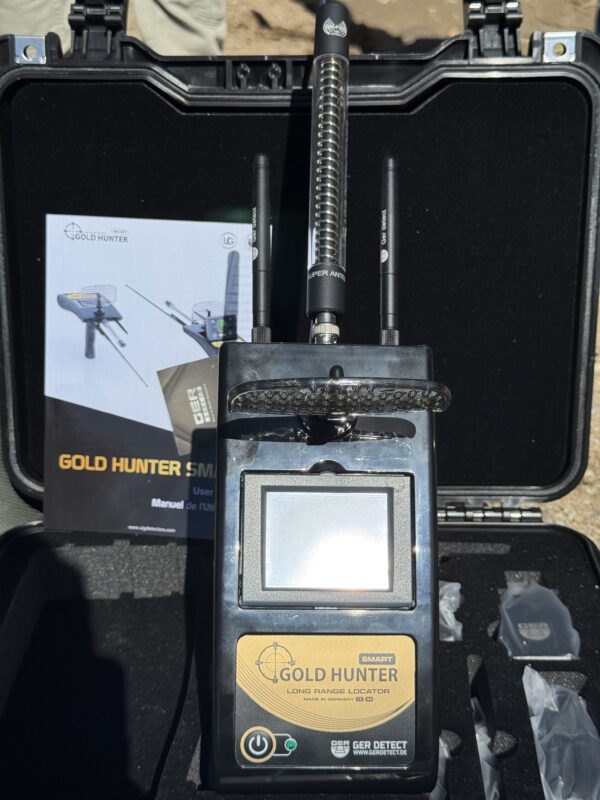
Frequently Asked Questions About Gold Hunter Smart
What is the maximum depth of Gold Hunter Smart?
According to GER Detect, Gold Hunter Smart can reach a maximum detection depth of up to 50 meters under suitable conditions. Actual performance may vary depending on target size, soil conditions, interference, burial conditions, and operator technique.
What is the maximum forward search range?
The forward search range can be adjusted from 100 meters up to 3,000 meters. Available settings include 100, 500, 1,000, 1,500, 2,000, 2,500, and 3,000 meters.
How many search systems does Gold Hunter Smart have?
Gold Hunter Smart is designed around four main search and analysis functions that cover metal and gold targets, caves and voids, diamonds, and 2D depth analysis.
What types of metals can Gold Hunter Smart search for?
The user manual lists several selectable targets, including raw gold, gold veins, silver, bronze, cobalt, coltan, mercury, copper, lithium, meteorites, and other metallic targets.
Can Gold Hunter Smart detect caves and underground voids?
Yes. The device includes a search mode intended for identifying underground voids and empty spaces. The final 2D analysis can also display a blue gradient that the manufacturer associates with a possible underground void.
Can Gold Hunter Smart detect diamonds?
According to the manufacturer, Gold Hunter Smart includes a dedicated search function for underground diamond targets. The user manual lists diamonds among the main target categories supported by the device.
What do the Gold Hunter Smart result colors mean?
According to the official user manual, green and yellow indicate a target interpreted as buried directly in the soil, red may indicate a target inside a metal container, and blue may indicate an underground void.
What does Target Confirmation mean?
Target Confirmation is the percentage shown on the result screen that represents the device’s calculated confirmation of a detected response. The manual recommends repeating the search if the confirmation level is below 90%.
Is Gold Hunter Smart waterproof?
No. The technical specifications describe the detector as weatherproof only, not waterproof. The manual also warns users not to operate the device while it is raining.
How long does the Gold Hunter Smart battery last?
According to the technical specifications, the internal 18 Wh rechargeable Li-ion battery provides up to 10 hours of operating time.
Gold Hunter Smart Review: Final Verdict
Gold Hunter Smart combines four specialized search systems, selectable long-range coverage, directional target locating, depth estimation, and 2D result analysis within one portable platform. Its greatest value is the ability to survey large areas and progressively narrow a potential location through a structured search process. However, it is not a simple switch-on-and-dig device; proper configuration, controlled scanning, repeated confirmation, and professional training are essential. For users who understand these requirements and need a multi-target long-range system for serious field exploration, Gold Hunter Smart offers a comprehensive set of tools backed by GER Detect technology and specialist support from Detectors Shop.
Gold Detector Store in Dubai
Gold Detector Store in Dubai – How to Choose a Trusted Store Before Buying Your Device
Gold Detector Store in Dubai
When searching for a gold detector store in Dubai, you are not only looking for a place that sells gold and metal detectors. You are looking for a trusted supplier that helps you choose the right device, provides you with an original detector, a genuine warranty, clear training, and technical support after purchase.
Buying a gold detector is different from buying any ordinary product. The device may be an important investment, and choosing it incorrectly may lead to weak results or an unsatisfactory experience. Therefore, choosing the right store is just as important as choosing the device itself.
Why Is Choosing the Store Important?
Gold Detector Store in Dubai
Many customers focus only on the device name or price, but they do not realize that the source of purchase plays a major role in the quality of the experience.
A trusted store helps you:
Understand the difference between devices.
Choose the right device for your target.
Make sure the device is original.
Get a clear warranty.
Learn how to use the device.
Benefit from after-sales service.
Buying from a non-specialized source may cause problems such as lack of technical support, not knowing how to operate the device, or purchasing a detector that does not suit the type of search you want.
What Are the Features of a Trusted Gold Detector Store in Dubai?
A good store does not rely only on displaying products. It provides a complete customer experience from the first consultation to after-sales support.
The first sign of a strong store is offering original devices from well-known brands in the field of gold and metal detection.
An original device gives you more stable performance, more accurate results, and a longer service life.
- It Offers Pre-Purchase Consultation
Not every device is suitable for every customer.
Gold Detector Store in Dubai
A professional store first asks you:
What do you want to search for?
Is your target raw gold or treasures?
Are you a beginner or a professional?
What depth do you need?
What budget is suitable for you?
Based on that, it recommends the most suitable device.
- It Explains the Difference Between Devices
It is important that the store explains the difference between one device and another clearly, not just shows you the price.
You should understand:
The type of technology.
Search systems.
Suitable use.
Features.
Device limitations.
Operating method.
- It Provides a Genuine Warranty
Warranty is an essential factor when buying a gold detector.
A trusted store provides a clear and specific warranty and explains what the warranty covers, the warranty period, and how to communicate when support or maintenance is needed.
- It Provides Training on How to Use the Device
Training is one of the most important factors in the customer’s success.
You may buy a very powerful device, but without training, you will not benefit from its full capabilities.
Training helps you:
Operate the device correctly.
Adjust the settings.
Understand signals.
Reduce mistakes.
Improve search results.
- It Provides Technical Support After Purchase
After-sales service is what separates a professional store from an ordinary store.
After buying the device, you may need a question answered, clarification, or help with a specific setting. This is where the importance of having a specialized technical support team becomes clear.
What Types of Devices Should a Gold Detector Store Provide?
A specialized store should provide more than one type of device because customer needs differ.
Raw Gold Detectors
These are designed to search for gold nuggets and small natural gold.
They are known for high sensitivity and the ability to detect weak signals.
Buried Treasure Detectors
These are suitable for searching for large targets, metal boxes, and buried objects located at greater depths.
Metal Detectors
These are used to search for old coins, different metals, and various metallic targets.
Groundwater Detectors
These are used to locate groundwater and help project owners, farmers, and those searching for water sources.
Ground Imaging Devices
These help analyze targets, voids, and caves and provide a clearer picture of what is underground.
Why Is Dubai Suitable for Buying Gold Detectors?
Dubai is one of the most important commercial centers in the Middle East, making it a suitable location for buying gold and metal detectors.
The most important advantages of buying from Dubai include:
Availability of the latest international devices.
Presence of specialized companies.
Easy shipping inside and outside the UAE.
Availability of technical support.
Easy access to original devices.
Ability to receive training and consultation.
For this reason, many customers search for a gold detector store in Dubai instead of buying from unclear sources.
How Do You Know If a Store Is Not Suitable?
There are warning signs you should pay attention to before buying.
These include:
No clear information about the company.
No warranty available.
No explanation of device specifications.
Focusing only on price.
Exaggerated promises about depth and results.
No training available.
No after-sales service.
No clear contact details.
If you find these signs, it is better to stop and review your decision before purchasing.
Is the Cheapest Store Always the Best?
Not always.
With gold detectors, a low price may be attractive, but it does not mean you got the best deal.
It is better to look at the full value you receive, such as:
The original device.
Warranty.
Training.
Technical support.
Consultation.
After-sales service.
Sometimes paying a little more is much better if it gives you security, confidence, and a professional buying experience.
Why Do Customers Choose Detectors Shop in Dubai?
Detectors Shop is considered one of the specialized stores and companies in gold, metal, treasure, and groundwater detection devices in Dubai. It provides complete solutions for customers inside and outside the UAE.
The company offers:
100% original devices.
A genuine warranty of up to 5 years.
Free training on how to use the device.
Technical consultations before purchase.
Specialized technical support.
Shipping inside the UAE and to various Arab countries.
A wide range of gold, metal, and groundwater detectors.
Detectors Shop also helps customers choose the right device according to the target, budget, and experience level, instead of leaving them to choose among dozens of devices without clear guidance.
The Ideal Buying Experience from a Gold Detector Store
The ideal experience does not begin at payment. It begins from the first consultation.
The correct steps are as follows:
First: Define your target.
Second: Explain your need to a specialized team.
Third: Receive suitable recommendations.
Fourth: Understand the difference between devices.
Fifth: Choose the right device.
Sixth: Receive clear training.
Seventh: Benefit from technical support after purchase.
This method makes the buying decision safer and more professional.
Choosing a gold detector store in Dubai is a very important step before buying any device. A trusted store does not only sell you a detector. It helps you choose the right solution, provides an original device, a genuine warranty, practical training, and continuous technical support.
Therefore, before searching for the price, search for trust, experience, and service. A good device needs a professional store that helps you use it correctly and achieve the best possible result.
Original Gold Detector in the UAE
Original Gold Detector in the UAE – How to Identify a Reliable Device Before Buying
Original Gold Detector in the UAE
Buying an original gold detector in the UAE requires strong awareness, because the detector market includes many types that differ in quality, technology, country of origin, warranty, and method of use. Some buyers may think that all available devices serve the same purpose, but the truth is that the difference between an original device and an unreliable one can be very significant in terms of performance, results, and service life.
Original Gold Detector in the UAE
An original device does not only mean that the product carries the name of an international company. It means that you are getting an approved device with real specifications, a clear warranty, and technical support that helps you use it correctly. Therefore, before thinking about the price or external appearance, you should know how to choose a reliable device that suits your target.
Why Should You Buy an Original Gold Detector?
Gold detectors are not ordinary products. They are precise tools that rely on sensors, signal processing systems, and advanced search technologies. Therefore, manufacturing quality, programming, and calibration directly affect the results.
Buying an original device gives you several important advantages:
Better accuracy in detecting signals.
Greater stability during search operations.
Higher ability to distinguish between metals.
Longer operating life.
Official warranty that protects your investment.
Access to training and technical support.
Availability of original accessories and spare parts when needed.
As for non-original or unknown-source devices, they may give unstable signals, fail to distinguish between targets, or break down quickly without any responsible party for maintenance or support.
What Are the Signs of an Original Gold Detector?
Original Gold Detector in the UAE
There are several signs that help you make sure the device is original and reliable before buying.
Serial Number
Original Gold Detector in the UAE
An original device has a clear serial number that can be verified through the manufacturer or authorized distributor. This number is important because it proves the identity and source of the device.
Warranty Certificate
Having an official warranty is one of the most important indicators of trust. You should know the warranty period, what it covers, and how to benefit from it when needed.
Original Accessories
An original device usually comes with complete accessories such as chargers, cables, sensors, carrying case, user manual, and sometimes certificates or documents from the manufacturer.
Packaging and Manufacturing Quality
Original Gold Detector in the UAE
International companies pay attention to packaging details, material quality, printing clarity, and logo accuracy. Any clear difference in these details may be a warning sign.
The Seller
Buying the device from a specialized company is much better than buying from an unknown source or an unclear online advertisement.
Why Are Unreliable Devices Common?
Some customers search only for the lowest price, which makes them vulnerable to buying non-original devices or devices that do not deliver the advertised performance. Some sellers also rely on big promises such as exaggerated depths or unrealistic results to attract buyers.
Therefore, you should be aware that a very low price compared to the market may be a sign of a problem, especially if there is no warranty, training, or technical support.
Do Not Buy the Device Based on Advertising Only
Advertisements may show attractive images and strong specifications, but they do not always explain whether the device is suitable for your target or not.
Before buying, ask:
Is the device suitable for raw gold?
Is it suitable for buried treasures?
Does it work in mineralized soil?
What is the realistic expected depth?
Does it require experience?
Is training available?
Is there a warranty?
These questions help you avoid buying an unsuitable device.
The Difference Between an Original Device and an Unsuitable Device
Sometimes a device may be original, but not suitable for your use. Therefore, it is not enough to verify authenticity only. You must also make sure the device matches your target.
If you are searching for raw gold, you need a device sensitive to small targets.
If you are searching for buried treasures, you need a device that is strong in depth and analysis.
If you are a beginner, you need an easy-to-operate device with clear training.
If you are a professional, you may need a multi-system device with advanced settings.
The Most Important Technologies in Original Gold Detectors
Original devices from international companies rely on real technologies that help users achieve better results.
VLF Technology
Original Gold Detector in the UAE
This technology is widely used in gold and metal detectors. It is suitable for small and medium targets, especially coins, metals, and raw gold in some specialized devices.
Pulse Induction Technology
This technology is suitable for greater depths and mineralized soil, and it is used in many professional detection devices.
Multi Frequency Technology
This helps the device operate on multiple frequencies, improving performance in different conditions.
Ground Imaging Technology
This is used in advanced devices to analyze targets and voids and provide a clearer picture of what is underground.
How to Choose an Original Gold Detector in the UAE
Start by defining your target, then choose the right technology, and then make sure of the purchasing source.
The right choice depends on:
Type of target.
Nature of the ground.
Experience level.
Budget.
Warranty.
Training.
Availability of technical support.
Do not make the device name alone the deciding factor, and do not rely only on price.
The Importance of Training When Buying an Original Device
Even an original device requires training. Many users do not get good results because they do not use the device correctly.
Original Gold Detector in the UAE
Training helps you:
Understand the device settings.
Know the difference between signals.
Adjust sensitivity.
Deal with different types of soil.
Reduce mistakes during search operations.
Benefit from the full capabilities of the device.
Therefore, training is an important part of the purchase value, not just an additional service.
Why Do Customers Prefer Buying Original Devices from Detectors Shop?
Detectors Shop in Dubai is one of the specialized companies in gold, metal, treasure, and groundwater detection devices. It provides original devices from the most famous international companies, along with complete services that help customers before and after purchase.
The company is known for:
Original Gold Detector in the UAE
100% original devices.
A genuine warranty of up to 5 years.
Free training on how to use the devices.
Technical consultations before purchase.
Specialized technical support.
Shipping inside and outside the UAE.
After-sales service.
The company also helps customers choose the right device according to the target, whether they are searching for raw gold, metals, buried treasures, voids, or groundwater.
Tips Before Buying an Original Gold Detector
Do not rush into buying before getting enough information.
Compare more than one device and ask about the real difference between each device and another.
Ask about the technology used, the warranty period, the training method, and whether the device is suitable for your actual use or not.
Stay away from devices marketed with exaggerated promises without a clear explanation of the specifications.
Always choose a specialized company with experience in the field, not just a seller offering multiple products without technical knowledge.
Searching for an original gold detector in the UAE does not only mean finding a device with an international name. It means choosing a reliable device that suits your target and comes with genuine warranty, training, and technical support.
An original device gives you better performance, greater confidence, and a more stable user experience. However, the right choice requires understanding the target, knowing the suitable technology, and dealing with a specialized company that helps you make the correct decision.
If you want to buy an original gold detector in the UAE, always start with consultation, then choose the device based on your actual need, not based on price or advertising only.
