










Minelab Manticore Metal Detector — Available in Dubai
Discover the Minelab Manticore at Detectors Shop, Dubai, UAE. View specifications, pricing and purchase options on our official product listing. Please confirm current stock, shipping and price with our sales team.
Minelab Manticore is a premium, waterproof metal detector built around Multi-IQ+ simultaneous multi-frequency technology, a two-dimensional target ID map, flexible sound settings and dedicated modes for inland terrain, beaches and natural goldfields. This in-depth guide explains how its features work, where each setting is useful and how to get started safely. It draws on Minelab’s official instruction manual and getting-started guide—not unverified field-test claims.
Looking to purchase? View the Minelab Manticore at Detectors Shop. The detector is offered through Detectors Shop in Dubai, UAE; contact our team to confirm current stock, price, shipping and training support before ordering.
Manticore at a Glance
The Minelab Manticore combines advanced target identification with an interface that remains usable for everyday coin, relic, jewellery and beach detecting. Unlike a single-purpose prospecting machine, it offers distinct Search Modes that change its response to different locations and target types.
| Feature | Official specification |
|---|---|
| Technology | Multi-IQ+ simultaneous multi-frequency |
| Search modes | 10: All-Terrain (5), Beach (4), Goldfield (1) |
| Target ID | 0–99 conductive scale with ferrous indication |
| Identification | 2D ID Map with Target Trace |
| Sensitivity | 1–35 (default 20) |
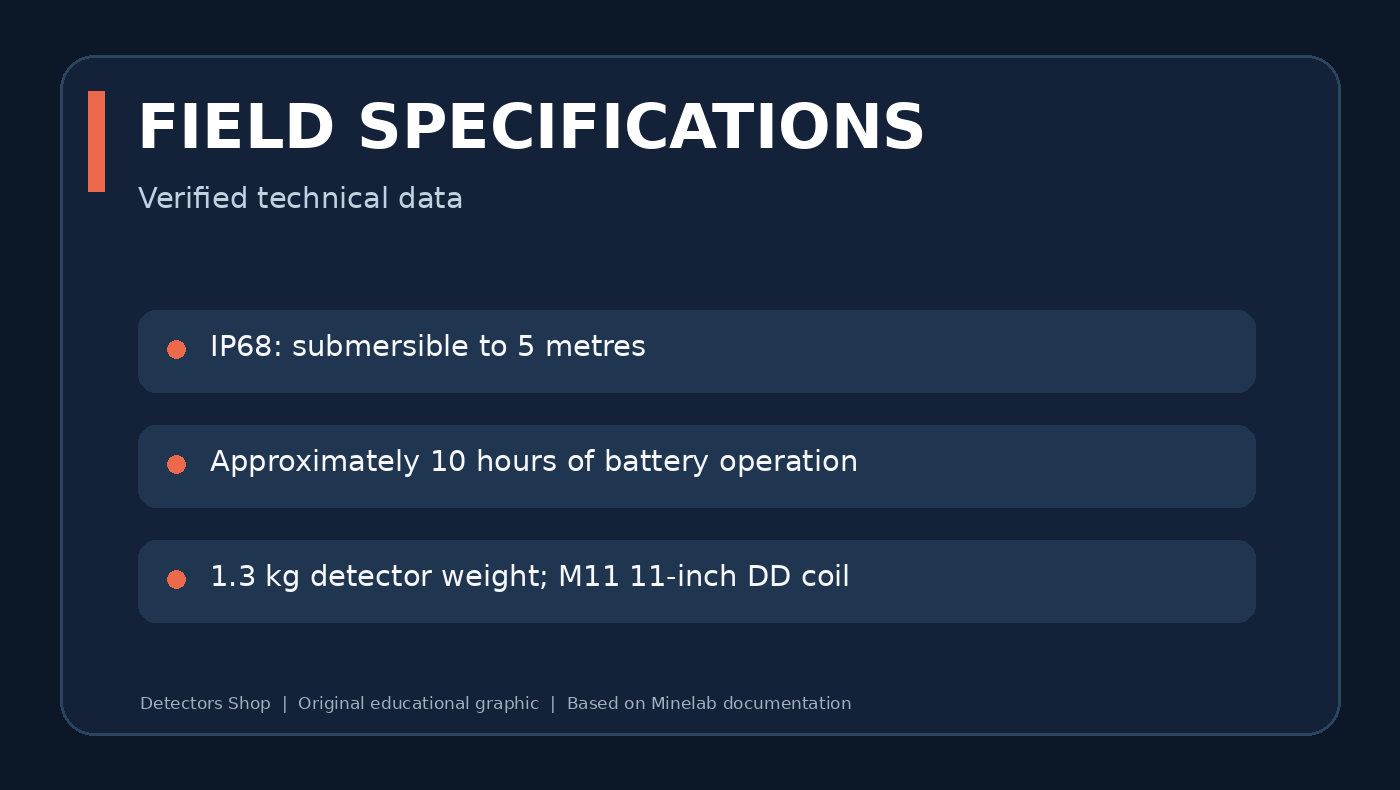
| Water resistance | IP68, submersible up to 5 metres |
| Weight | Approx. 1.3 kg |
| Battery runtime | Approximately 10 hours |
| Standard coil | M11 11-inch Double-D |
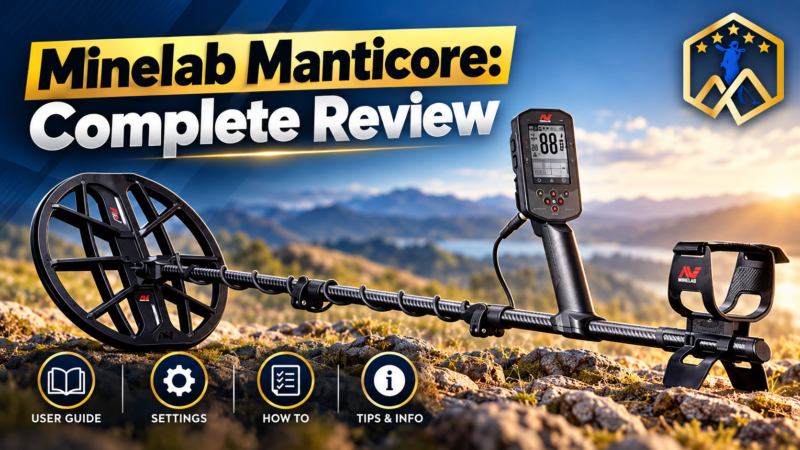
Minelab Manticore Videos: Overview and Field Demonstrations
Explore these three Minelab Manticore videos alongside the instructions and settings explained in this guide. Videos are supplementary demonstrations; always use Minelab’s official manual to confirm technical specifications and safe operating procedures.
Manticore Overview Video
Manticore Short Video
Manticore Additional Video
What Is Multi-IQ+ and How Does Manticore Work?
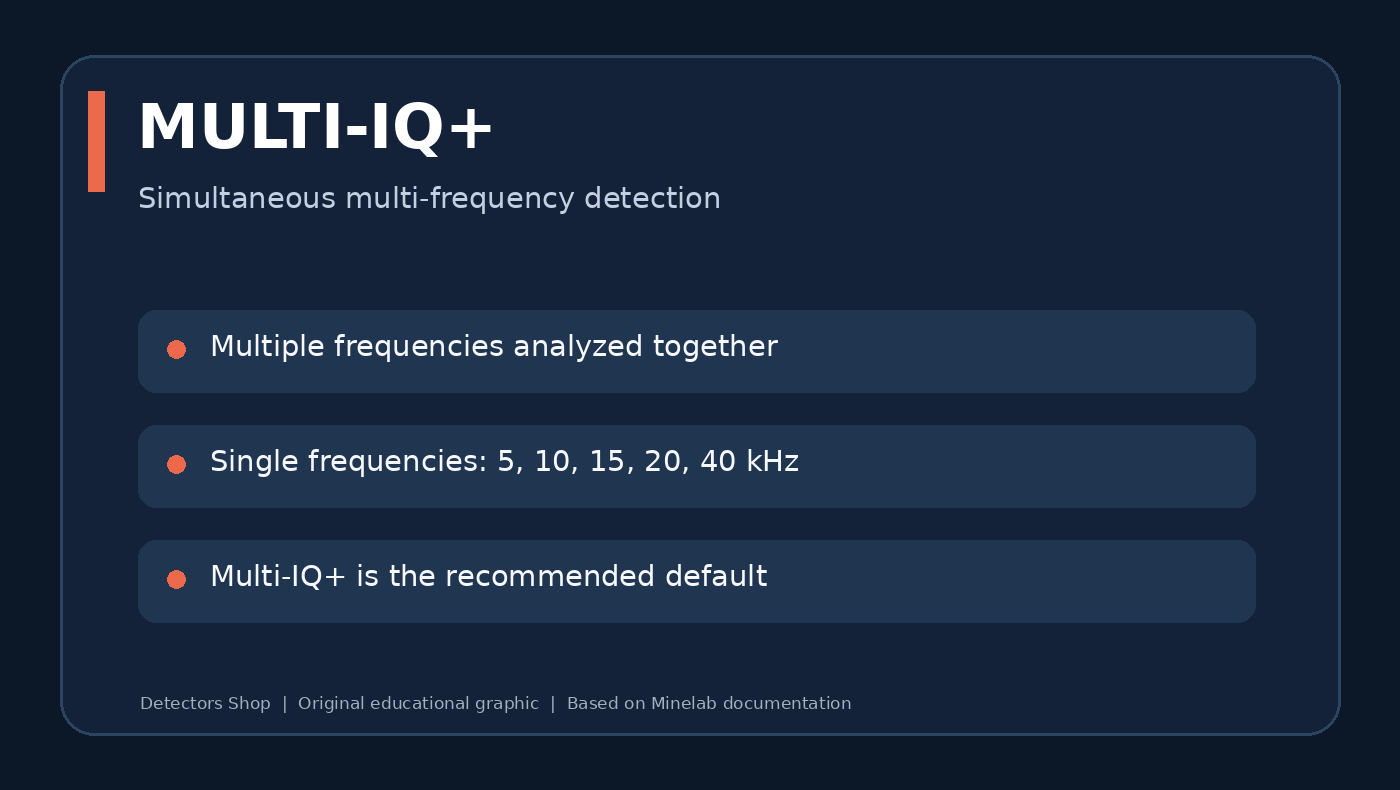
Minelab describes Multi-IQ+ as a high-power simultaneous multi-frequency engine. Instead of selecting just one transmission frequency, the detector can process multiple frequencies together, helping it respond to a broad range of targets and manage challenging ground. Minelab markets the platform as providing up to 50% more power than the EQUINOX series; this is a manufacturer comparison, not an independently measured guarantee of greater depth at every site.
The system works together with adjustable sensitivity, search modes, ground balancing and the 2D target map. Actual detection depth depends on target size, shape, composition, mineralisation, nearby metal and user settings.
All 10 Manticore Search Modes Explained
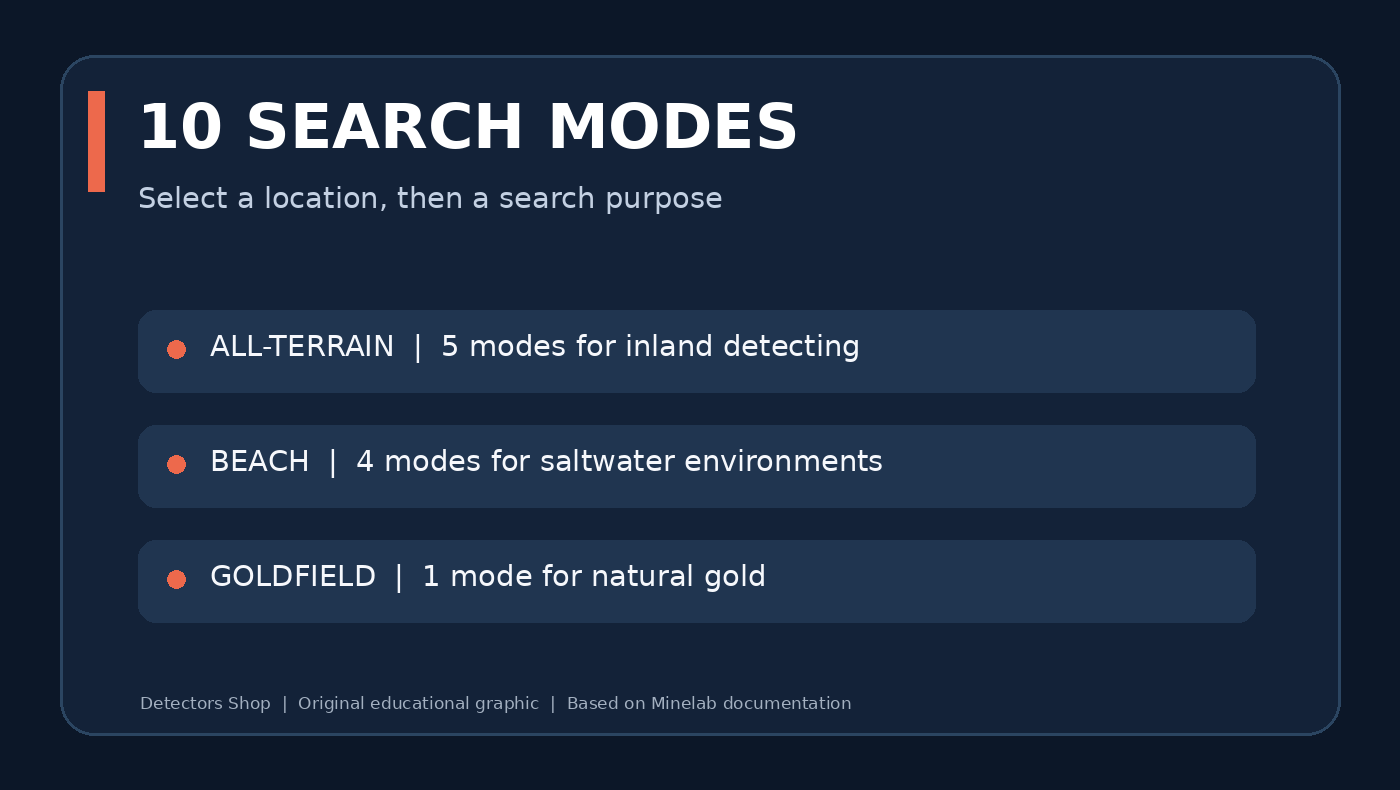
Minelab Manticore groups its ten modes by environment. The best starting choice is the mode intended for the actual ground beneath your coil—not necessarily the most aggressive setting.
| Family | Mode | Designed use |
|---|---|---|
| All-Terrain | General | Everyday inland detecting |
| All-Terrain | Fast | Separation of closely spaced inland targets |
| All-Terrain | Low Conductors | Small and lower-conductivity inland finds |
| All-Terrain | High Conductors | Large or highly conductive inland targets |
| All-Terrain | Trash Reject | Sites with concentrated metallic rubbish |
| Beach | General | Typical dry- and wet-sand beach detecting |
| Beach | Low Conductors | Small or fine jewellery in saline beach conditions |
| Beach | Deep | Beach targets where greater depth is prioritised |
| Beach | Surf & Seawater | Saltwater surf and difficult saline conditions |
| Goldfield | General | Gold nuggets in suitable mineralised goldfields |
The Goldfield mode is intended for natural gold nugget prospecting. According to the manual, it defaults to the Prospecting audio theme and Tracking Ground Balance. It should not be described as a guaranteed deep-gold or long-range locator.
2D ID Map, Target Trace and Target ID
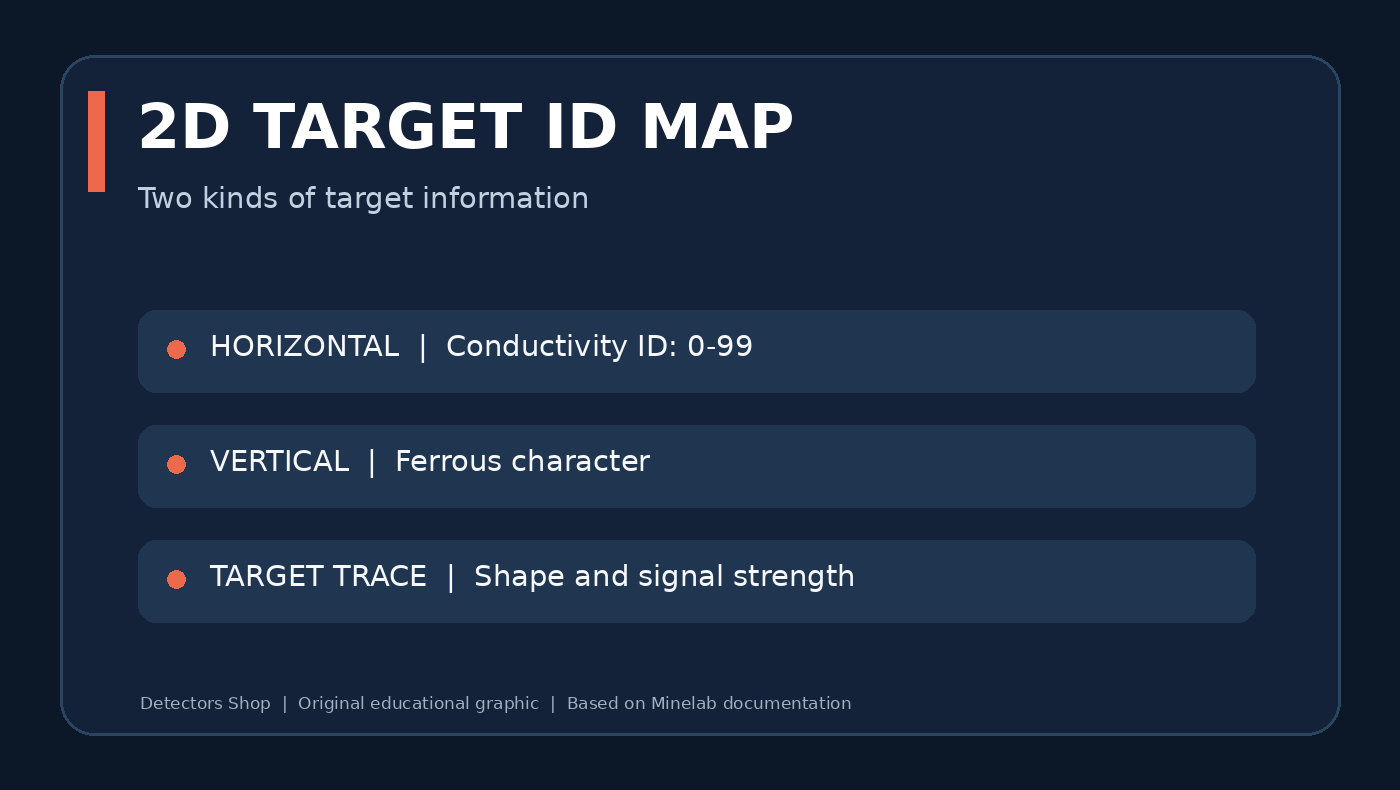
Minelab Manticore assigns a conductive Target ID from 0 to 99. The horizontal axis of the 2D ID Map represents conductivity, while the vertical position of a Target Trace gives information about the target’s ferrous character. The Trace shape and intensity can also help users spot ambiguous targets or nearby iron.
A round, consistent Trace along the centreline can be typical of a non-ferrous object, but aluminium trash can resemble desirable targets. Nails and bottle caps may plot in iron-like areas, although target orientation and ground conditions affect the result. No ID number proves that a target is gold or a particular coin.
For reliable decisions, combine repeatable audio, ID stability, Trace shape and multiple sweep directions. The manual warns that adjacent targets, depth and mineralisation can distort IDs.
Sensitivity: 1–35 and Noise Control
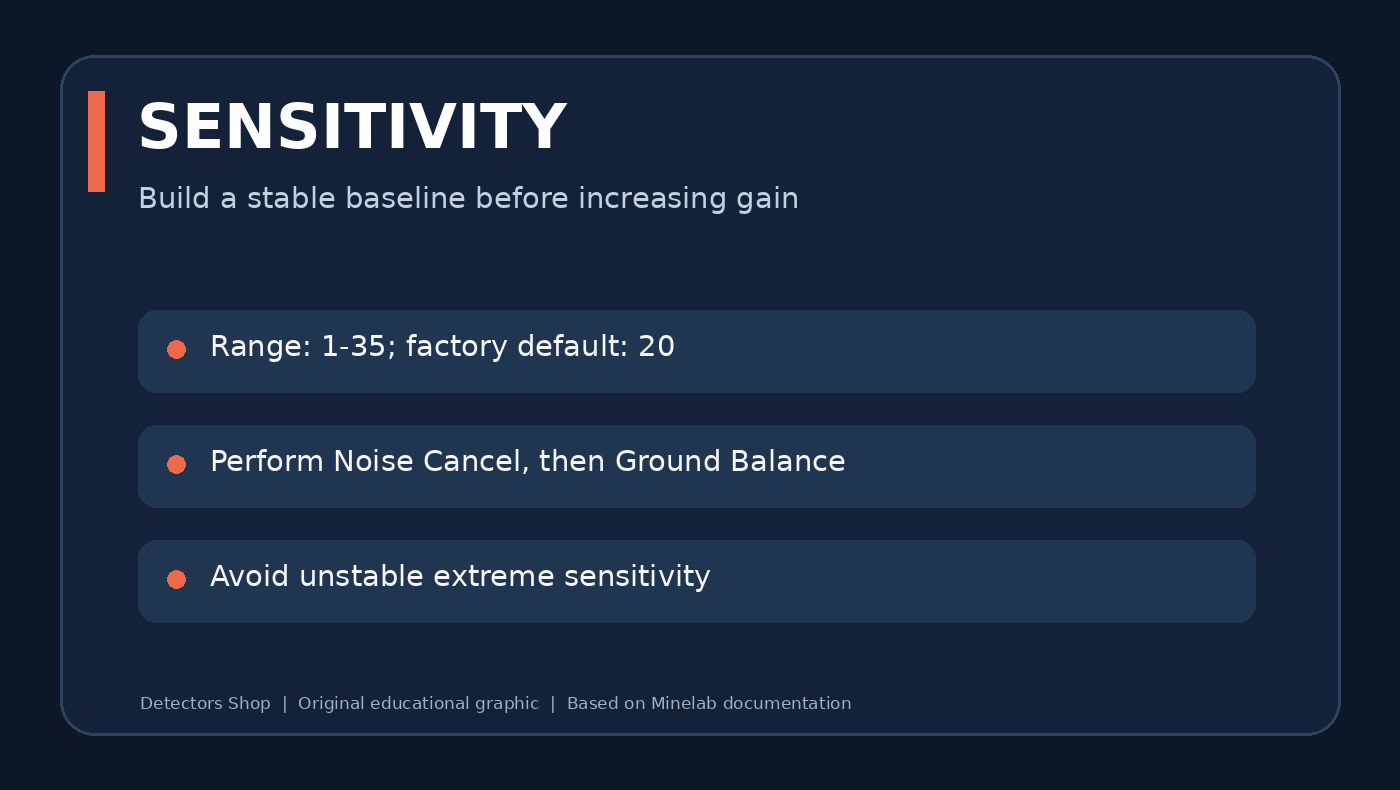
Minelab Manticore sensitivity runs from 1 to 35, with a factory default of 20. Values 31–35 are considered extreme. Maxing out sensitivity can make weak targets harder—not easier—to hear when electrical or ground noise becomes excessive.
- Begin with a stable setting, especially on an unfamiliar site.
- Before reducing sensitivity, perform Noise Cancel and Ground Balance.
- Increase sensitivity until spurious signals appear, then back it down slightly.
- If soil remains noisy during normal sweeps, reduce further rather than trusting unstable responses.
The optional Sensitivity Boost shortcut temporarily adds five levels, up to the maximum, to investigate a questionable response. It is not a substitute for maintaining a stable search setup.
Multi-Frequency vs Single-Frequency Operation
Multi-IQ+ is the recommended default. For users who want to experiment in suitable locations, Minelab Manticore also offers selectable single frequencies of 5, 10, 15, 20 and 40 kHz. These are not all available in every mode: Beach modes use Multi-IQ+ only, and Goldfield excludes lower single frequencies (5, 10 and 15 kHz).
Changing a frequency can change noise behaviour and Target ID characteristics, so re-run Noise Cancel after switching. Higher or lower frequency should not be interpreted as a simple universal depth ranking.
Ferrous Limits and Discrimination Patterns
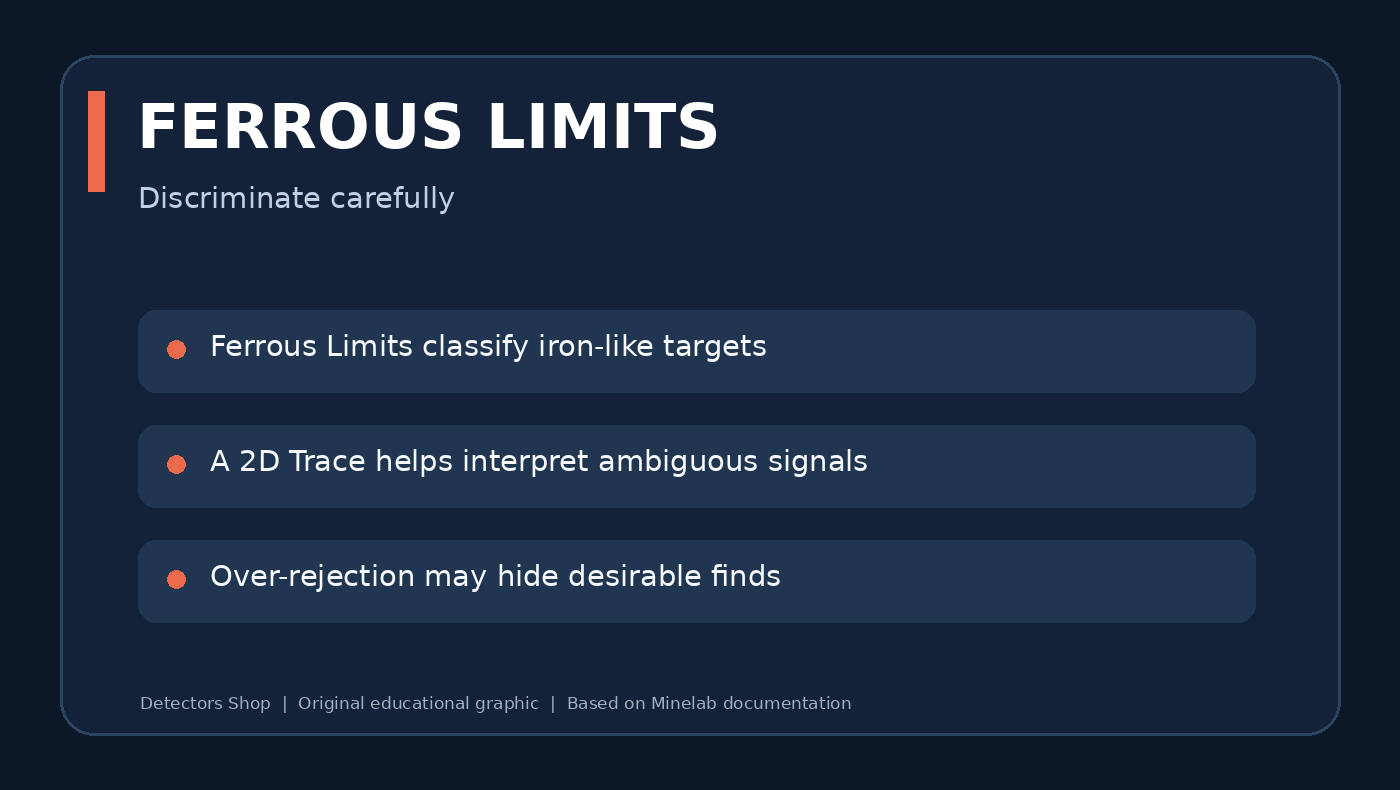
Ferrous Limits let you classify iron-like responses on the 2D map; Discrimination Patterns define which conductive IDs will be accepted or silenced. These are related but different controls. Minelab Manticore provides adjustable upper and lower limits and custom patterns.
Start conservatively. Overly aggressive rejection can silence desirable targets near rejected items, especially in iron-rich locations. When learning the machine, investigate ambiguous signals from more than one direction and compare the recovered object with its 2D Trace.
Recovery Speed and Target Separation
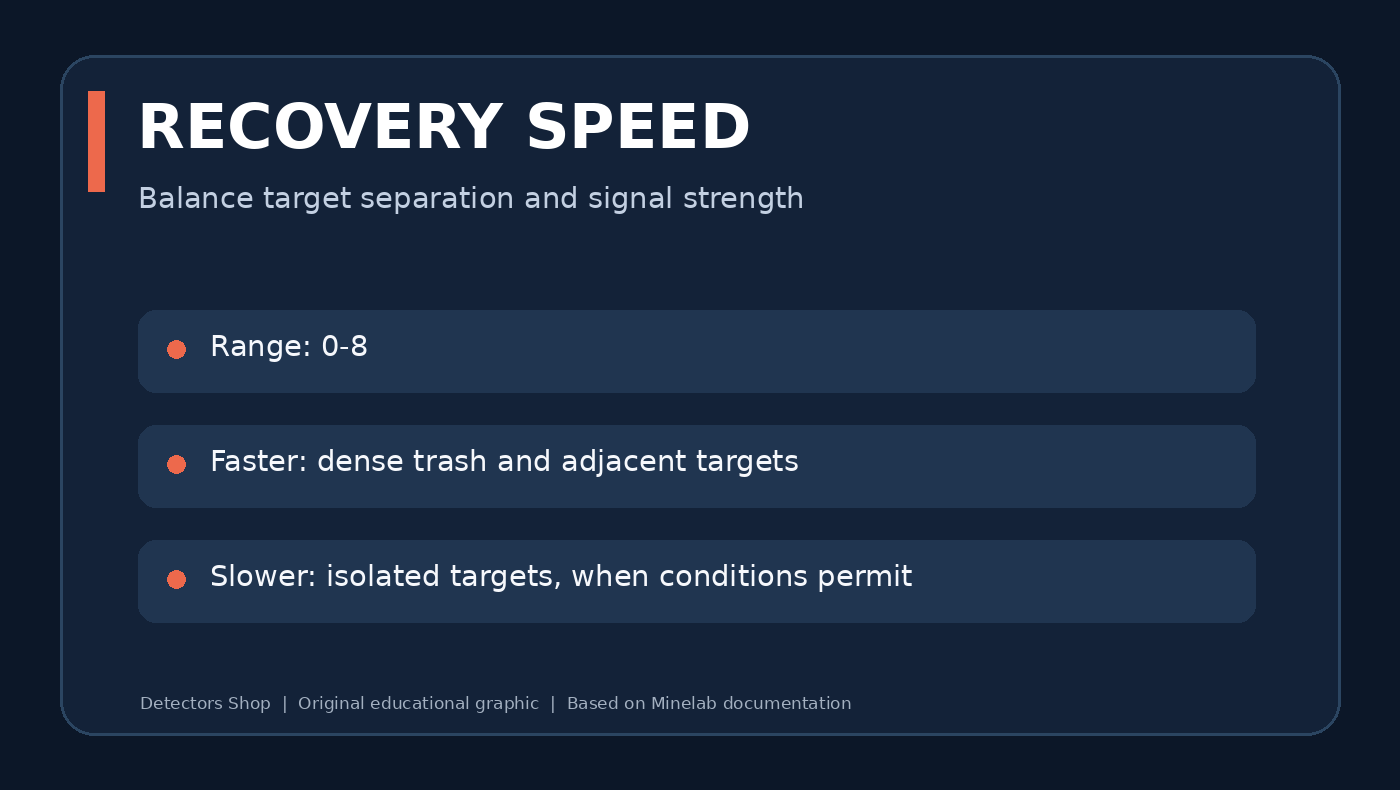
Recovery Speed is adjustable from 0 to 8. Faster recovery helps separate adjacent targets at littered sites; slower settings can be useful for stronger responses from isolated objects when ground conditions permit. Selecting the fastest or slowest level everywhere is rarely productive.
In dense iron, compare a suspected good target at two or three recovery settings and maintain a steady coil sweep. Evaluate the repeatability of the response rather than simply whether a high number appears on-screen.
Audio Themes, Target Tones and Threshold
The manual lists four Audio Themes: Normal, Enhanced, Depth and Prospecting. Depending on the mode and configuration, Manticore can use one, two or five target tones and different all-tones regions, with adjustable volume, pitch, ferrous response and threshold.
Prospecting audio is particularly relevant in Goldfield mode: subtle signal variation is often more useful there than trying to reject every uncertain response. Use a comfortable volume, especially with headphones, and avoid settings that mask faint signals under constant chatter.
Ground Balance: Auto, Manual and Tracking
Minelab Manticore provides Auto, Manual and Tracking Ground Balance. Ground balance compensates for soil responses so small metallic signals remain easier to hear. The correct approach depends on soil variation, and the manual recommends performing ground balance if excessive ground noise continues after the quick-start procedure.
Tracking is enabled by default in Goldfield General because the iron mineralisation of prospecting sites often varies while walking. For other locations, choose the setting that provides stable response without suppressing repeatable target signals.
How to Set Up Manticore: Quick Start
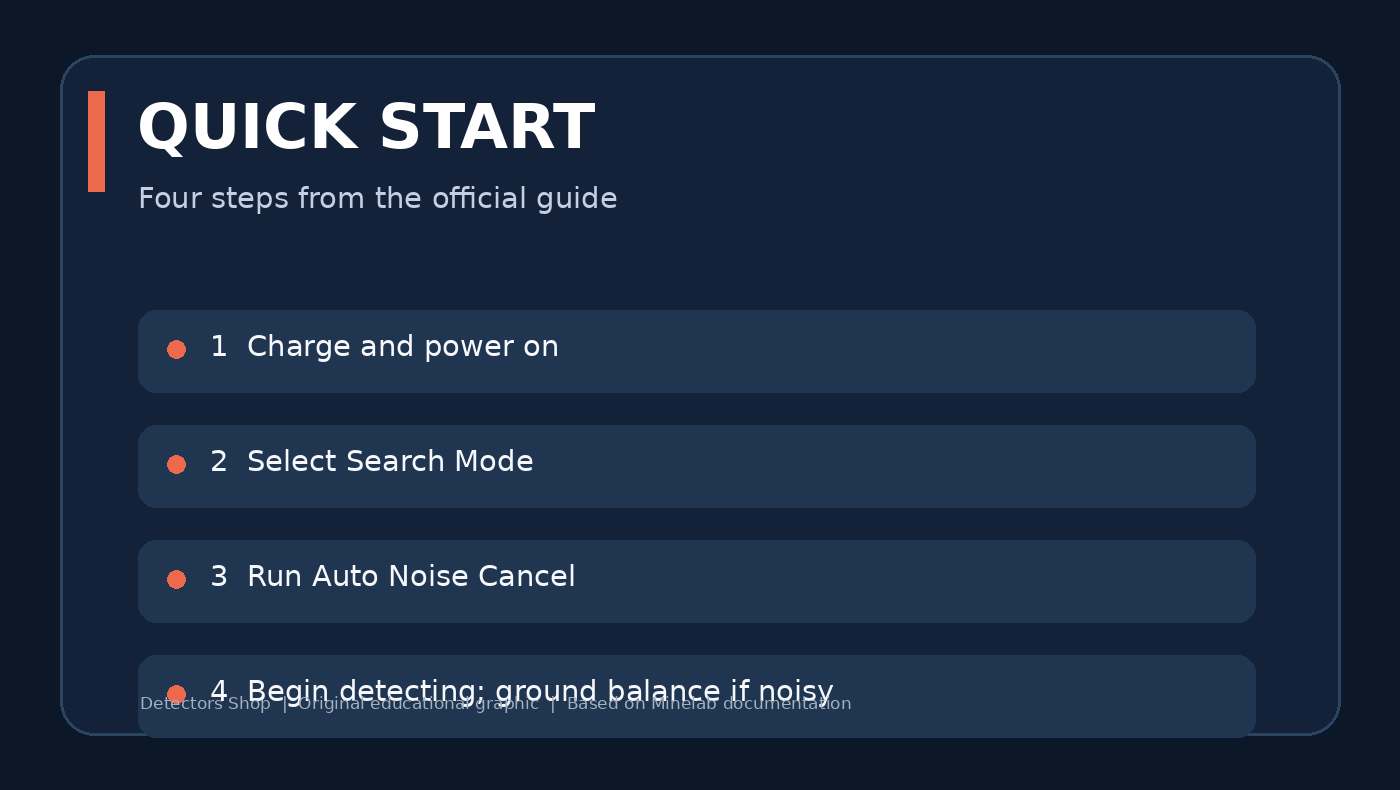
The official Getting Started Guide and instruction manual recommend a short sequence for the first detecting session.
- Fully charge the detector before first use.
- Power on using the control-pod button.
- Select the appropriate Search Mode for inland soil, beach or goldfield.
- Perform Auto Noise Cancel with the coil stationary.
- Start searching; if ground noise remains, perform Ground Balance and consider lowering sensitivity.
Keep the coil low and level and overlap sweeps. Check suspicious signals in multiple directions before digging. Follow all local rules for detecting and recovering objects.
Pinpoint Mode and Recovering Targets
Pinpoint Mode narrows the location of a detected target without requiring a moving sweep. Turn it on from the Detect Screen using the down navigation control, sweep slowly over the location and listen for the strongest response as the Pinpoint Bar converges.
You can also pinpoint manually by sweeping from two perpendicular directions and marking their intersection. Recheck the hole and removed soil before closing the excavation, and refill holes responsibly.
Practical Starting Setups by Location
| Environment | Start with | What to adjust next |
|---|---|---|
| City park or old field | All-Terrain General | Recovery Speed and discrimination only after identifying local trash |
| Dense iron and modern litter | All-Terrain Fast or Trash Reject | Test ambiguous signals from different directions |
| Saltwater wet beach | Beach General | Use Surf & Seawater when conditions are difficult |
| Fine jewellery on beach | Beach Low Conductors | Keep stable audio; avoid excessive rejection |
| Mineralised natural goldfield | Goldfield General | Start with tracking balance and tune sensitivity to noise |
These are starting points derived from each mode’s documented purpose—not universal numeric presets or claims from our own field testing.
Beach Detecting and Waterproof Use
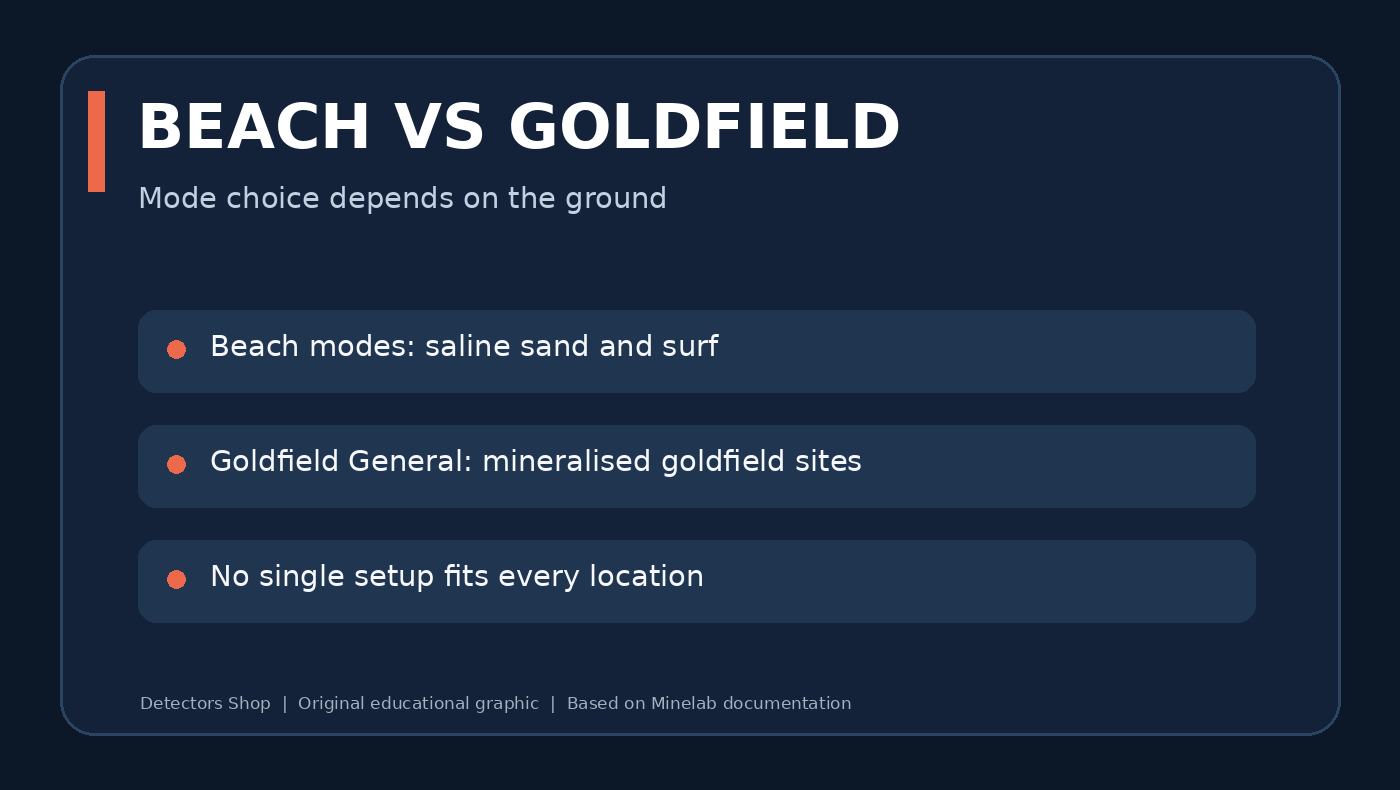
Minelab Manticore is rated IP68 and waterproof to 5 metres (16 feet). The Beach family includes a dedicated Surf & Seawater mode for challenging salt conditions. Beach modes run on Multi-IQ+ because saline ground needs the noise-handling characteristics of simultaneous multi-frequency operation.
Waterproof detector does not mean every accessory is waterproof: the included ML 105 wireless headphones are not waterproof. For submerged detecting, use appropriately rated waterproof headphones and follow Minelab’s connector and underwater-audio instructions. Never charge the machine underwater or when wet.
Can Manticore Find Natural Gold?
Yes. Minelab Manticore includes Goldfield General, designed to find small nuggets in appropriate gold-bearing mineralised ground. Its default Prospecting audio uses a true threshold and its Tracking Ground Balance handles changing mineralisation. This makes it a practical multi-purpose option for people who also want to search beaches, fields, jewellery and relic sites.
Nevertheless, it should not be confused with a purpose-built deep gold prospecting machine for every deposit. Gold recovery depends on nugget size, depth, ground properties and coil technique. Compare with dedicated models when natural gold is the primary objective, rather than assuming one detector is best for all ground conditions.
Battery, Charging, Coils and Design
Minelab lists an internal rechargeable lithium-ion battery with approximately 10 hours of typical runtime. Charging from empty is approximately 7 hours when an appropriate USB charger is used; conditions and power sources affect charging times. The manual recommends a quality 5 V charger rated at least 2 A, and charging only between 0°C and 40°C.
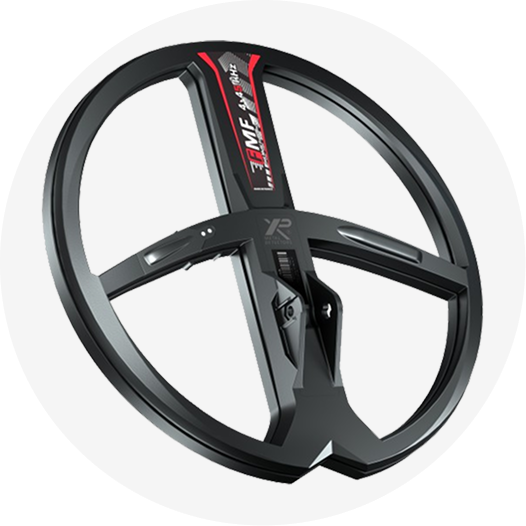
The standard coil is the waterproof M11 11-inch Double-D. The detector weighs approximately 1.3 kg and uses a three-piece collapsible carbon-fibre shaft. The colour LCD, keypad illumination, control-pod flashlight, vibration feedback and customisable soft keys support different field conditions.
Minelab Manticore supports wireless audio through compatible headphones, with wired and waterproof accessory options. Check the exact contents of your retail package before purchase: markets and bundles can differ.
Minelab Manticore Technical Specifications
The following figures are taken from the Minelab Manticore Instruction Manual, Technical Specifications (page 80). Current production specifications and packages may change.
| Specification | Details |
|---|---|
| Technology | Multi-IQ+ high-power simultaneous multi-frequency |
| Search Modes | 10: All-Terrain 5 / Beach 4 / Goldfield 1 |
| Single-frequency options | 5 / 10 / 15 / 20 / 40 kHz (mode restrictions apply) |
| Noise Cancel | Auto / Continuous Auto / Manual |
| Sensitivity | 1–35 |
| Ground Balance | Auto / Manual / Tracking |
| Target ID | 0–99 |
| 2D target visualization | ID Map with Target Trace |
| Recovery Speed | 0–8 |
| Audio Themes | Normal / Enhanced / Depth / Prospecting |
| Target Tones | 1 / 2 / 5-tone or All Tones modes |
| Depth indication | 5-level approximate indicator |
| Waterproof | IP68 to 5 m / 16 ft |
| Weight | Approximately 1.3 kg |
| Extended / collapsed length | 1440 mm / 630 mm |
| Standard coil | M11 11-inch Double-D |
| Display | 3.5-inch colour LCD |
| Included headphones | ML 105 low-latency wireless (not waterproof) |
| Battery runtime | Approximately 10 hours |
| Charge time | Approximately 7 hours |
| Audio output | Speaker / 3.5 mm / wireless |
| Software updates | Supported through USB data cable |
Troubleshooting and Common Problems
| Symptom | Initial checks |
|---|---|
| Excessive electrical chatter | Move away from EMI; run Noise Cancel; reduce sensitivity if necessary |
| Repeated responses from soil | Check Ground Balance and select an appropriate Search Mode |
| Uncertain or unstable Target ID | Re-sweep from another direction; check for adjacent iron and mineralisation |
| No audio from headphones | Check connection, output setting, charge and audio volume |
| Short battery life | Reduce screen brightness/vibration; consider power-hungry modes and battery condition |
| Detector reports an error | Consult the official manual before resetting or seeking service |
For fault codes and safety warnings, use the current manual; do not infer that an error proves the coil or control unit must be replaced. Contact authorised service support if problems persist.
Care, Safety, Reset and Software Updates
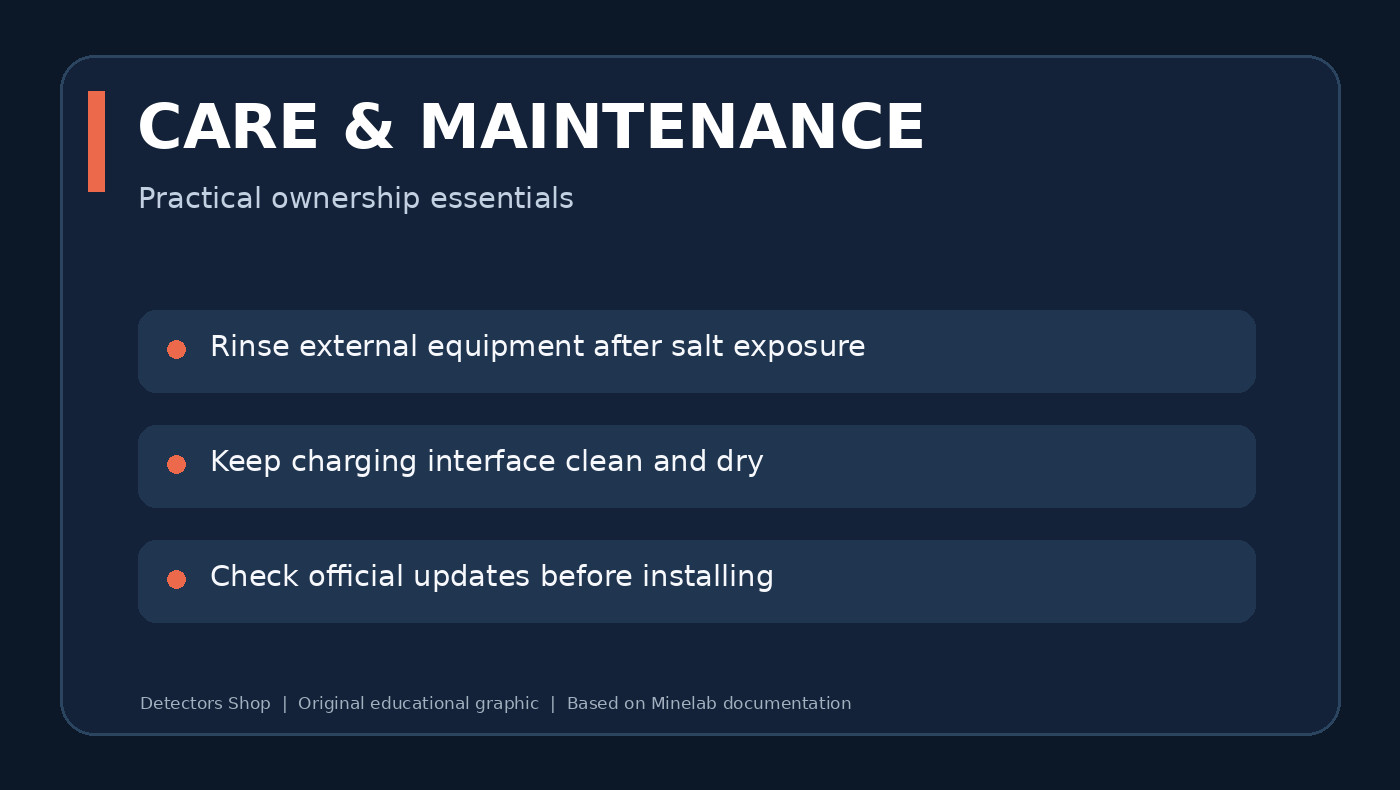
After salty or muddy use, clean the detector in accordance with Minelab’s maintenance guidance. Keep ports, coil connector and charging contacts free from debris and dry before charging. Avoid solvents and high heat.
A factory reset is available from General Settings or by holding the Power button while turning the detector on (the manual describes an approximately seven-second hold). Reset removes custom configuration; document favourite settings before proceeding.
The detector software can be updated using a compatible USB charging/data cable. Download software only from official Minelab resources, review the applicable update instructions and ensure power and connections are stable during the process.
Manticore vs Dedicated Gold Prospecting Detectors
Minelab Manticore is a premium all-round detector with dedicated Goldfield capability. If your main objective is fine natural gold, compare it with Minelab’s specialist Gold Monster 2000 and GPZ 7000. Their technologies, controls, prices and intended target profiles differ.
For more background, read our Minelab gold detector comparison and the Gold Monster 2000 complete review. A multi-purpose comparison should describe trade-offs rather than promise deeper detection without testing.
Where to Buy Minelab Manticore in Dubai
Minelab Manticore is available through Detectors Shop in Dubai, UAE. Visit the Manticore product page for product information and ordering enquiries. For the latest stock status, current price, warranty details, delivery options and device-operation support, contact our team before purchase.
Browse our metal detectors homepage and gold detectors collection to compare other models for different budgets and ground conditions.
Contact our Dubai team: Contact Detectors Shop or use the contact-sales option on the product page.
Frequently Asked Questions
Does Minelab Manticore use multi-frequency technology?
Yes. Multi-IQ+ simultaneous multi-frequency is the recommended default and works alongside supported single-frequency choices.
How many search modes does Manticore have?
Ten modes: five All-Terrain, four Beach and one Goldfield.
Can Manticore detect natural gold nuggets?
Yes. Goldfield General is designed for gold nugget detecting in appropriate goldfields; performance varies with nugget size and soil.
Is Manticore waterproof?
Yes, the detector is rated IP68 to 5 metres. Included ML 105 wireless headphones are not waterproof.
What is the Target ID range?
The conductive ID scale runs from 0 to 99 with separate ferrous information on the 2D map.
What is the Manticore sensitivity range?
Sensitivity is adjustable from 1 to 35, with 20 as the factory default.
What does the 2D ID Map show?
It combines conductivity with ferrous properties and displays a Target Trace to help interpret signals.
Which frequencies can I select?
Manticore has Multi-IQ+ and supported 5, 10, 15, 20 and 40 kHz single frequencies; availability varies by mode.
How long does the battery last?
Minelab states approximately ten hours of typical operation, subject to modes and conditions.
What coil is included?
The M11 11-inch Double-D coil is standard in the official technical specifications; confirm the specific retail bundle.
Which mode should I use on a beach?
Start with Beach General and consider Surf & Seawater for more challenging saline conditions.
Where can I buy Manticore in Dubai?
Detectors Shop in Dubai offers the model; check the linked product page and contact the team to confirm live availability and price.
Official Sources and Related Reading
Official Minelab Sources
- Minelab — Official Manticore Product Page
- Minelab — Official Manticore User Manual (Search Modes, Settings, Target Identification, Troubleshooting and Specifications).
- Minelab — Manticore Getting Started Guide.
Related Reading from Detectors Shop
Editorial Note: Technical specifications and operating instructions are based on official Minelab documentation. This article is an educational guide, not an independent hands-on field test. Actual detection performance depends on ground conditions, target characteristics and detector settings. Educational diagrams were created for Detectors Shop.
